Key points:
- A carousel placement reflects the store’s own call on similarity, not a search term a user actually typed.
- That makes it a genuinely different kind of discovery from keyword traffic, even though both can land on the same install screen.
- There’s no direct way to target a carousel slot the way you can target a keyword, since the match is the store’s own call.
- Tracking this traffic apart from keyword performance gives a clearer read on which lever actually moved a given result.
Two installs can arrive through completely different paths and still look identical once they land on your app’s page.
Why these are two different kinds of discovery
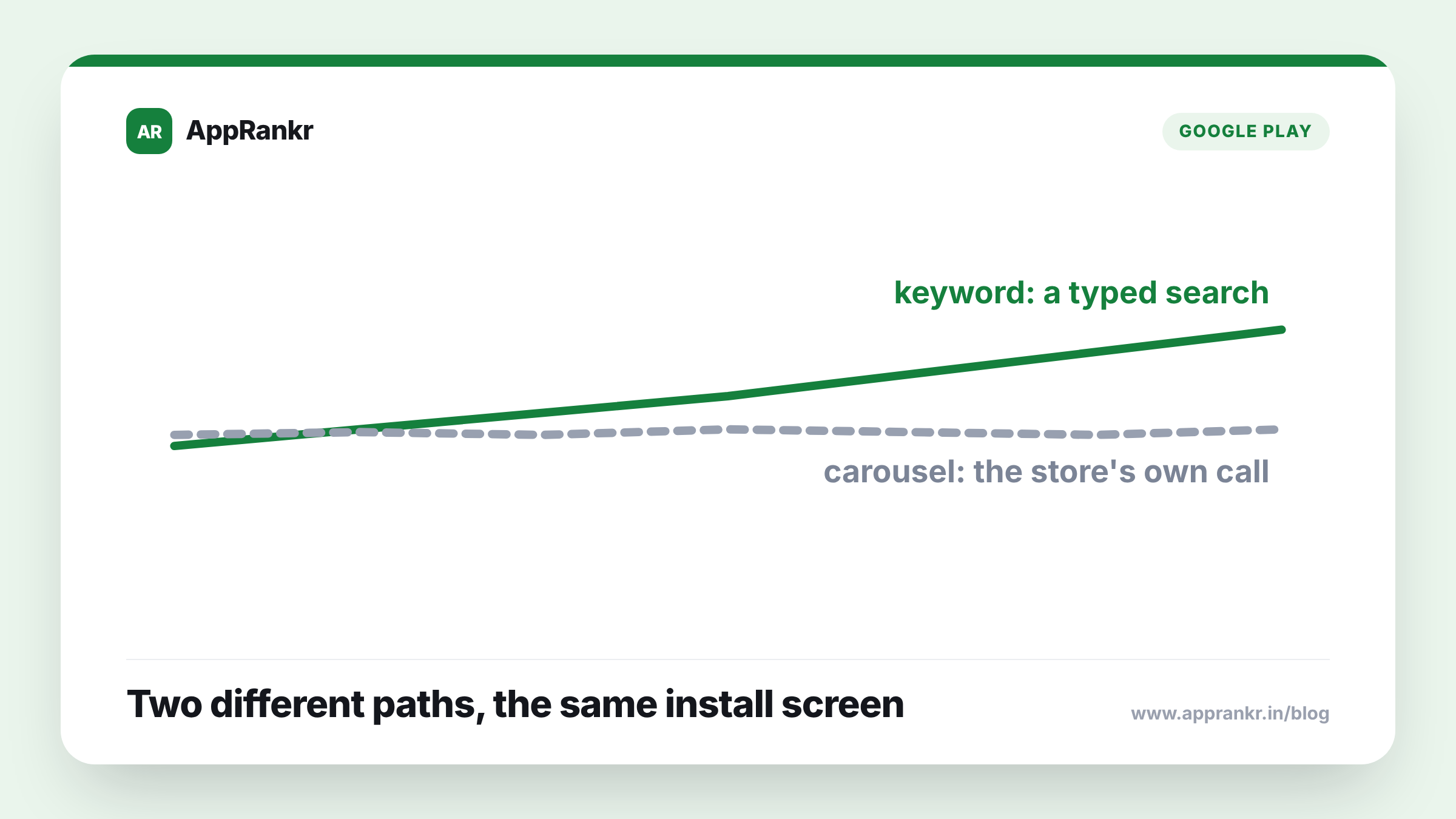
A keyword rank exists because a user typed a search term and your app matched it. A carousel placement exists because the store itself decided your app resembles another one a user was already looking at, with no search term involved at all. Both can end in a real install, but what drives each is genuinely different. One comes from a user’s own active search. The other comes from the store’s own similarity call, running quietly in the background.
| What drives it | |
|---|---|
| Keyword rank | A search term a user actually typed |
| Carousel placement | The store’s own similarity call, no search involved |
Why mixing the two up makes your data harder to read
If both kinds of traffic get lumped together as plain “organic installs,” a real shift in one can get blamed on the other. A team changing keywords might credit that work for a lift that actually came from a new carousel placement, or miss a real keyword win because carousel traffic hid it inside the combined number. Splitting the two apart, where your tools allow it, gives a clearer read on which lever actually caused a given change.
Real-world scenario: A team made a round of keyword changes and saw installs rise soon after. They credited the keyword work for the whole result. Checking where the new traffic was actually coming from, a real share of it was arriving through a carousel placement that had started showing up around the same time. It had no tie to the keyword changes at all. The keyword work had done something real. It just hadn’t done everything the combined number made it look like.
Why you can’t target a carousel slot directly
A keyword is something you can pick and test on purpose. A carousel placement isn’t. It reflects the store’s own read on how alike your app is to another one, not a slot you can ask for or bid on. The real lever here is your overall listing, genre, description, feature set, not one action aimed straight at the carousel. It’s more a side effect of broader positioning than a target you can aim at on purpose.
What to actually do about it
- Track carousel traffic apart from keyword traffic where you can. They’re different mechanisms, and mixing them up blurs which lever actually moved a result.
- Don’t credit a keyword change for a lift that might actually be carousel-driven. Check where new traffic is really coming from before crediting anything.
- Treat your overall listing as the real lever here, not a specific carousel tactic. There’s no direct way to target this placement the way you can target a keyword.
- Check your traffic mix now and then, not just once. A new carousel placement can shift your numbers with no keyword change on your end at all.
AppRankr’s Rank Tracker tracks your real keyword rank movement, a clearer way to tell what your keyword work actually did from what other factors contributed.