Key points:
- An App Clip is a small, focused slice of your app that runs without a full install, built for a quick, specific task.
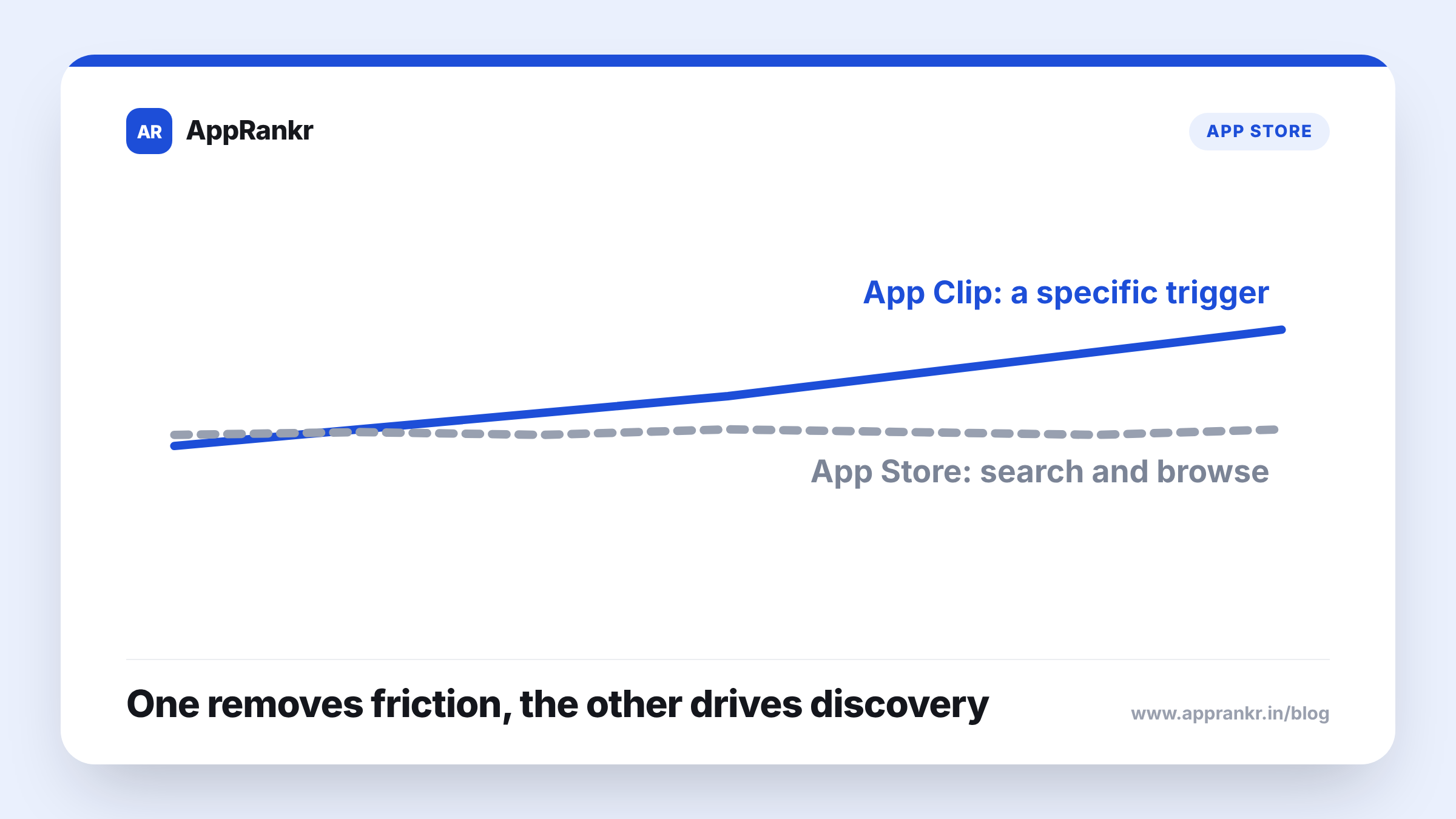
- Users launch an App Clip from a trigger they already encountered, a QR code, an NFC tap, a Maps listing, not from App Store search.
- App Clips solve a trial and task-completion problem, not a discovery problem.
- Treating App Clips as a search visibility feature is a mismatch with what they’re actually built to do.
A feature that lets someone use part of your app instantly sounds like it should also help people find your app in the first place. Those are two different jobs.
What an App Clip actually solves
An App Clip is a small, stripped-down slice of your full app, built to complete one specific task fast. Pay for parking. Order a coffee. Rent a scooter. No full install required, and no commitment beyond that one task. The whole design is built around removing friction for someone who already knows exactly what they want to do, right now, in that moment.
| What it is | |
|---|---|
| App Clip | A quick, focused task, no full install needed |
| Full app | The complete experience, after a real install |
| How each gets found | App Clip: a specific trigger. Full app: search, browse, or a direct link |
How users actually find an App Clip
Every path into an App Clip starts from a trigger a user already ran into somewhere specific. A QR code or App Clip Code they scanned. An NFC tag they tapped. A link in Safari or shared in a message. A business listing in Maps. None of these routes involve a user typing a search term into the App Store and browsing results. The App Clip shows up exactly where the user already was, not as a result of them looking for your app by name or category.
Real-world scenario: A team building a parking payment app hoped an App Clip would also drive new search traffic to their full app, picturing people stumbling onto it while browsing the App Store. In practice, every App Clip launch traced back to a QR code posted at an actual parking spot, scanned by someone standing right there needing to pay in that exact moment. The App Clip did its real job well, letting people pay fast with zero friction. It never generated a single App Store search impression, since nobody launching it had gone anywhere near App Store search to begin with.
Why it’s easy to expect more from it
A feature that removes the biggest barrier to trying something, the full install, feels like it should also solve the separate problem of getting found in the first place. They’re genuinely different problems though. One is about reducing friction for someone who already has a specific reason to act right now. The other is about showing up when someone is actively searching or browsing without a specific trigger in hand. App Clips are built for the first job, not the second.
What to actually do about it
- Use App Clips for real task-completion moments, not as a search strategy. A specific, physical or digital trigger is what drives every App Clip launch, not browsing.
- Keep investing in your actual App Store listing and keywords separately. That’s still the lever for search-driven discovery, and an App Clip doesn’t substitute for it.
- Place your App Clip triggers where the real task actually happens. A QR code at the point of need works. Hoping for incidental App Store visibility doesn’t.
- Judge an App Clip by task completions, not by search impressions. It’s succeeding or failing on a different metric than your listing is.
AppRankr’s ASO Inspector checks the listing signals that actually drive search discovery, a separate job from what an App Clip is built to solve.