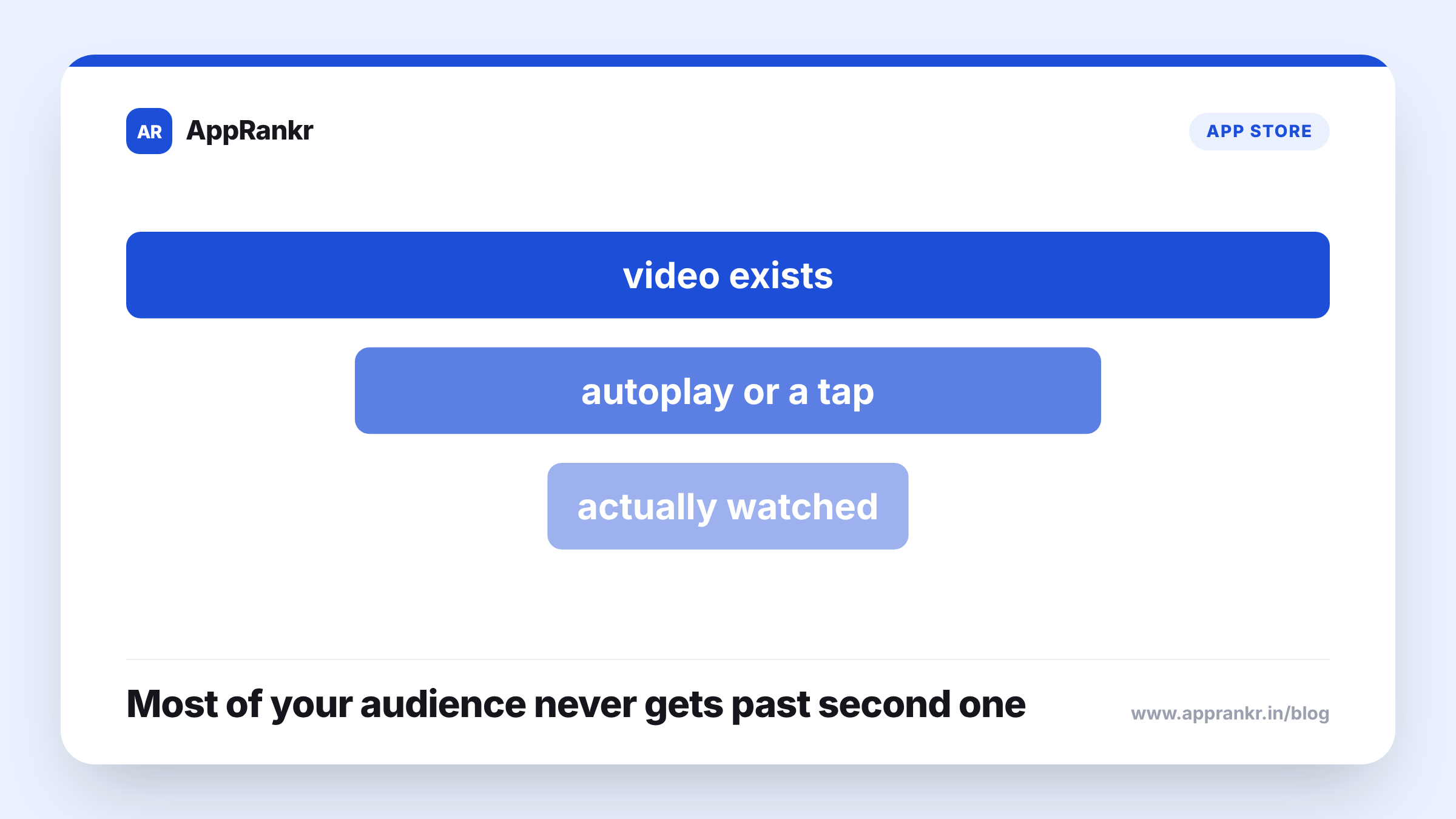
Key points:
- Autoplay decides whether a video gets any exposure at all, a separate question from how good the video actually is.
- A user who has to tap to start a video is a smaller, more willing group than one who sees it play on its own.
- Autoplay behavior sits mostly outside a developer’s direct control, set by the platform and device instead.
- The real lever worth your time is the video’s opening seconds, since that’s the part most likely to get seen either way.
A well-made preview video that nobody presses play on delivers exactly nothing, no matter how good it is.
Why autoplay and content are two separate questions
A preview video’s quality, pacing, and message sit fully in a developer’s control. Whether that video actually starts playing on its own for a visitor, or sits waiting on a tap many users never make, usually doesn’t. Those are two different levers. One shapes what the video says once it’s playing. The other decides how many people ever see it play at all. A great video reaching a small, tap-willing group and a plain video reaching everyone automatically can land very different real results, no matter which one is actually better made.
| What it controls | |
|---|---|
| Video content and quality | What message gets through, once it’s actually watched |
| Autoplay behavior | Whether it gets watched at all, for most visitors |
Why this gets missed
Effort naturally goes toward the thing that’s actually editable. A team can spend real time polishing a video’s pacing, its opening shot, its full message, since all of that sits in their hands. Autoplay, on the other hand, is mostly set by the platform and by each user’s own settings, which makes it feel like a fixed fact rather than something worth planning around. That’s a fair response to something you can’t control directly. It just means the real reach question often gets far less thought than the content question does.
Real-world scenario: A team put real effort into their preview video’s full three-part story, treating each part as equally important. Checking how their video actually reached users, they found a real share of visitors only ever saw the first few seconds, either because autoplay cut off early before a tap, or because many users simply never tapped play at all. Their strongest moment, by their own judgment placed in the third part, was going mostly unseen. Moving that strongest moment up into the first few seconds meant far more visitors actually saw it, whether or not they ever tapped to watch more.
What’s actually worth your effort
Since autoplay itself isn’t something you control, the real lever is making sure your video’s opening seconds can stand fully on their own. That’s the part most likely to actually reach a visitor, tap or no tap. Treat it with the same care you’d give a whole short, standalone pitch, since for a real share of your audience, it functionally is one.
What to actually do about it
- Don’t assume your whole video gets seen just because it exists. A real share of visitors may only ever catch its first few seconds.
- Put your strongest moment right at the start. That’s the part most likely to reach people, whether or not they tap for more.
- Don’t over-invest in a later part most visitors may never reach. A strong ending matters less if the opening hasn’t already earned their attention.
- Accept that autoplay itself isn’t yours to shape. Put your effort into the one part you actually can: what plays in those first few seconds.
AppRankr’s ASO Inspector checks your listing’s real conversion signals, a useful way to see whether your video’s opening is actually doing its job.