Key points:
- Multiple outlets, including TechSpot and How2Shout, report that Google announced this feature on October 13, 2026.
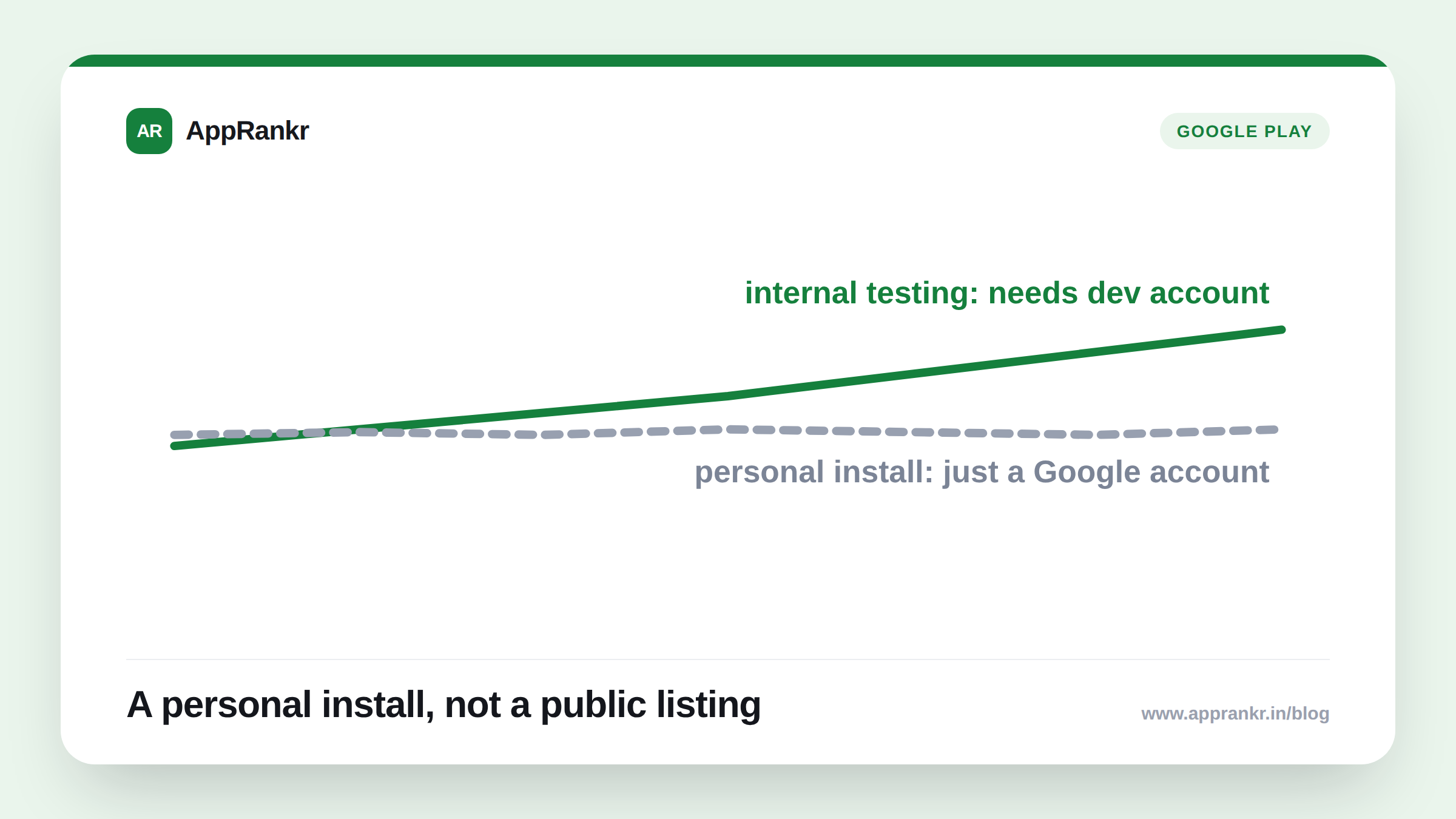
- An app built in Google AI Studio can install on your own device through Google Play. No Play developer account needed, no $25 fee.
- The rollout is in phases. Reporting names users 18 or older, starting in the US, with other countries unclear.
- These personal apps don’t show up in Play’s search results. They sit in a private library only the creator can open.
- I could not reach Google’s own blog post for this specific announcement directly, so treat the details here as secondary reporting, not a primary-source quote.
A new way to get an app onto your phone through Google Play just showed up. It is easy to mix up with actually publishing an app. It isn’t the same thing.
What’s being reported
Per multiple outlets covering Google’s October 13, 2026 announcement, an app built in Google AI Studio can now install straight onto your own Android device. It installs through Google Play. All it needs is a standard Google account. No developer account. No $25 fee.
| Detail | What’s reported |
|---|---|
| Requirement | A standard Google account only |
| Visibility | Private. Not in Play’s search results or public listings |
| Access at launch | Creator only |
| Sharing | Reported as coming in future months, not yet live |
| Rollout | Phased, ages 18+, starting in the US |
Why this isn’t the same as publishing
This matters for anyone who reads “Google Play” and assumes a public listing. It’s not that. Reporting agrees on one point. These personal apps stay out of search. They stay out of the public catalog. Only the person who built them can see one. That’s closer to a private sandbox than a store listing.
It’s also a different path from one Google already confirmed itself. Google’s own May 2026 developer blog post covers a separate route. It publishes an AI Studio app straight to an internal testing track in Google Play. That route needs a Play developer account and the fee. The October update, as reported, skips both. It’s a personal copy, for your own device only.
Real-world scenario: A product manager built a small internal tool in AI Studio to track team tasks, just for themselves. They didn’t want to pay the developer fee or set up a Play Console account for something only they’d ever open. Following the reporting on this October update, they installed the tool straight from AI Studio onto their own phone, using only their regular Google account. No listing went live. No one else could find it in Play. It stayed exactly what it was meant to be, a personal tool, not a published app.
What to actually do about it
- Don’t confuse this with a launch. If you see “install via Google Play” in AI Studio, check whether it’s going to your own device privately or to a testing track tied to a developer account.
- Use the developer-account path if you actually want testers or a future public listing. Google’s own internal testing track route, confirmed in its May 2026 post, is the one built for that.
- Treat the October 13 details as still settling. Country availability and the friends-and-family sharing feature weren’t confirmed as fully live in current reporting. Check back before planning around them.
- Verify directly with Google’s own current help pages before making a business decision. This post relies on secondary reporting for the October update specifically, by necessity, since the primary announcement wasn’t reachable while researching this.
AppRankr’s Rank Tracker tracks what’s actually visible for your real, publicly listed app, the kind of visibility a personal AI Studio build was never meant to have.