Key points:
- Google Play’s pre-launch report runs automatically once a build reaches a testing track, without needing separate setup or test cases.
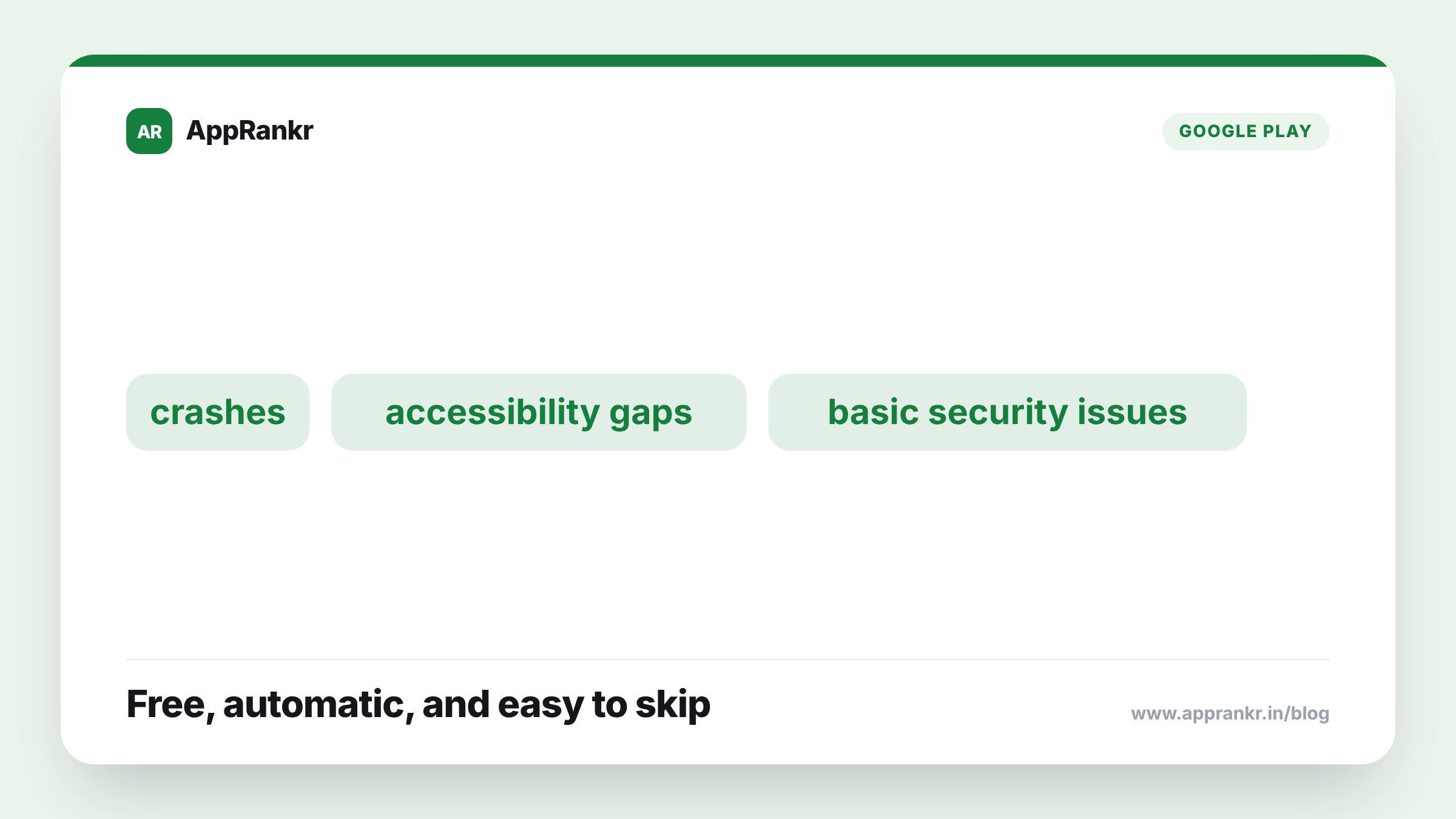
- It tests across a range of real and virtual devices, catching crashes, accessibility gaps, and basic security issues.
- The report surfaces real, specific findings, like screenshots of crash points, not just a pass/fail score.
- It’s not a substitute for your own testing. It checks generic flows automatically, not your app’s actual business logic.
A free round of automated testing runs on your app. Before most teams ever go looking for it.
What it actually does
The pre-launch report runs your uploaded build on a range of devices automatically. No test case needed from you. It taps through screens the way a real user might. It watches for what breaks. Three kinds of findings come out of that, every time. Crashes and stability problems. Accessibility gaps, like missing labels a screen reader would need. Basic security concerns. Found from how the app behaves while running. Not from someone reading your code by hand.
| What it catches | Why it matters |
|---|---|
| Crashes and stability issues | Found automatically, before real users hit them |
| Accessibility gaps | Missing labels, navigation issues for screen readers |
| Basic security concerns | Surfaced from runtime behavior, not a manual review |
| Device-specific problems | Caught across a range of devices you may not own |
Why this gets skipped anyway
A report that generates itself sounds like something every team would check by default. In practice, it’s easy to miss. It doesn’t block a release the way a manual review gate might. Nobody has to open it before publishing continues. A small team, watching only for things that actively stop them from shipping, can go through several releases without ever opening a report. One that was quietly sitting there the whole time. Flagging a real, fixable issue.
Real-world scenario: A two-person team shipped updates often. They relied mostly on their own devices for testing before each release. A report had been generating after every upload the whole time. Unopened. After finally checking one, they found a crash. It only triggered on a device size they’d never personally tested on. One that made up a real slice of their actual users. The crash had likely been live in an earlier release too. Checking the report became a five-minute habit from then on. Not a new testing program.
What it genuinely doesn’t replace
The report tests generic flows. Tapping around. Moving between screens. The kind of thing a typical automated walk-through would hit. It has no idea what your app’s real logic does. It won’t catch a wrong calculation. A broken checkout step tied to your own payment flow. A bug three steps into a feature unique to your app. Treat it as a free safety net under your own testing. Not a replacement for it.
What to actually do about it
- Check the report after every upload to a testing track, not just occasionally. It costs nothing to generate. The only cost is not looking at it.
- Pay real attention to device-specific findings. A crash tied to a device size or OS version you don’t personally own is exactly the kind of thing your own testing is most likely to miss.
- Treat accessibility findings as real issues, not edge cases. They affect a real slice of your actual users, not a hypothetical one.
- Keep your own testing too. This report covers generic flows well. It has no idea what your app’s specific logic is supposed to do.
AppRankr’s ASO Inspector reviews your current listing alongside quality signals like this, a useful habit before a release goes out broadly.