Key points:
- Installs count every download, including ones that get uninstalled soon after.
- Active installs count devices that have your app installed right now. Uninstalls are already subtracted out.
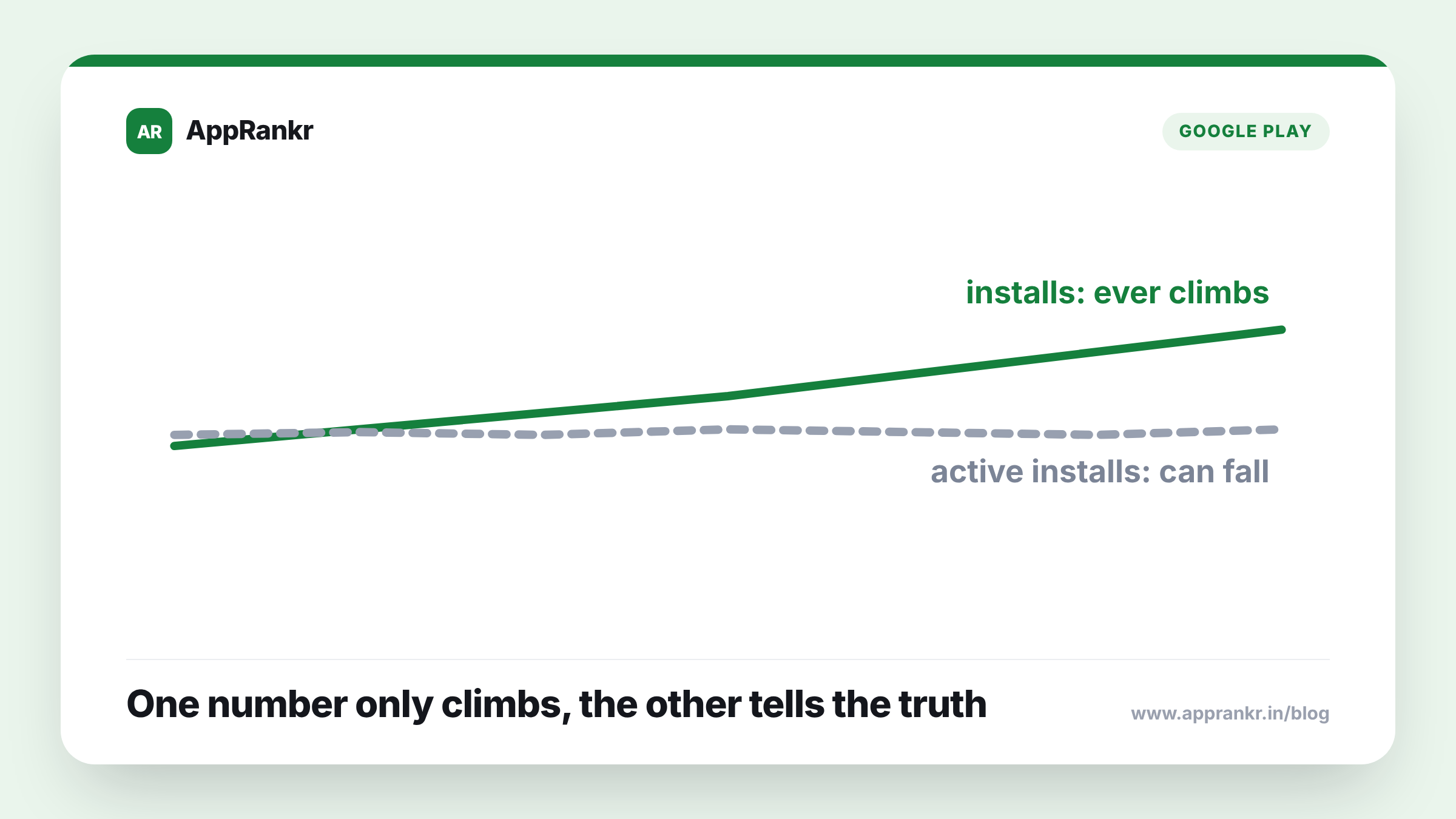
- Total installs only ever climbs. Active installs can rise or fall depending on how uninstalls compare to new installs.
- Active installs is the better read on real app health, since it reflects who’s actually still using your app.
Two numbers both claim to describe how many people have your app. They’re not measuring the same thing.
What each number actually counts
Installs is a running total. Every download adds to it, and it never goes down, even once a user deletes the app. It’s a record of how many download events have ever happened, nothing more. Active installs measures something different: how many devices currently have your app sitting on them, right now. Every uninstall subtracts from that number. So a user who downloaded your app, used it for a week, then deleted it still counts toward your total installs forever, but they drop out of active installs the moment they uninstall.
| Metric | What it measures | Can it go down? |
|---|---|---|
| Installs | Every download, ever | No, it only grows |
| Active installs | Devices with the app right now | Yes, uninstalls subtract from it |
Why this trips people up
A climbing install count feels like unambiguous good news. It’s easy to glance at a steady upward line and assume your app is growing in the way that matters. But a high install total can sit next to a shrinking active install number without any contradiction at all. If uninstalls are quietly outpacing new installs, your real, current user base is getting smaller even while the headline number keeps climbing. The two numbers can tell almost opposite stories, and only one of them is reporting on the audience you actually have today.
Real-world scenario: A team watched their total install count rise steadily for months and treated that trend as proof their app was healthy and growing. When they finally checked active installs, the number had been flat for weeks, and had briefly dipped the month before. New installs were arriving, but a similar number of existing users were quietly uninstalling at close to the same pace. The team had been reading a growing download total as growth, when their real, current user base had actually stalled.
Which one to actually watch
Active installs is the closer read on real health. It answers the question that actually matters day to day: how many real users do you have right now, not how many downloads you’ve generated across your app’s entire history. Total installs still has its place. It’s useful for understanding long-term reach and for comparing against marketing spend over time. But if you only have room to watch one number regularly, active installs is the one that tells you whether people are actually sticking around.
What to actually do about it
- Check active installs, not just total installs, on a regular basis. The total only ever climbs. It can hide a shrinking real user base behind a rising headline figure.
- Watch the gap between new installs and uninstalls, not either number alone. A healthy app has new installs consistently outpacing uninstalls, not just a high raw install count.
- Use total installs for long-term reach, not for a health check. It’s the right number for understanding your app’s overall footprint over time, not your current, real audience.
- Investigate a flat or falling active install trend even if total installs still looks fine. That gap is usually the first real sign something in retention needs attention.
AppRankr’s Rank Tracker tracks your real numbers over time, a clearer way to catch a stalling trend before it’s obvious from a single glance.