Key points:
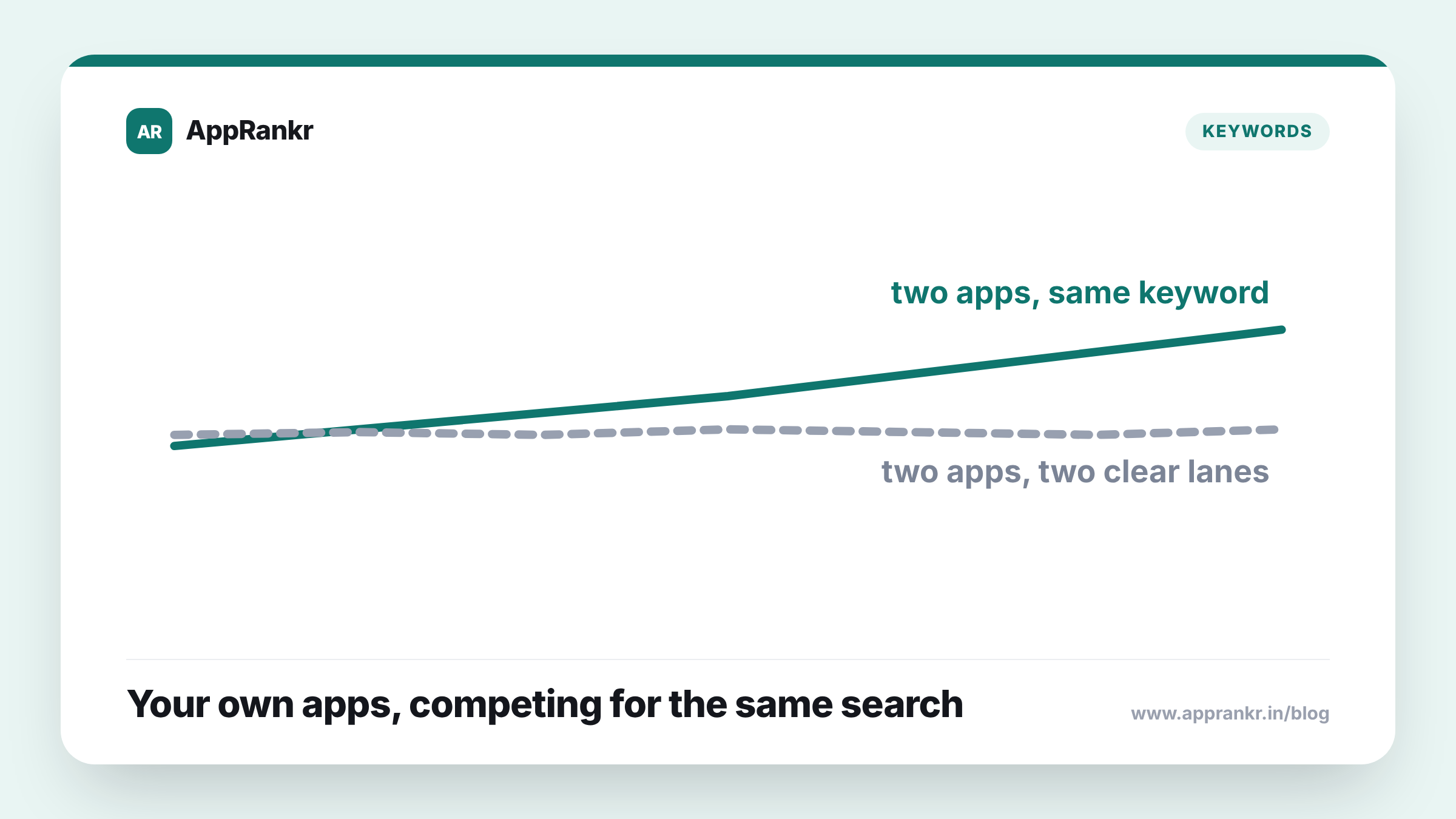
- Keyword cannibalization happens when two of your own apps chase the same term, splitting attention instead of each one owning something distinct.
- It’s entirely self-inflicted. No competitor is involved.
- The clearest sign is seeing two of your own apps show up next to each other in the same search result.
- The fix is usually differentiation, not abandonment: give each app its own clear, separate keyword territory.
Running more than one app under the same developer account creates a problem most teams never think to check for, their own apps competing against each other.
What’s actually happening
A developer running several apps often reuses the same language across all of them. The same core description. Similar titles. Overlapping feature text. That’s easy to write. But it means two of your own apps can end up chasing the same search term. When that happens, neither app gets the full benefit a focused listing would have earned. The visibility splits. A user searching that term might see both of your apps. That’s not the same as one app owning the result the way a single, well-aimed listing could.
| Detail | What actually happens |
|---|---|
| Cause | Reused language across your own apps’ listings |
| Effect | Visibility splits instead of one app owning the term |
| Who’s involved | Only your own apps. No competitor |
| Fix | Give each app distinct keyword territory |
Why this is easy to miss
Nobody sets out to compete with themselves. It happens slowly, as a portfolio grows. A second app launches, built on a similar idea to the first. The team reuses language that worked before. It’s proven, and it saves time. Nobody runs a side-by-side check across the whole portfolio first. The two apps don’t feel like rivals internally. They sit on the same roadmap, not on a watchlist. That’s exactly why it slips through. The checks people run usually point outward, at real rivals. Not inward, at their own other listings.
Real-world scenario: A developer ran two separate budgeting apps, one aimed at individuals and one aimed at small businesses, both quietly using nearly identical core language like “expense tracker” and “budget planner” in their titles and descriptions. Neither app ranked particularly well for either term. Running a direct comparison of their own listings side by side, the team realized both apps were effectively fighting each other for the same search real estate, instead of each owning a distinct angle. They rewrote the business-focused app’s listing around “business expense tracker” and “team budget,” leaving the consumer term to the other app. Both listings started pulling clearer, more distinct traffic within the next few weeks.
How to actually check for it
Pull up your own apps’ titles, subtitles, and descriptions side by side. Not from memory. Actually open them next to each other. Look for the same core terms repeated across more than one listing. The clearest, hardest-to-miss sign is seeing two of your own apps show up next to each other in an actual search result for the same term. That’s not a coincidence worth ignoring. It’s a direct sign that your own listings are splitting attention that one focused app could have kept.
What to actually do about it
- Audit your own portfolio’s listings side by side, not just against competitors. The check most teams skip is the one aimed inward.
- Give each app one clear, distinct keyword focus. Overlap usually means neither app gets the full benefit either could have earned alone.
- Differentiate instead of abandoning a term entirely. A sharper angle, like audience or use case, usually works better than just dropping a keyword both apps wanted.
- Recheck after every new app launch, not just once. A portfolio that grows without this check tends to drift back into overlap over time.
AppRankr’s Rank Tracker tracks each of your apps’ real keyword rankings side by side, a direct way to spot cannibalization before it quietly costs you visibility.