Key points:
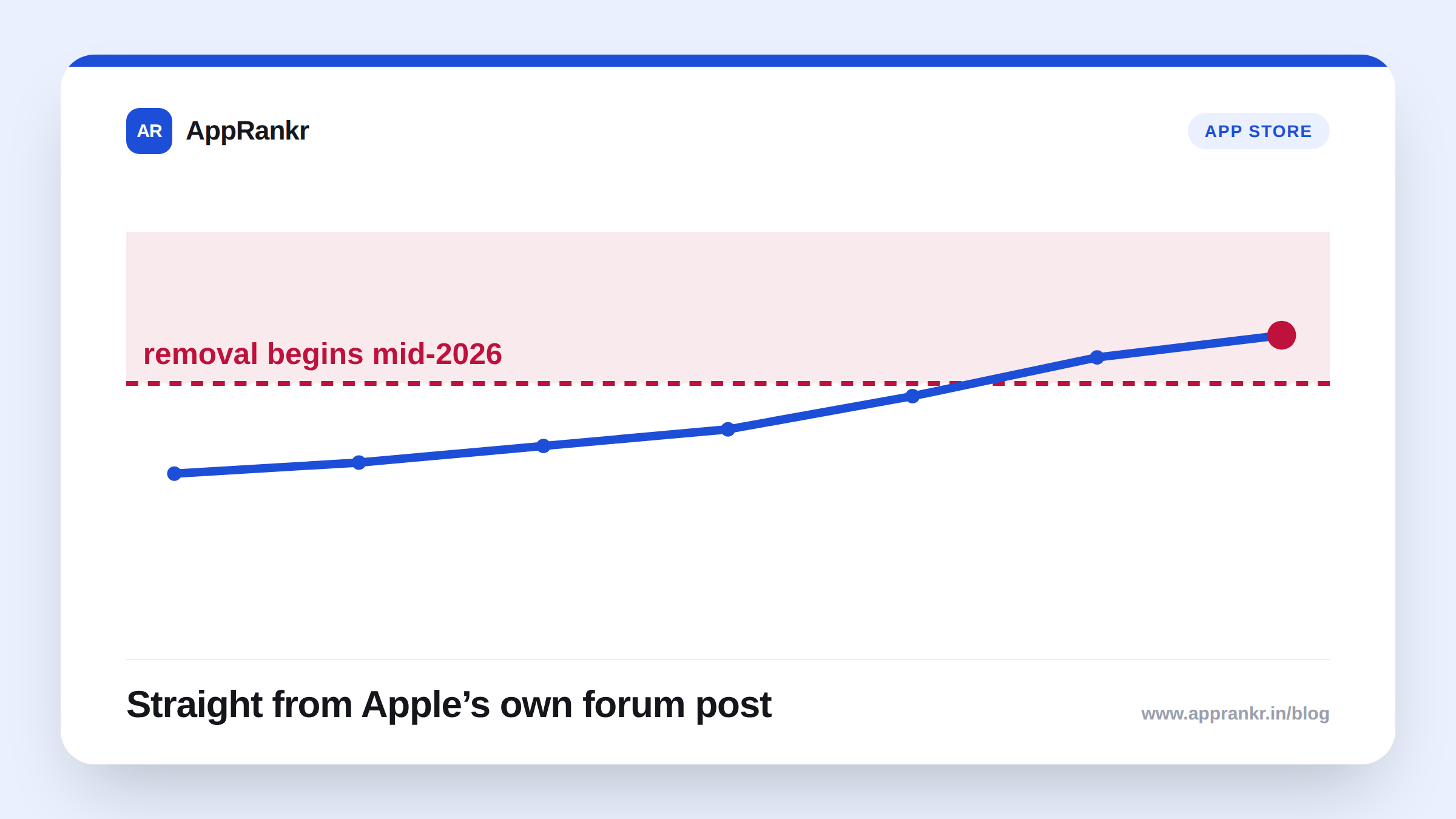
- Apple’s own words confirm Sales and Trends removal is already underway. It began in mid-2026 with the Subscriptions dashboards specifically.
- The remaining dashboards and reports get removed “over the course of 2027,” per Apple’s own timeline.
- Analytics is the stated replacement. Apple’s own words say it “will be enhanced over time to include additional data currently living in Sales and Trends.”
- Anyone exporting Sales and Trends data at scale should move to the Analytics Reports API now. Apple’s own guidance names that path directly, to “avoid future disruption.”
A tab a lot of teams have used for years is disappearing. Not all at once. In pieces. The clock on it started months ago.
What Apple’s own words actually confirm
Per Apple’s own text, posted by an Apple engineer on its forums: “As the data and reports get migrated to Analytics, the corresponding Sales and Trends data will be removed.” That removal “began in mid-2026 with the… Subscriptions dashboards.” The rest follows “over the course of 2027.”
| Detail | What Apple’s own words confirm |
|---|---|
| First piece removed | Sales and Trends Subscriptions dashboards |
| Start date | Mid-2026 |
| Full removal | Once everything migrates, through 2027 |
| Replacement | Analytics, expanded over time |
| For bulk exports | Move to the Analytics Reports API |
Why the piece-by-piece timing actually matters
This isn’t one cutover date you mark on a calendar and forget. It’s a rolling removal. One dashboard at a time. One report at a time. All through 2027. A team checking Sales and Trends today might already be missing the Subscriptions view. That piece went first. The rest keeps moving. On a schedule Apple hasn’t broken down beyond “the remaining dashboards and reports.”
Real-world scenario: A finance team at a subscription app built a quarterly process around Sales and Trends. Exported by hand, every few months. Nobody had touched that process since it was built. They had no idea the Subscriptions dashboard was first in line to go. Their next quarterly pull came up short. Missing exactly the subscription numbers they needed most. They traced it back to this migration. Reading Apple’s own forum post, they understood it wasn’t a bug. It was a planned removal, already running, that nobody had flagged before it hit their own export.
What actually happens to data that hasn’t migrated yet
Apple’s own words don’t spell out a grace period for data sitting in a dashboard about to go. The safest read is simple. Assume there isn’t a long window once a dashboard’s turn comes up. If you rely on anything in Sales and Trends today, treat this as already running. Not as a future date to plan around later.
What to actually do about it
- Check if your team still relies on any Sales and Trends dashboard, right now. The Subscriptions one is already first in line.
- Move bulk exports to the Analytics Reports API now. Apple’s own guidance names this path. Specifically to avoid disruption.
- Don’t wait for one final cutover date. Apple’s own timeline is a rolling removal through 2027. Not one deadline.
- Rebuild any manual, infrequent export process around Analytics now. A quarterly habit is exactly the kind of thing a sudden gap catches off guard.
AppRankr’s Rank Tracker tracks your real visibility independently of any one dashboard, a useful backup while Apple’s own reporting tools are mid-migration.