Key points:
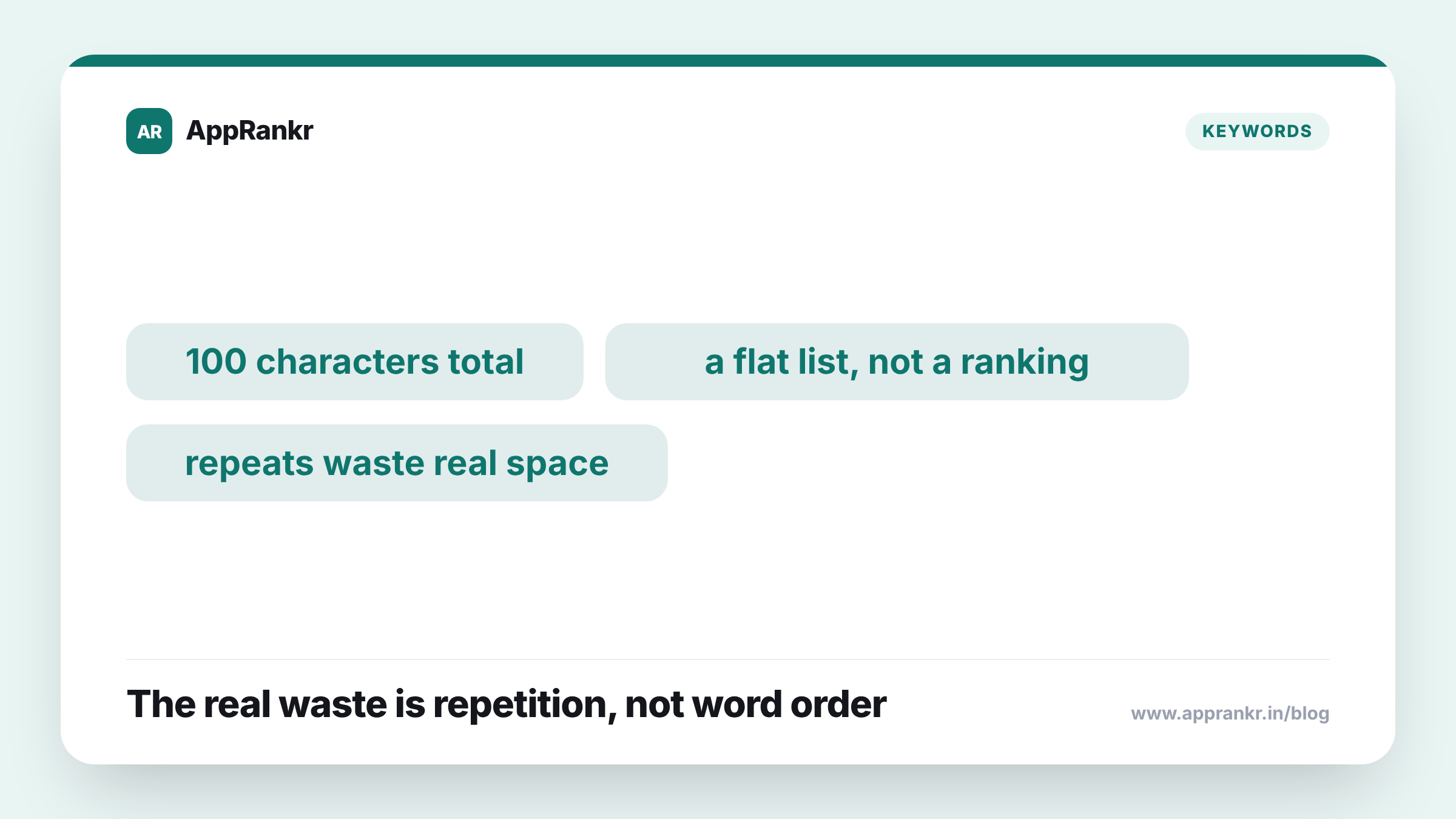
- The iOS keyword field is a flat, comma-separated list, not a sequence where position carries extra weight.
- There’s no confirmed ranking gain from putting your top term first.
- Each word tends to get matched on its own, not as one locked phrase.
- Repeating a word already in your title or subtitle, or adding extra spaces, wastes real space in a field capped at 100 characters.
A hidden field with a hard limit invites a lot of careful arranging. Most of that effort goes toward the wrong lever.
What the field actually is
This field holds a flat list of terms, split by commas, capped at 100 characters total. Users never see it. It exists purely to help search match your app. The natural urge is to treat it like a ranked list, your best term first, the rest trailing after. The field doesn’t seem to work that way. It behaves more like a bag of terms than an ordered line, so where a word sits isn’t the lever worth your careful planning.
| What people worry about | What actually matters more |
|---|---|
| Which word comes first | Which words you pick at all |
| Exact phrase order | Each word being real and relevant |
| Saving a spot for your top term | Not wasting space on words covered elsewhere |
Where the real waste happens
The limit is tight, a hundred characters total, and real waste tends to come from somewhere other than order. Repeating a word already in your app title or subtitle burns space for nothing, since those fields get indexed on their own. A space after every comma, a small habit that feels neat, quietly eats into that same tight budget. Neither cost has anything to do with where a word sits in the list. Both come from spending a scarce resource on something that isn’t earning its place.
Real-world scenario: A team spent real time arguing over which of their top three keywords should go first, as if the order carried real weight. Once they settled on one, they noticed the field still had words repeated from their app title, left over from an old draft, plus a space after every comma. Clearing that out freed up room for two genuinely new, relevant terms the field had never had space for. The order they’d argued over never changed a thing. The real gain came from clearing out waste they’d missed.
What to actually fix instead
Treat the character limit as the real constraint, not the order. Every character spent on a word already in your title or subtitle, or on a useless space, is a character you can’t spend on a fresh, relevant term. That tradeoff is the one worth watching. Whether your best word sits first or fourth is a much smaller question, and not one with a confirmed answer either way.
What to actually do about it
- Stop arguing over keyword order and start checking for waste. Repeated words and stray spaces are a far more reliable place to find a real gain.
- Check your field against your title and subtitle for overlap. Anything already covered there is space you could spend on something new.
- Treat a multi-word phrase as separate words, not one locked unit. Writing them apart usually covers the same ground without wasting a comma’s worth of space.
- Put any freed-up space toward new, relevant terms. That’s a far more reliable move than reshuffling the words you already have.
AppRankr’s ASO Inspector checks your keyword field for overlap and waste, a direct way to find real room for improvement.