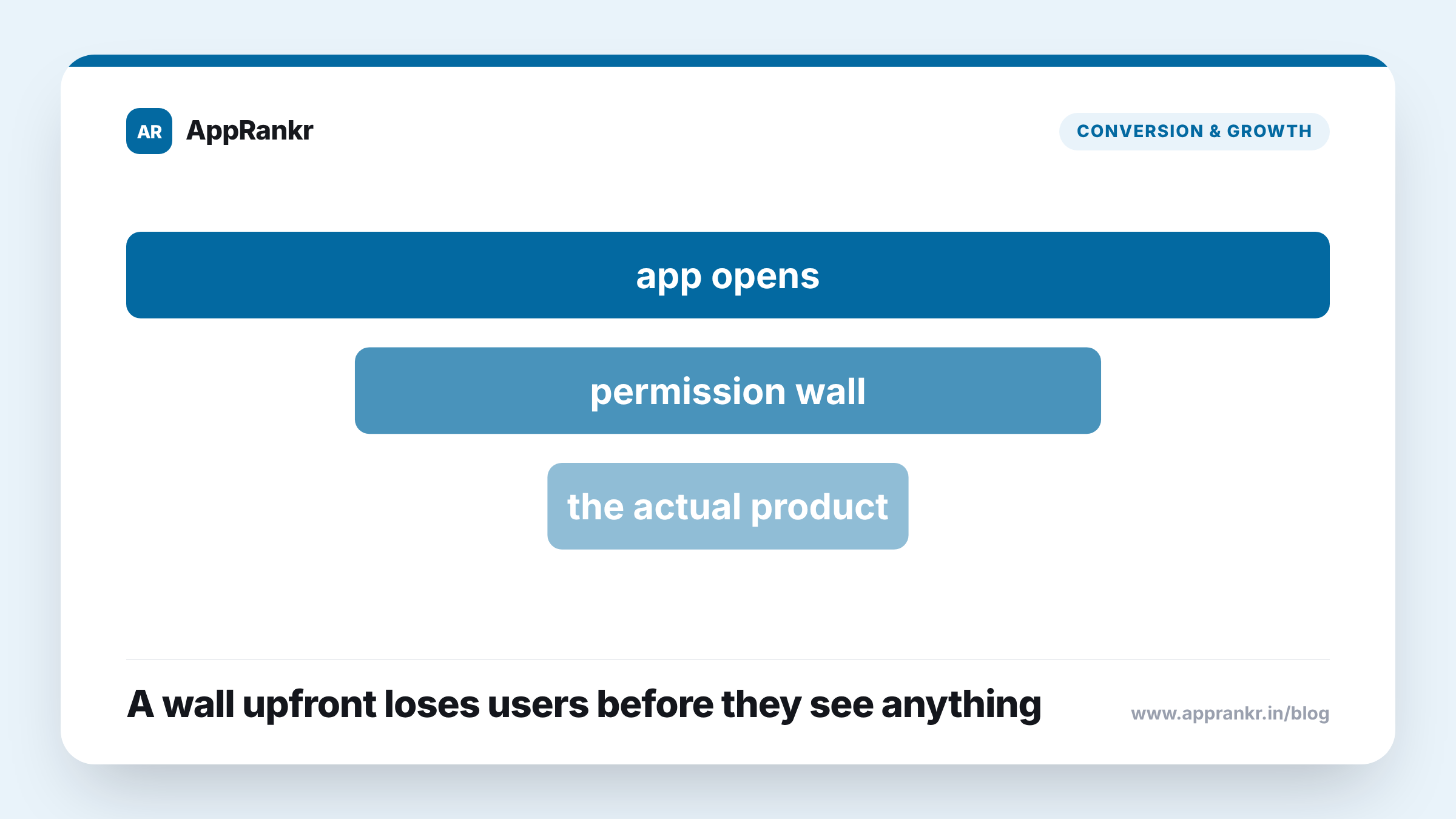
Key points:
- A permission prompt tied to the feature asking for it tends to feel more reasonable than one with no context at all.
- A wall of permission requests at first launch, before a user has done anything, can feel pushy and push some users to leave right away.
- The fix isn’t delaying every request forever. It’s matching each one to the moment a user actually needs that feature.
- A user who sees why a permission is being asked for is more likely to grant it than one facing a request out of nowhere.
Getting every permission request out of the way at once sounds efficient. For the user on the other end, it can feel like a wall going up before they’ve even started.
Why timing changes how a request lands
A permission request tied to one action, asking for location right when a user taps a feature that needs it, carries its own reason. The user can see right away why it’s being asked. A permission request that shows up at first launch, before the user has done anything, carries no such reason. It’s just a request with nothing behind it yet, and a user facing several of those in a row, before they’ve even seen what the app does, has little reason yet to trust any of them.
| What the user sees | |
|---|---|
| Permission tied to one action | A clear reason, right when it matters |
| Permission asked at first launch, before any action | A request with no reason attached yet |
Why stacking requests upfront can cost real users
Some users respond to an unexplained wall of permission prompts by just closing the app before ever reaching the real product. That’s a real cost. A user lost before they ever saw anything the app does well, over a set of requests that didn’t even need to happen yet. The app loses that user not because of what it does, but because of the order it chose to ask for things.
Real-world scenario: A team had their app ask for every permission it would ever need right at first launch, treating it as one clean setup step before the real app began. Checking day-one retention against a version that asked for each permission only when a user reached the feature that needed it, the staggered version kept noticeably more first-time users. Nothing about the app’s actual features had changed. Moving the same requests to the moments they actually mattered was what moved the number.
What this means for how to structure requests
The goal isn’t maximum delay just for the sake of it, holding off on every permission as long as you technically can. It’s matching each request to the moment a user has a real reason for it, right when they’re about to use the feature that needs it. That timing gives the user a reason to say yes, instead of asking them to trust a request with nothing behind it yet.
What to actually do about it
- Tie each permission request to the feature that needs it. A request with a reason attached is easier for a user to understand and grant.
- Avoid stacking every permission request at first launch. A wall of unexplained prompts before a user has done anything is a real reason some users leave right away.
- Check your day-one retention against how your permission requests are timed. A staggered approach is directly testable against what you have now.
- Don’t delay requests forever just to avoid asking. The point is matching timing to a real reason, not skipping the request altogether.
AppRankr’s ASO Inspector checks your listing’s real conversion signals, a useful companion check alongside your onboarding flow itself.