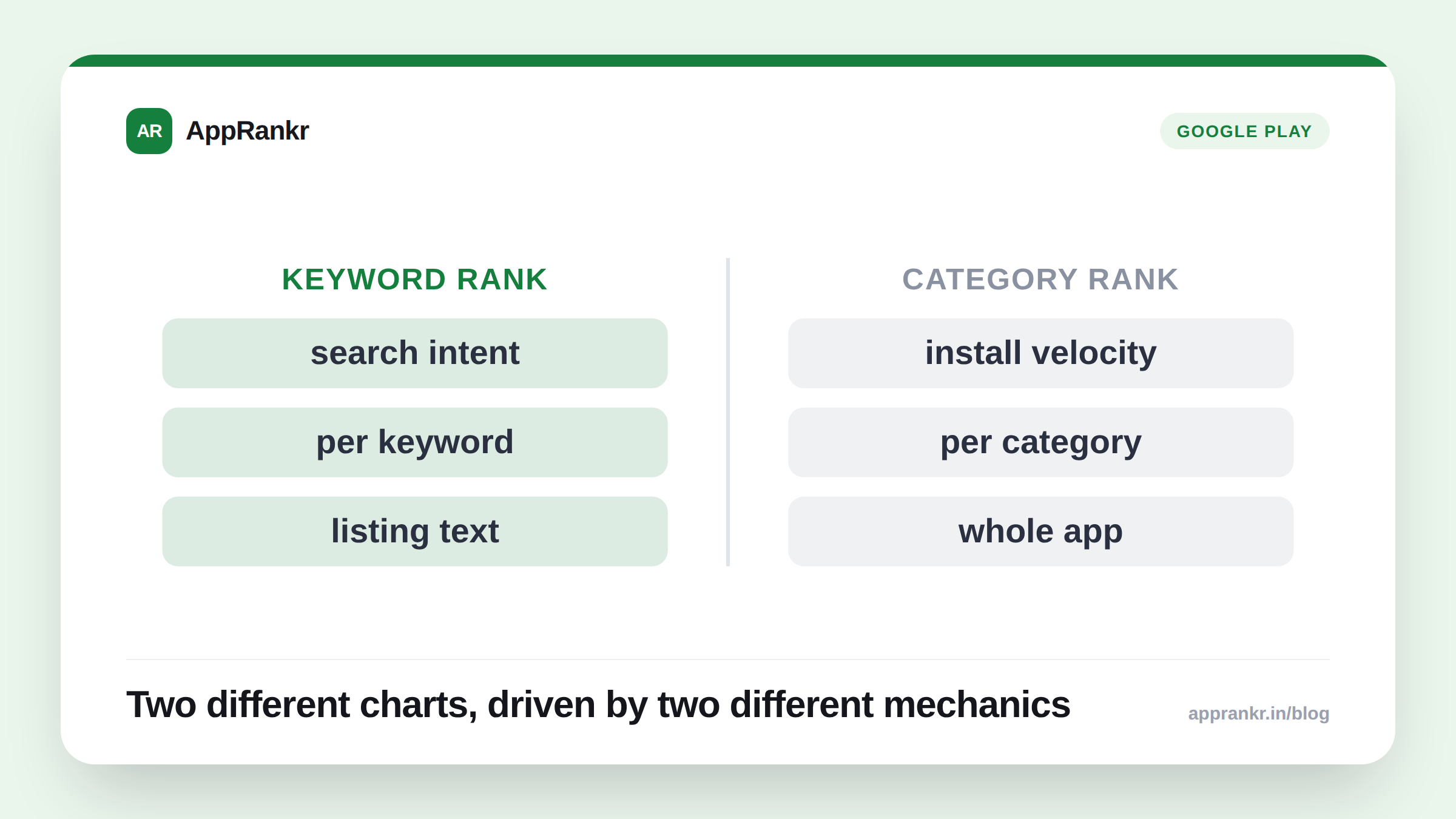
These two numbers get treated as interchangeable (“my rank”) often enough that when they diverge, it looks like a bug. It isn’t. Keyword rank and category chart rank measure genuinely different things, driven by different mechanics, and an app can be excellent on one while being invisible on the other.
What each one actually measures
| Keyword rank | Category chart rank | |
|---|---|---|
| What it answers | ”Where do I show up when someone searches this exact term?" | "Where do I show up in the store’s browsable Top Free/Paid chart for my category?” |
| What drives it | Relevance matching between the search term and your listing (title, subtitle/short description, keyword field) | Recent install velocity and engagement relative to every other app in the same category, a popularity/momentum signal |
| Who you’re compared against | Other apps targeting the same or similar keywords | Every app in your category, including the biggest, highest-velocity consumer apps regardless of what they target |
| Where it shows up to users | Store search results for that specific term | The store’s Top Charts / Top Free / Top Paid browse tabs |
| Per-category on iOS? | Not applicable. Search is per-term regardless of category | No. Apple’s public chart feed is overall only, with no per-category breakdown |
The key difference is who you’re being compared against. A keyword rank is a contest between apps chasing the same search term. A well-optimized niche app can win that contest outright. A category chart rank is a contest against every app in that entire category, including apps with orders of magnitude more daily installs that have nothing to do with your specific keyword at all.
Why this produces a genuinely confusing result
A well-targeted app can rank #1 or #2 for its exact core keyword (a real, earned, meaningful result) and still sit far outside the top 200 of its category’s overall chart, because that chart is dominated by a handful of massive, high-velocity apps that aren’t targeting the same keyword at all, and don’t need to. It isn’t a sign that the keyword win is fake. It’s a sign that keyword rank and chart rank are answering different questions, and only one of them is a contest you were actually entered in.
Real-world scenario: A finance app ranked #1 for its most important keyword (a specific, well-matched term describing exactly what it does) and the team was pleased with the result. Looking at the category chart, the same app was nowhere in the top 200 of its category’s Top Free chart. It read as a contradiction until the mechanic became clear: that chart was dominated by a handful of large, general-purpose consumer finance apps with install volumes the niche app had no realistic path to matching, regardless of how well-targeted its keyword strategy was. The keyword win was real. The chart absence was simply a different, much harder contest that the app was never really competing in.
The failure mode that looks identical to “not in it”
There’s a second reason a category chart position can show as blank, and it has nothing to do with popularity: the chart-fetch check itself can fail (a rate limit, a temporary block) and a tool that doesn’t distinguish “checked, confirmed not there” from “the check failed” will show both as the same blank result. If your category rank has shown nothing for a while, it’s worth confirming which situation you’re actually in before concluding the chart is simply out of reach.
What to actually do with each one
- Track keyword rank as your primary, day-to-day signal: it’s the one directly under your control through title, subtitle, and keyword choices, and the one worth checking daily.
- Treat category chart rank as a longer-horizon, harder-to-move number: don’t expect keyword-level ASO work to move it, since it’s driven by install velocity, not search relevance.
- If your category rank is blank, check whether it’s a real “not there” or a failed check: a trend chart that shows which chart was actually queried tells the two apart instead of leaving you guessing.
- Don’t let a strong keyword rank and a weak category rank contradict each other in your reporting: they’re both true at once, because they’re not measuring the same competition.
Neither number is more “correct” than the other. They’re both real, both worth tracking, and both telling you something true. The mistake is expecting them to move together, when they were never running the same race.