Key points:
- Google’s own I/O 2026 developer post confirms real Play Console changes, dated May 19, 2026.
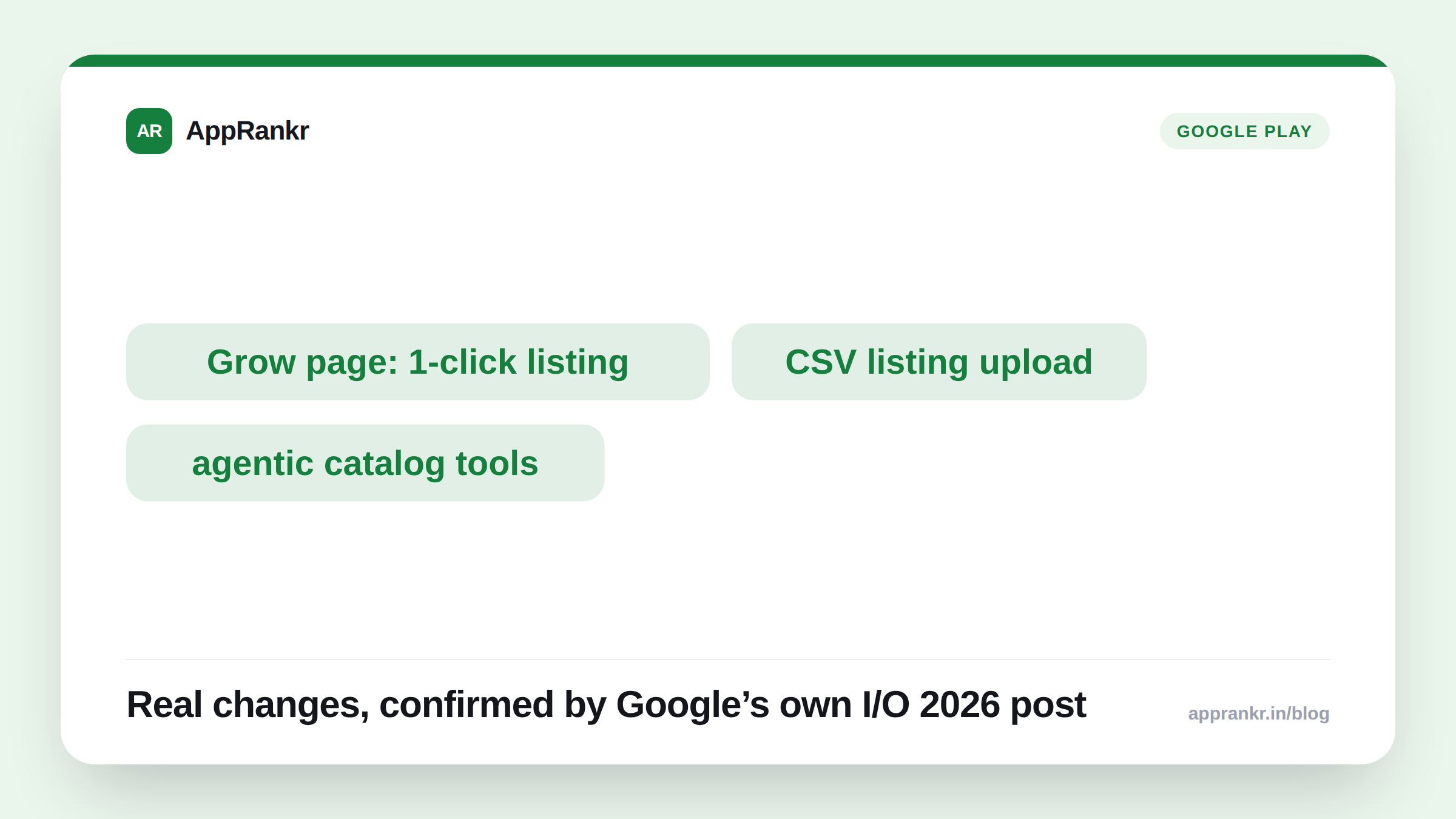
- The Grow overview page now turns a keyword recommendation into a ready-to-deploy custom store listing. One click does it.
- Agentic catalog management is coming for one-time products. Bulk price changes, SKU imports, and metadata, handled in Console instead of one at a time.
- Reporting pages gained a new reach metric, traffic source breakdowns, and an interactive Q&A that explains why a metric shifted.
A page that used to be a plain report now asks you a question back. Google’s own developer post confirms Play Console picked up real AI tools this year. Not just a new coat of paint.
What actually changed, and where
Per Google’s own post, most of these sit in places you already visit. They just do more now.
| Location | What’s new there |
|---|---|
| Grow overview page | Click a keyword recommendation, get a ready-made custom store listing |
| Store listing editor | Upload a CSV or Google Sheet, Gemini pre-populates translated listings |
| Catalog (one-time products) | Agentic catalog management for bulk price, SKU, and metadata changes |
| Statistics / Reach & Devices / Store Performance | Reach metric, traffic source breakdowns, Gemini-written chart descriptions, interactive Q&A |
The Grow page change is the one worth checking first
Per Google’s own wording, this isn’t a small tweak. A keyword recommendation on the Grow overview page used to be just a suggestion. You’d act on it by hand. Now clicking it has Gemini build an actual custom store listing around that keyword. Tailored, and ready to deploy with one click. If you’ve been building custom store listings by hand, this is a real shortcut sitting in a page you probably already check.
Listing localization got a similar fix. Per Google’s own post, you upload a structured file, a CSV or a Google Sheet. Gemini pre-populates your listing text across languages for you to review. That replaces pasting translated copy into each language one at a time.
Real-world scenario: A developer managing listings in six languages had been pasting translated copy into each one by hand, every update. Reading Google’s own I/O 2026 post, they tried the CSV upload in Play Console’s listing editor instead. Gemini filled in all six languages from one file. They still reviewed each one before publishing. Nothing here skips your own check. But the manual pasting was gone.
What’s live now versus what’s still coming
Not everything here works today. Per Google’s own post, agentic catalog management is called out as “soon.” It wasn’t live when the post went up. The Grow page shortcut, the CSV upload, the new reach metric, and the reporting Q&A are all described in the present tense, with no beta label. If one of these isn’t in your own Console yet, it may simply not have reached your account.
What to actually do about it
- Check your Grow overview page for the new keyword-to-listing flow. Per Google’s own post, it’s one click now. Not a separate listing build.
- Try the CSV or Google Sheet upload next time you localize a listing. Still review every language before publishing. Gemini pre-populates. It doesn’t replace your own check.
- Watch for agentic catalog management if you manage one-time products. Google’s own post calls it still rolling out. Don’t assume it’s missing from your account for good.
- Open the new interactive Q&A on your reporting pages before reading raw charts cold. Per Google’s own post, you can ask why a metric shifted and get a direct answer back.
AppRankr’s Rank Tracker tracks your real keyword and visibility trends over time, a useful cross-check against whatever Play Console’s own new reach metric and Q&A tell you.