Key points:
- Google’s own Play Billing Library deprecation FAQ sets a real deadline around August 31, 2026, with an extension to November 1, 2026.
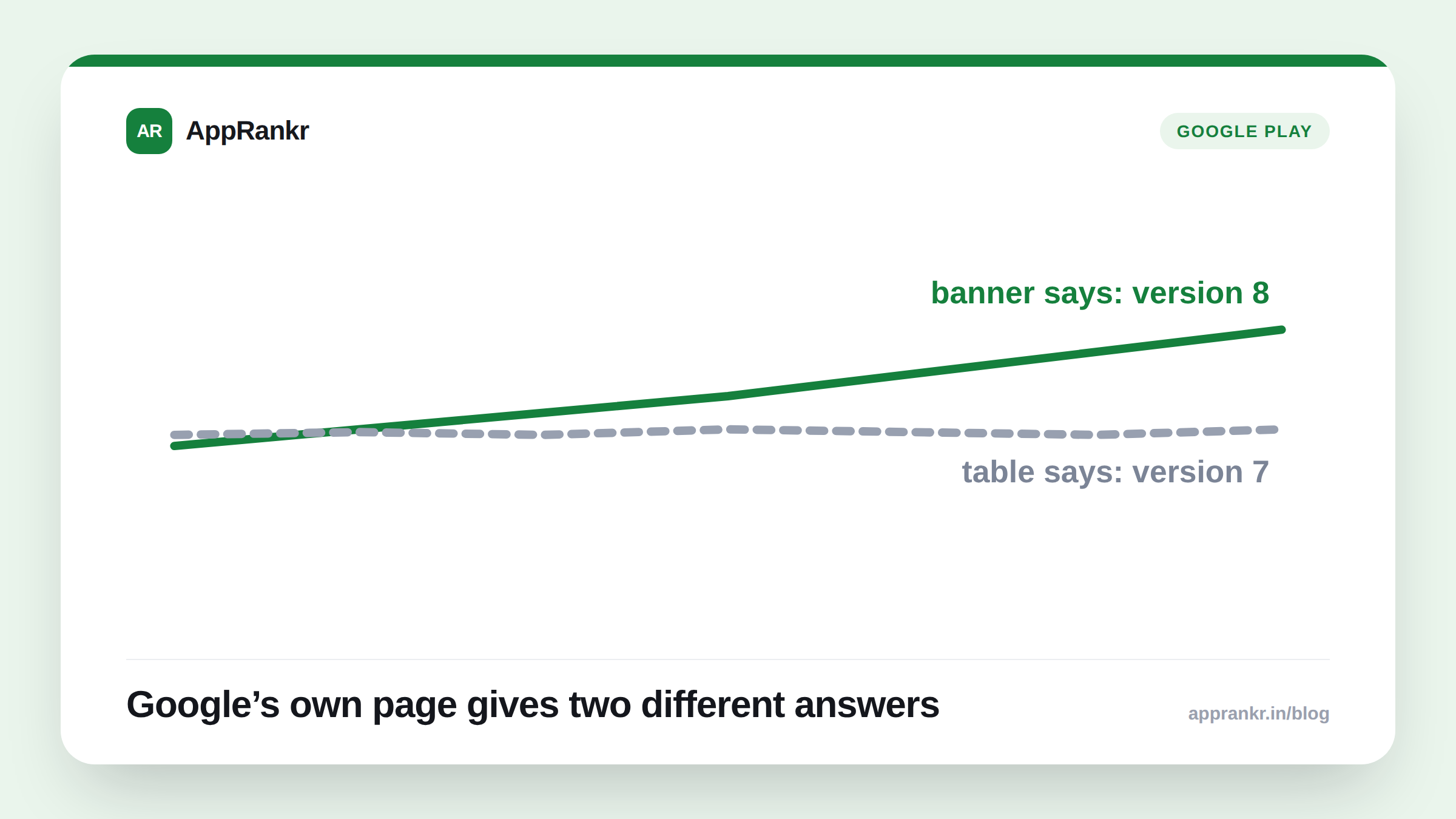
- The page’s own banner and its own deadline table name two different minimum versions for that date. Version 8 in the banner. Version 7 in the table.
- An already-published app keeps working past the deadline. New apps and updates on an unsupported version won’t be accepted.
- Check your own Play Console’s Policy status warning for the real number that applies to your app, not either number on Google’s page alone.
A deadline is real. Which version actually clears it depends on which part of Google’s own page you read.
The two numbers, side by side
Google’s own deprecation FAQ states its deadline two different ways on the same page. A banner at the top says one thing. A table further down says another.
| Source on the page | What it says the August 31, 2026 deadline requires |
|---|---|
| Banner text | Billing Library version 8 or later |
| Deadline table | Version 7 (version 8’s own deadline is a year later, August 31, 2027) |
Both can’t be right at once. One of them is stale. Google’s own page doesn’t flag which.
Why this matters more than a typo usually would
A missed billing library deadline isn’t a cosmetic bug. Per Google’s own wording, a new app or an update on an unsupported version simply won’t be accepted. For an app relying on a timely update, the wrong version number could mean a real submission getting rejected. Not just a warning to shrug off.
Google’s own page does give one reliable backstop, apart from either conflicting number. Per its own instructions, a warning appears right on an app’s Policy status page in Play Console once that specific app is using an unsupported version. That warning is tied to your real app. Not a general page that can drift out of sync with itself.
Real-world scenario: A developer read Google’s own deprecation page, saw the banner’s “version 8 or later,” and spent a sprint migrating ahead of what they assumed was the August 2026 deadline. Checking their Play Console’s own Policy status page afterward, they found no warning had ever appeared for their app, still on version 7. Reading the page’s own table more carefully, they realized version 7 was still within its deadline. The migration wasn’t wasted, since version 8 is still due eventually, but the urgency they’d assumed came from the wrong part of the page.
What to actually do about it
- Check your Play Console’s Policy status page before trusting either number on Google’s own page. That warning is specific to your app’s actual billing library version, not a page that contradicts itself.
- Check your build.gradle dependency directly. Google’s own instructions point here first, before anything else, to confirm what version you’re actually shipping.
- If you’ve already upgraded and still see a warning, check your merged manifest. Google’s own troubleshooting note says a missing
billingclient.versionmeta-data attribute is a common cause. - Don’t let an ambiguous deadline become an excuse to delay. Whichever version actually applies to you, an unsupported one blocks new app and update submissions once its real deadline passes.
AppRankr’s ASO Inspector reviews your current listing, a useful check to run alongside any Play Console compliance cleanup like this one.