Key points:
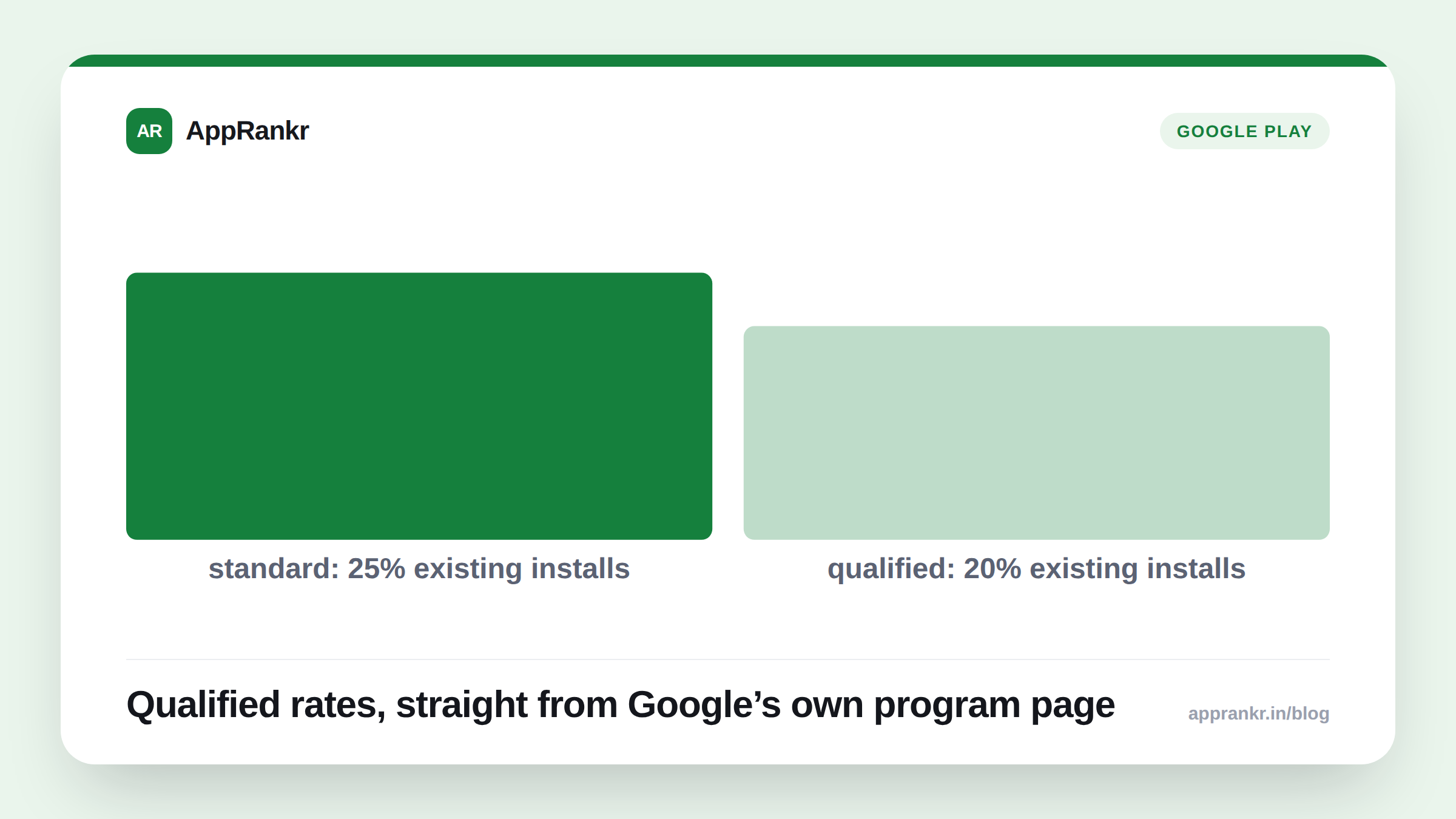
- Google’s own Apps Experience program page and Play Console help confirm a qualified rate card. 10% on subscriptions. 15% on new-install transactions. 20% on existing-install transactions.
- The standard rate it replaces runs higher. 20% on new installs, 25% on existing installs, per the same help page.
- A separate billing fee, often 5% in the US, UK, and EEA, can apply on top of either rate.
- Enrollment is optional, through Play Console. It’s tied to meeting the program’s quality and engagement guidelines, not automatic for every app.
A service fee sounds like one number. Google’s own pages describe several. It depends on your transaction type. It depends on whether your app qualifies.
The real rate card, side by side
Per Google’s own pages, qualifying through Apps Experience or Level Up changes what you pay on three separate transaction types.
| Transaction type | Standard rate | Qualified rate |
|---|---|---|
| Auto-renewing subscriptions | Not separately listed as higher | 10% |
| Other transactions, new installs | 20% | 15% |
| Other transactions, existing installs | 25% | 20% |
| External web link transactions, existing installs | Not applicable | 15% |
A billing fee sits outside this table entirely. Per Google’s own pages, it’s often 5% in the US, UK, and EEA. It stacks on top of whichever service fee rate applies to you.
Why “new install” versus “existing install” matters here
This isn’t a flat discount. The rate depends on when that user installed your app. A purchase from someone who just downloaded your app costs less in fees than the same purchase from a long-time user. That’s true before and after qualifying. Qualifying narrows the gap. It doesn’t close it.
Real-world scenario: A subscription app checked its fee structure after reading Google’s own program pages. Most of its revenue came from existing, long-time subscribers, not new installs. Without qualifying, that would sit at the standard 25% rate for one-time purchases. But the app’s core product was subscriptions, a separate and already-lower rate either way. The real finding was simpler than expected. Their subscription revenue already sat in the cheap bucket by default. Qualifying mattered more for their smaller line of one-time purchases, where the new-versus-existing gap actually hit.
What to actually do about it
- Check which transaction types make up your real revenue. Subscriptions, new-install purchases, and existing-install purchases sit at different rates either way. Know your own mix first.
- Read the program guidelines before you assume you qualify. Per Google’s own help page, requirements cover quality and engagement integration. They may grow over time.
- Remember the billing fee is separate. A lower service fee doesn’t mean a lower total cost if the billing fee still applies at its usual rate.
- Enroll through Play Console, not a separate form. Per Google’s own pages, this is opt-in, run from inside the console you already use.
AppRankr’s Rank Tracker tracks your real App Store and Play Store visibility. That’s separate from your fee structure entirely, but worth checking alongside any monetization change like this one.