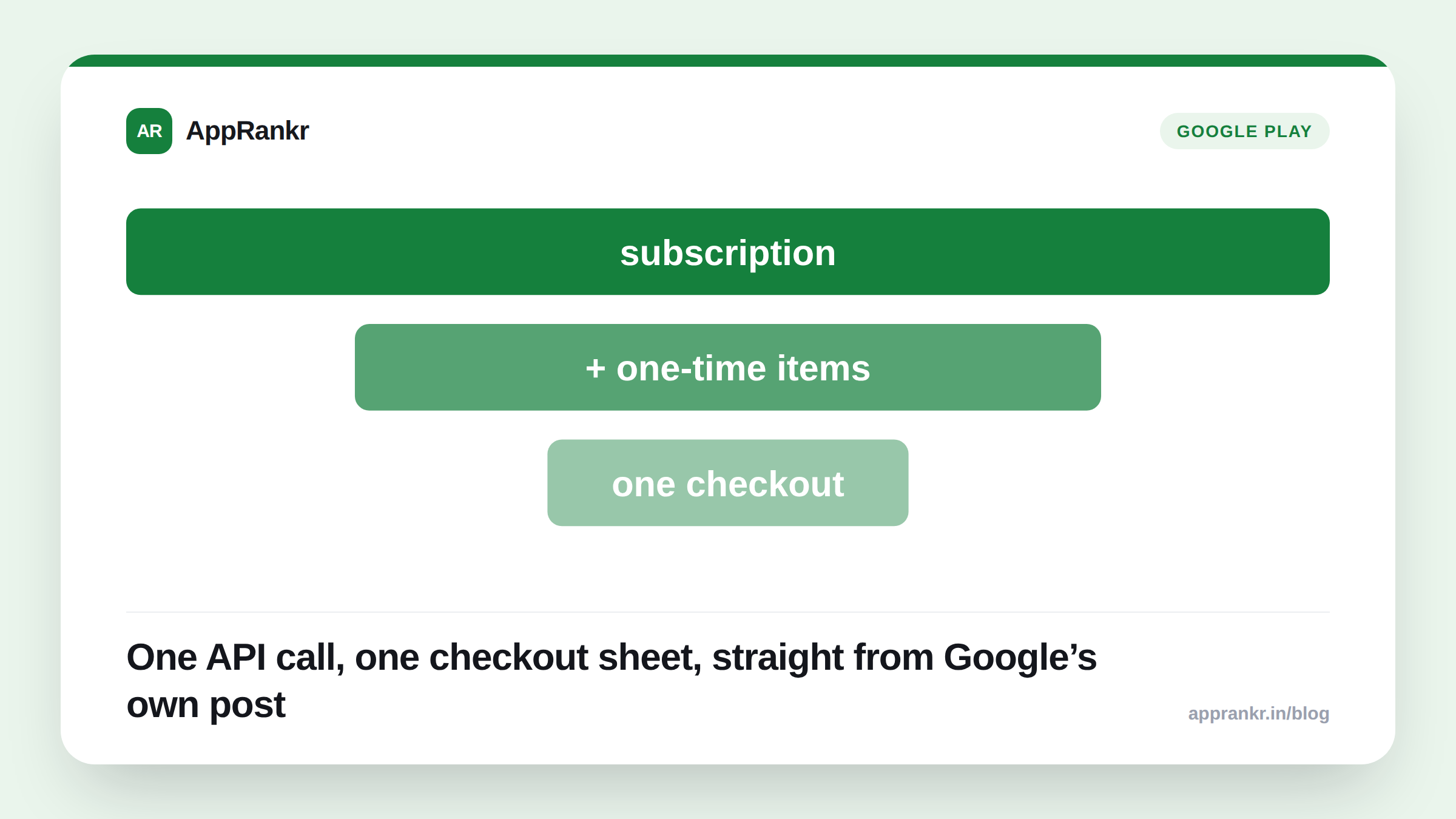
Key points:
- Google’s own developer blog post, dated September 29, 2026, introduces Mixed Carts for Play subscriptions.
- Per Google’s own words, it processes an auto-renewing subscription alongside one-time products in one API call, one checkout sheet.
- Google’s own example: a discount for buying a subscription bundled with extra in-app items together.
- Exact availability isn’t stated for this feature in Google’s own post.
Selling a subscription and a one-time item used to mean two separate purchases. Google’s own new checkout model folds them into one.
What Google’s own post actually says
Per Google’s own words, Mixed Carts “bridges this gap for developers who want to sell both auto-renewing subscriptions and one-time products (OTPs).” It works “by enabling you to process an auto-renewing base subscription alongside OTPs in a single API call and unified checkout sheet.”
| Detail | What Google’s own post confirms |
|---|---|
| What it combines | A subscription and one-time products |
| How it works | One API call, one checkout sheet |
| Example use case | A bundle discount for subscription plus extra items |
| Availability | Not stated for this feature |
Why two separate checkouts was the real problem
Before this, a user buying both a subscription and a one-time item had to go through two separate flows. That’s true even if they wanted both at the same moment. That’s friction a developer doesn’t fully control. A user who commits to a subscription screen may just not continue to a second screen for the add-on. Even if they would have bought both together, given the choice.
Per Google’s own words, Mixed Carts treats this as one transaction instead. Google’s example is a bundle discount. The subscription and extra items sell together, at a lower combined price than buying each on its own, in one checkout a user completes once.
Real-world scenario: A fitness app sold a monthly subscription and separate one-time workout packs, two unrelated purchases. Many users who started the subscription checkout never came back for a workout pack. Even in surveys where they said they wanted both. Reading Google’s own post on Mixed Carts, the team saw a fix for exactly this drop-off. A starter workout pack bundled into the same checkout as the subscription, at a small combined discount, meant a user already committing to subscribe saw the add-on right there. Not a second ask on a different day.
What’s genuinely unconfirmed here
Google’s own post gives no release date for Mixed Carts specifically. It doesn’t say if it works the same way across every app category. It doesn’t say if there’s a limit on how many one-time products can sit in one mixed cart next to the subscription. The post groups Mixed Carts with several other features. Some are live now, some are rolling out through an Early Access Program. The post never says which is which.
What to actually do about it
- Check whether your own app actually sells both types of products. Mixed Carts solves a real problem only if you already have subscriptions and one-time items that make sense bundled together.
- Contact your Google Play partner manager for current access. Per Google’s own post, that’s the stated path for Early Access. Not a public enrollment form.
- Work out your bundle discount math before you build anything. Google’s own example is a discount for buying together. Decide the real combined price before the checkout flow exists.
- Watch the Play Billing subscriptions documentation for setup details. Google’s own post links there for anything added after the announcement, including the mechanics this post couldn’t confirm.
AppRankr’s Rank Tracker tracks your real App Store and Play Store visibility. Worth checking alongside any checkout or bundling change like this one, since the two move on their own.