Key points:
- Google’s own Play Console technical quality page names memory usage and bitmap memory as new core vitals metrics. Apps over the limit may lose store visibility. That starts in February 2027.
- Android Developers’ own memory usage page defines the metric as RAM plus swap. It samples real, opted-in devices. It covers your app from foreground to background.
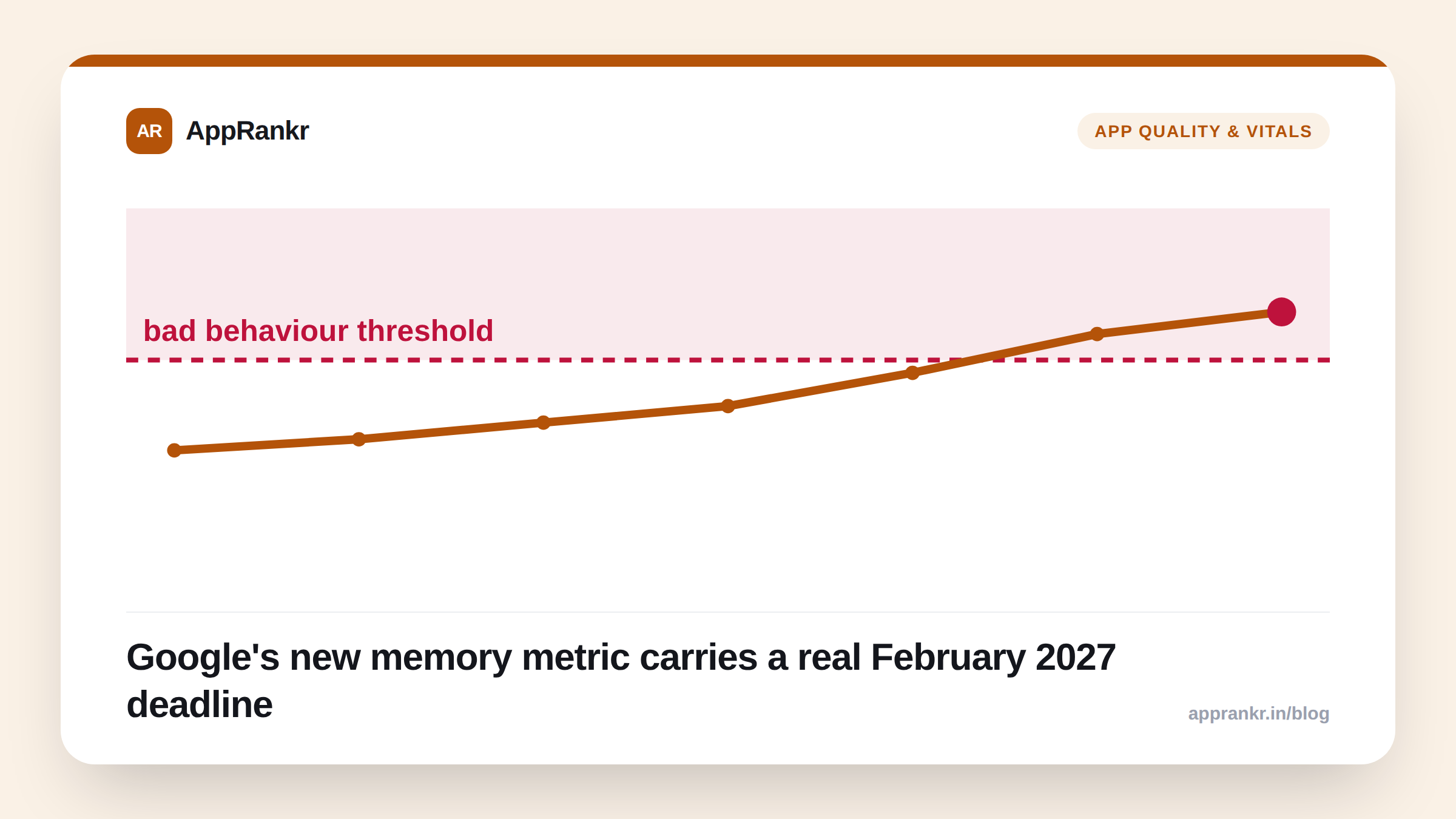
- The matching low memory killers page sets the bad-behavior line. A user-felt LMK rate over 1% is critical.
- The exact limit shifts by device RAM tier. It also shifts by app type versus game type. There’s no single number for every install.
Crash rate and ANR rate have been watched for years. Memory usage just joined them. And it comes with a real date. Google’s own Play Console page states it plainly. Apps over the memory limit may lose store visibility. That starts in February 2027. This isn’t a guess from an ASO blog. It’s Google’s own stated plan.
What the new metric actually tracks
Android Developers’ own memory usage page covers two things. First, RAM plus swap use. This gets tracked across your app’s full life. That means from load, through active use, into the background. Second, bitmap memory use on its own. Images are a common memory hog. So Google tracks them apart from general memory.
Both numbers come from real devices. These are opted-in users, not a lab test. The data gets made anonymous and pooled together, per Google’s own page. This means it reflects real conditions. Not a clean benchmark run on one test phone.
The other half of the story: low memory kills
A high memory load does more than slow a phone down. It can get your app killed outright. Android Developers’ own low memory killers page tracks this. It looks at kills a real user actually noticed. That’s the “user-perceived” LMK rate. Anything over 1% is a critical, stated problem.
A memory kill feels just like a crash to a user. The app just vanishes. Google’s own vitals page groups it that way too. It sits right beside crash rate and ANR rate. It’s not treated as some smaller, side issue.
| Metric | What it tracks | Google’s stated concern |
|---|---|---|
| Memory usage (RAM + swap) | Foreground and background load | Limit shifts by device RAM tier |
| Bitmap memory usage | Image-specific memory load | Tracked apart from general memory |
| User-perceived LMK rate | Kills a real user noticed | Over 1% is critical |
Why this feels different than crash rate did
Most developers already knew crash rate mattered by the time it became a ranking topic. Memory usage is landing much earlier in that same path. The limits shift by device RAM tier. They also shift by app type. So there’s no one clean number to check once and forget.
Real-world scenario: A photo-editing app kept its crash rate low for months. Its ANR rate stayed low too. No one on the team had ever checked memory use on its own. A new filter loaded several full-size images into memory at once. This barely touched crash counts. But on cheaper, low-RAM phones, the app’s user-felt LMK rate crept upward. Users on those phones got quietly killed mid-session. The team only found it once they checked Android vitals directly. Neither crash reports nor star ratings had flagged it yet.
What to actually do about it
- Check your memory and LMK numbers in Play Console now. Do this before February 2027 turns a quiet metric into a real visibility problem.
- Treat bitmap memory as its own line item. This matters most if your app leans on photos or heavy media screens.
- Watch the user-felt LMK rate first. It’s the exact number Google’s own docs name as the critical line.
- Remember the limit shifts by device. A number that looks fine on a new phone can fail on the cheap phone your real users carry.
AppRankr’s ASO Inspector surfaces the quality signals tied to your listing. That way a quiet vitals problem doesn’t stay hidden until it hits your ranking.