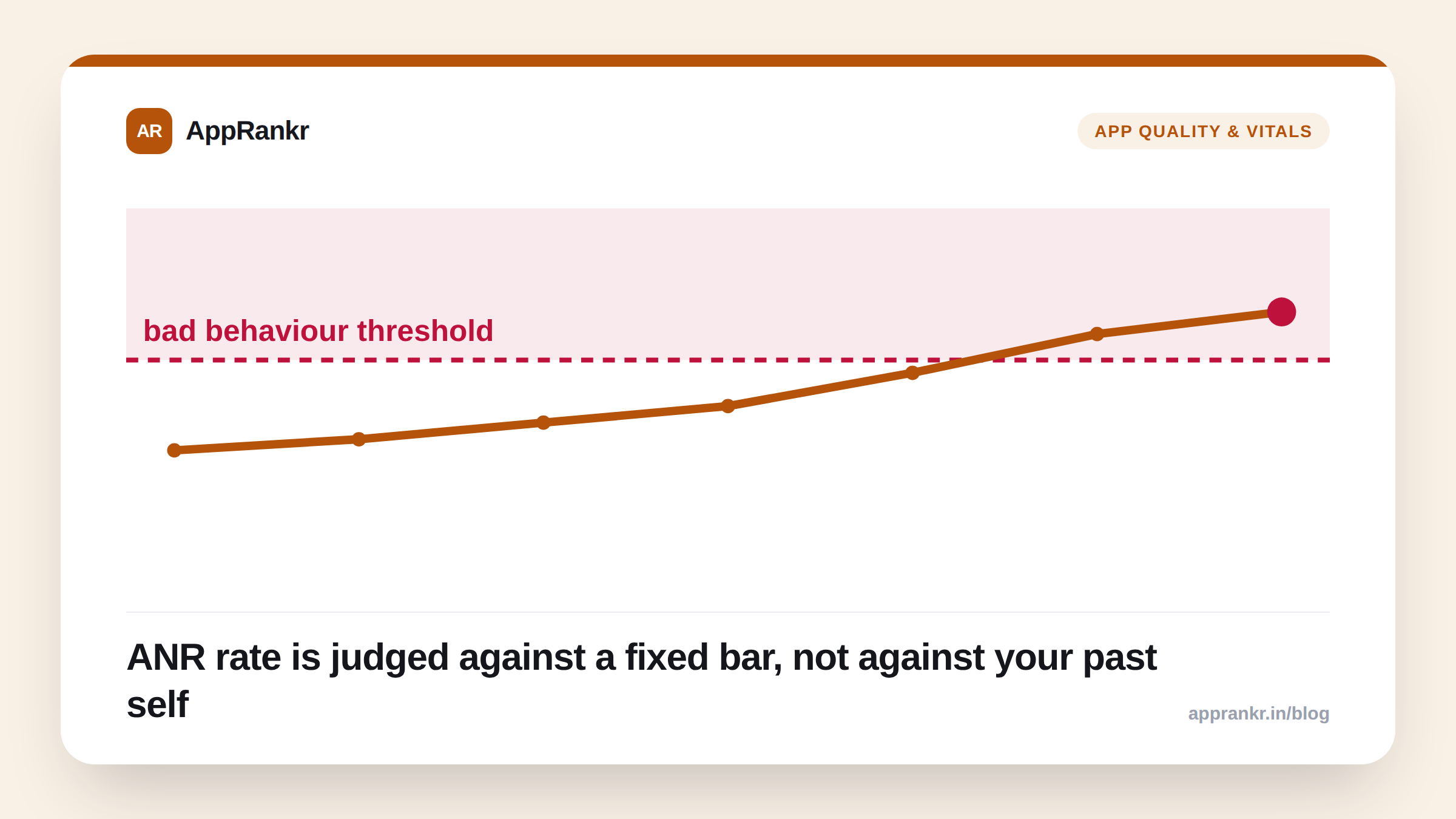
ANR gets less attention than crash rate in most ASO discussions, largely because “the app froze for a few seconds” feels less alarming than “the app crashed.” Google’s own quality bar disagrees. ANR rate sits on the same confirmed-ranking-signal list as crash rate, with its own separate bad-behavior threshold, which means a team that only watches crash dashboards can be taking a ranking penalty from ANRs and never see it coming.
What an ANR actually is
Application Not Responding: the system dialog Android shows a user when an app’s main (UI) thread has been blocked long enough that the OS assumes the app has frozen, typically around five seconds without responding to input. The app hasn’t crashed; it’s just stuck, usually because something slow (a network call, disk I/O, or heavy computation) is running directly on the main thread instead of in the background.
The user experience is arguably worse than a clean crash in one specific way: a crash at least ends the interaction. An ANR leaves the user staring at a frozen screen, often followed by the “app isn’t responding. Wait / close app” system dialog, which is a jarring, low-trust moment even when the app recovers on its own a moment later.
The confirmed ranking mechanism
| Crash rate | ANR rate | |
|---|---|---|
| What it measures | App terminates unexpectedly | App freezes without closing |
| Tracked in | Android vitals (Play Console) | Android vitals (Play Console) |
| Has a published bad-behavior threshold | Yes | Yes |
| Affects Play Store visibility | Yes, confirmed by Google | Yes, confirmed by Google |
| Equivalent metric on iOS | No direct equivalent, no published threshold | No direct equivalent, no published threshold |
Google’s Android vitals documentation states plainly that apps exceeding the ANR bad-behavior threshold get reduced visibility in Play Store search and browse, the same class of direct, confirmed penalty as crash rate, and separate from whatever damage a frozen-app experience does to your rating and reviews on its own.
Real-world scenario: A note-taking app’s crash rate looked excellent quarter over quarter, well under threshold, nothing to flag. Its ANR rate quietly crept up after a feature update added a synchronous cloud-sync call on app open, blocking the main thread on slow connections. Because the team’s internal dashboard only tracked crash-free sessions, nobody noticed until a routine Android vitals check in Play Console showed the ANR rate had crossed the bad-behavior threshold. By that point, several weeks of visibility suppression had already passed unnoticed.
Why it’s easy to miss
Crash reporting tools are everywhere and loud by default: most teams have a crash dashboard (Play Console’s own, or a third-party crash reporter) they check reflexively. ANR-specific monitoring gets far less default attention, partly because “the app didn’t technically crash” undersells the severity, and partly because ANRs are often caused by intermittent conditions (a slow network moment, a particular device under load) that don’t reproduce cleanly in testing the way a hard crash does.
What to actually do about it
- Check Android vitals’ ANR rate on the same cadence as crash rate: Play Console → Quality → Android vitals shows both side by side; don’t let one dashboard habit crowd out the other.
- Audit anything running on app open or on the main thread: network calls, disk reads, and heavy parsing are the most common ANR causes, and moving them off the main thread (or adding proper timeouts/loading states) is usually the fix, not a full rewrite.
- Treat a rank drop with a clean crash-rate dashboard as inconclusive, not reassuring: check ANR rate specifically before ruling out an Android-vitals-driven cause. Tracking your rank daily makes it obvious exactly when a drop started, which narrows down what to check first in Play Console.
- Remember this is Android-specific. If you ship on both platforms, don’t assume an iOS build has an equivalent metric to watch. See our iOS vs Android ASO piece for where the platforms genuinely diverge on quality signals, not just listing mechanics.
Crash rate and ANR rate are both confirmed, both enforced, and both worth a routine check, but they’re not interchangeable, and a clean report on one tells you nothing about the other.