Key points:
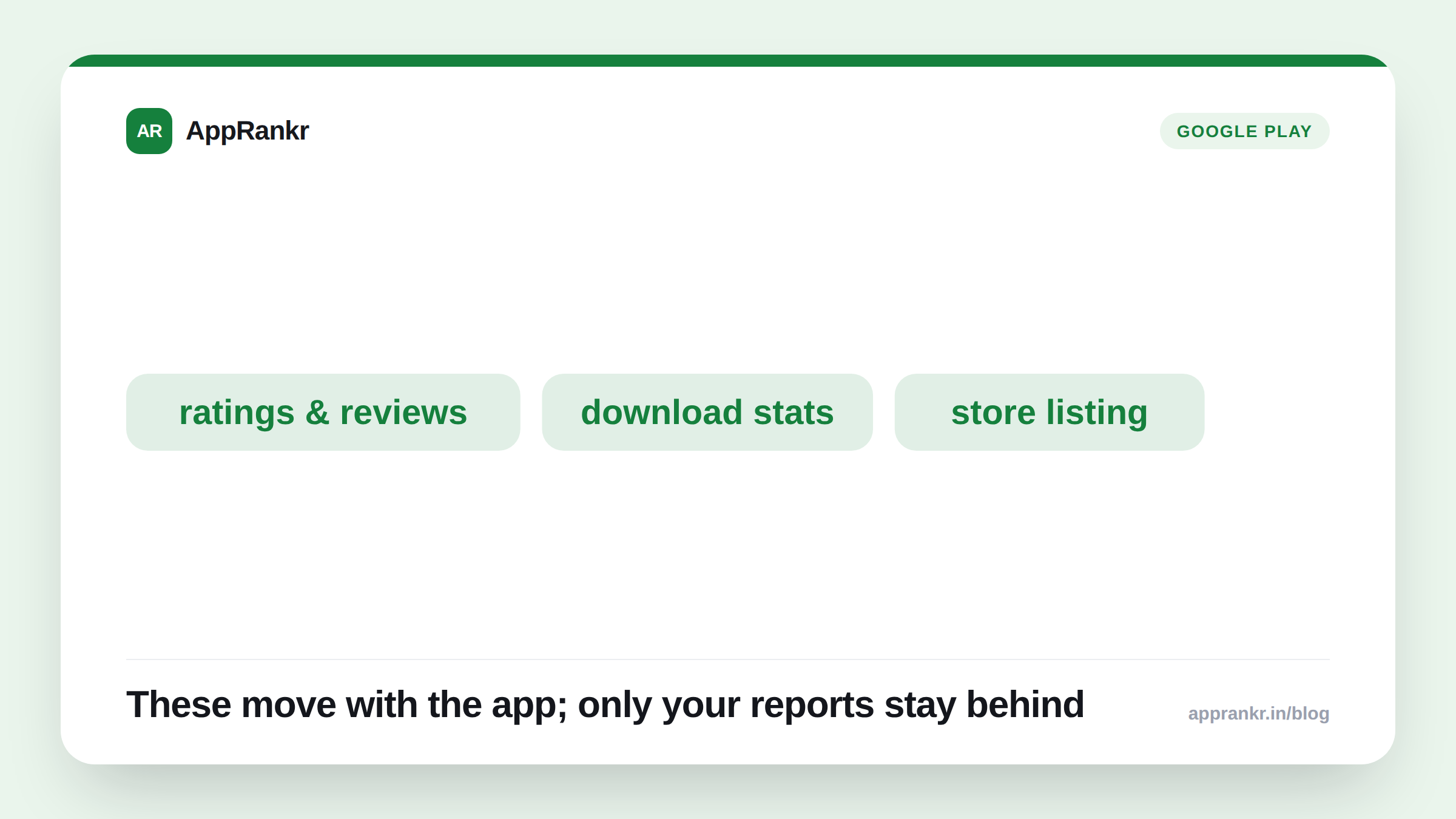
- Reporting on Google’s own transfer process says an app’s users, download stats, ratings, reviews, content ratings, and store listing move with it to the new account.
- Bulk export, payout, and earnings reports reportedly do not transfer. That’s financial history. Not ranking signals.
- Both accounts need to already be registered and active, per reporting on Google’s process. You can’t transfer into a brand-new, unverified account.
- This is a different process from transferring ownership of the developer account itself. That one reportedly carries its own 7-day hold for account-level security.
An app transfer sounds like it might reset everything your search rank depends on. Reporting on how the process actually works says otherwise. The real risk sits somewhere else.
What reportedly moves, and what doesn’t
Reporting on Google’s own Play Console transfer process draws a clear line. The app’s real, rank-relevant history goes with it.
| Moves with the app | Stays behind |
|---|---|
| Users and download stats | Bulk export reports |
| Ratings and reviews | Payout reports |
| Content ratings | Earnings reports |
| Store listing information | n/a |
That first column is exactly what feeds visibility. Install volume, rating average, review content, the listing copy itself. None of it resets to zero on a new account. The second column is finance and reporting plumbing. It matters for your books. Not for how the app shows up in search.
Where the real risk actually sits
The app’s own signals carry over clean, per this reporting. What doesn’t carry over is the new account’s own track record. A brand-new account has no history of its own. Not separate from what the app brings with it. Reporting is clear on one more thing too. Both accounts must already be signed up, active, and in good standing before a transfer can even go through. A transfer isn’t a way to escape a problem tied to the old account. Fix that first. Not after the fact.
This is a different move than transferring ownership of the developer account itself. That process keeps the same account but hands control to a different person. It reportedly carries its own 7-day hold, built specifically as an anti-hijack safeguard. A separate thing from the app-to-app transfer covered here.
Real-world scenario: A team acquiring a small utility app worried the transfer to their own developer account would wipe its 4.6-star rating and years of reviews. They pictured a forced relaunch from zero. Reading reporting on Google’s own transfer process showed something different. Ratings, reviews, and install stats move with the app. They don’t reset. They went ahead with the transfer. The app kept its full rating history and existing reviews under the new account. The real work turned out to be policy checks on both accounts before Google approved the request. Not any ranking recovery afterward.
What to actually do about it
- Don’t assume a transfer wipes anything ranking-relevant. Reporting says ratings, reviews, and installs move with the app. No documented reset here.
- Resolve policy issues on both accounts first. A transfer request needs both accounts active and compliant. Not a workaround for an existing problem.
- Separate app transfer from account-ownership transfer. They’re different processes with different safeguards. Confirm which one your situation actually needs.
- Confirm the current process directly in Play Console before you start. Timelines and requirements are worth checking firsthand. Not assumed from any outside summary, including this one.
AppRankr’s Rank Tracker keeps tracking your app’s real visibility straight through a transfer. The app’s own history moves with it. Your tracked keyword positions should keep showing continuity. Not a reset.