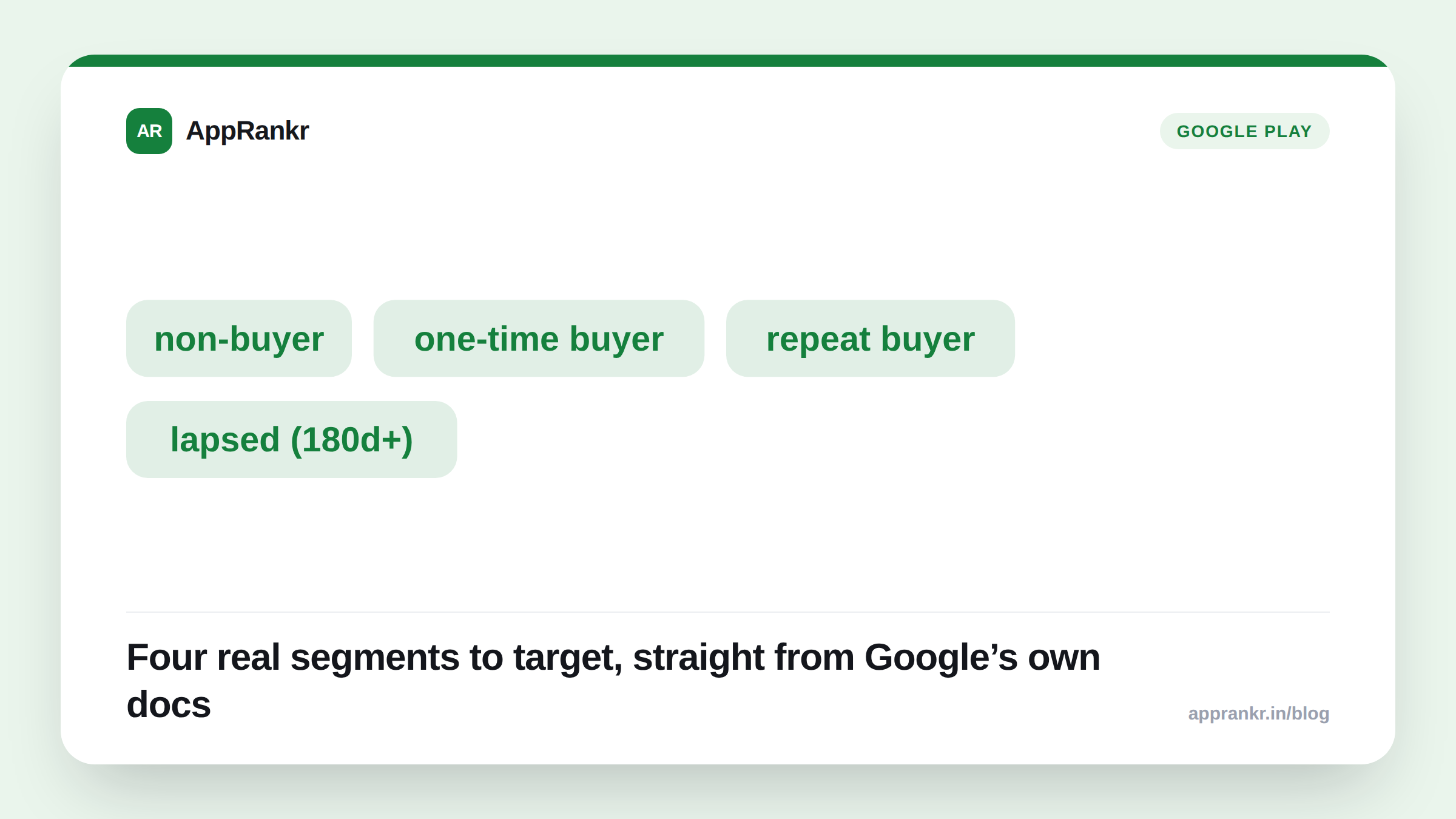
Key points:
- Google’s own documentation confirms four buyer-state segments. Non-buyers, one-time buyers, repeat buyers, and lapsed buyers.
- Lapsed buyer has a fixed definition. Someone who bought before, but hasn’t purchased in the last 180 days.
- Repeat buyer includes subscription payments. Not just repeat one-time purchases.
- Up to 50 custom store listings are allowed, per Google’s own current limit. Across every targeting type combined.
A custom store listing used to mean targeting by country or search keyword. Google’s own documentation now adds a way to target by what someone has actually bought. Or hasn’t.
The four segments, defined
Google’s own documentation names each buyer-state segment with a specific meaning. Not a loose category. A non-buyer installed your app but never paid. A one-time buyer bought exactly once. A repeat buyer bought more than once. That includes ongoing subscription payments, not just separate one-off purchases. A lapsed buyer bought before. But hasn’t purchased again in the last 180 days specifically.
| Segment | What it means, per Google’s own definition |
|---|---|
| Non-buyer | Installed, never purchased |
| One-time buyer | Purchased exactly once |
| Repeat buyer | Purchased more than once, subscriptions included |
| Lapsed buyer | Purchased before, nothing in the last 180 days |
Why the 180-day window on lapsed buyers matters
A vague sense of “inactive spender” isn’t useful to build a listing around. A fixed 180-day window is. It gives you a real, repeatable way to catch someone past their normal purchase pattern. Not someone who simply hasn’t bought again yet within a shorter, typical gap. That distinction matters for a re-engagement push aimed at people who’ve actually drifted. Not people still mid-way through a normal buying cycle.
The non-buyer and one-time-buyer segments open a different kind of listing entirely. A non-buyer listing can lead with whatever’s actually stopping that first purchase. A free trial offer. A clearer value pitch. Something other than the same general listing every visitor sees. A one-time-buyer listing can push toward a second purchase or a subscription upgrade. A different message than what convinced them the first time.
Real-world scenario: A subscription app had one generic store listing for everyone, regardless of purchase history. After reading Google’s own documentation on buyer-state targeting, the team built a dedicated listing for lapsed buyers. People who’d subscribed before, then let it lapse more than 180 days back. That listing led with a win-back offer instead of the standard new-user pitch. The main listing stayed unchanged for new visitors. Early results showed a noticeably higher reactivation rate from that specific segment, compared to sending lapsed users to the generic listing.
What to actually do about it
- Build a non-buyer listing if you have a real activation problem. A free trial callout or a sharper value pitch aimed at non-payers can move a number a generic listing never will.
- Treat lapsed buyers as a distinct group, not just quiet users. The fixed 180-day window is a real, specific signal worth its own tailored message.
- Don’t overwrite your main listing with segment-specific messaging. Custom store listings exist precisely so your default experience stays the same while segments get their own version.
- Watch your 50-listing limit if you’re already using country or keyword targeting. Buyer-state segments share the same pool. Plan your combinations before you hit the cap.
AppRankr’s Rank Tracker tracks your overall visibility and conversion trends, a useful baseline to compare against once a buyer-targeted listing like this one goes live.