Key points:
- Reporting on the July 2026 rollout describes Top charts and Categories moving to their own separate pages. No longer on the first screen.
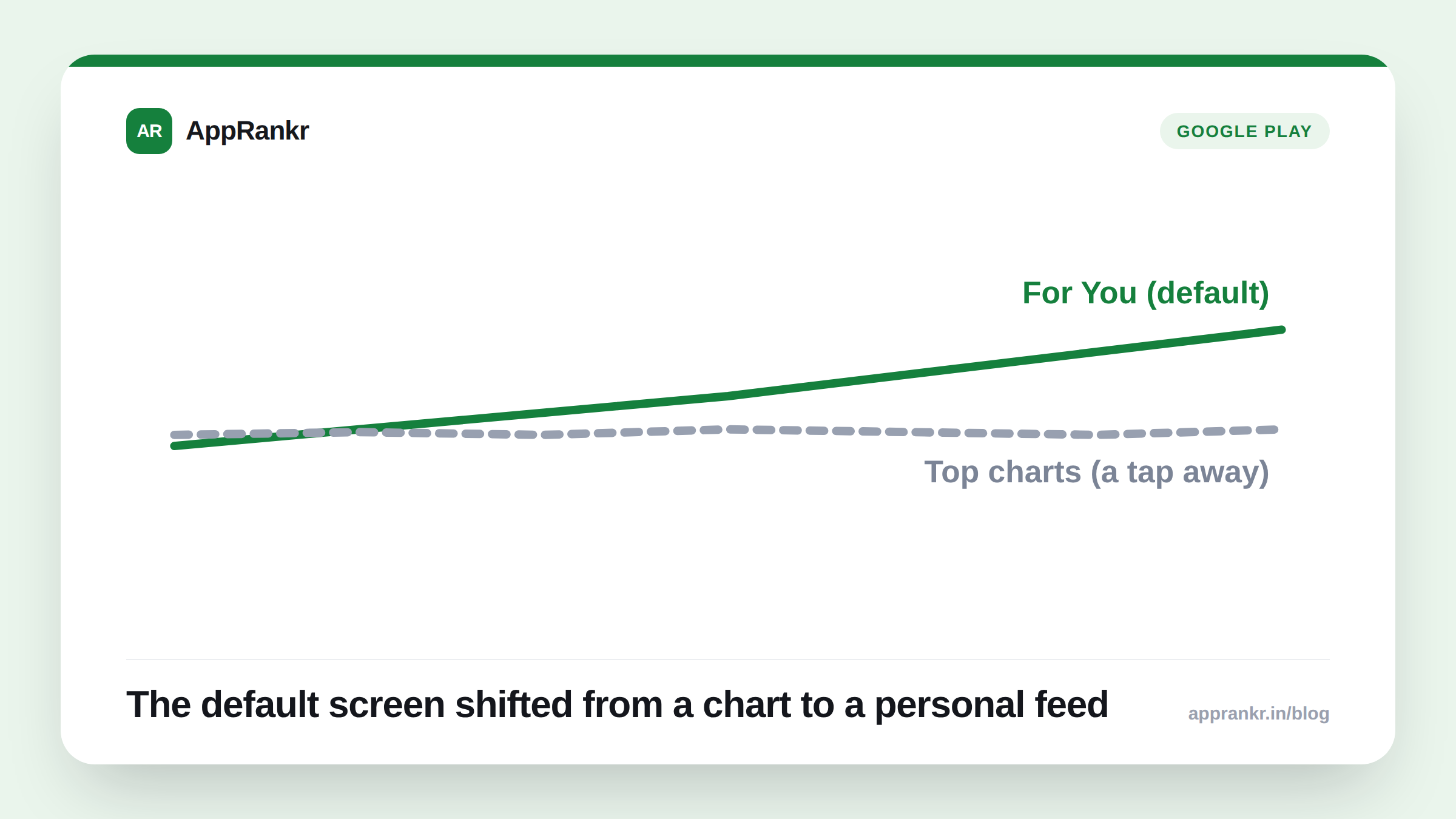
- The For You personalized feed now opens by default on both the Apps and Games tabs. It used to be a separate tab you’d choose to visit.
- This change is reported as limited to Apps and Games. The Books tab reportedly kept its old layout.
- A personalized feed as the default view means browse-driven discovery now leans more on engagement signals than a plain chart spot. At least on that first screen.
Open the Play Store’s Apps or Games tab now, and the first thing you see isn’t a chart. It’s a feed built around you.
What reporting describes changing
Multiple independent outlets covering the July 2026 rollout describe the same shift. Navigation moved to pill-shaped tabs. Top charts and Categories, once visible right on the main screen, now live behind a tap. Each opens its own separate page. The real change sits in what took their place. The For You feed, once its own tab, now opens on its own the moment you tap into Apps or Games.
| Before | After, per reporting |
|---|---|
| Top charts and Categories visible on first screen | Moved to their own separate pages |
| For You as a separate, optional tab | For You is now the default screen itself |
| Same layout across Apps, Games, Books | Reported change limited to Apps and Games |
Why the default view actually matters
A chart spot used to be the first thing a browsing user saw. Now, per this reporting, the first thing they see is a feed shaped by their own install and use history. Not a fixed ranked list. That’s a real shift in what browse discovery rewards. A high chart spot still exists and still matters once someone taps through to it. It’s just no longer the front door into browsing at all.
For an app that leans on chart visibility to get found by casual scrollers, this reported change means more of that discovery now runs through personal signals instead. Retention, real use, and how close an app sits to what similar users already installed now carry more weight on that first, default screen than a chart rank alone.
Real-world scenario: A mid-sized utility app had tracked its category chart spot closely, treating it as their main discovery metric. They assumed most browse traffic came from users tapping into Top charts directly. After this reported redesign rolled out, the team saw a shift in their install sources. A bigger share now seemed to come from users who’d never opened the Top charts page at all. Likely surfaced through the new default For You feed instead. They started watching retention and real use closely. Those are the signals reported to drive a spot in that default view.
What to actually do about it
- Don’t treat chart position as your only browse signal anymore. The screen users land on first isn’t the chart. It’s a personal feed, per this reporting.
- Pay real attention to retention and how much people actually use your app. Those are the signals reported to shape who gets shown in the default For You view.
- Check your own install source data for a shift. A rise in installs not tied to a specific search or chart visit could reflect this reported change in where browse traffic starts now.
- Remember Top charts and Categories still exist. They’re just not the first thing a browsing user sees by default anymore, per this reporting. They still matter once someone taps through.
AppRankr’s Rank Tracker tracks your category chart spot and overall visibility together, so you can see whether a reported platform change like this one is actually showing up in your own numbers.