Key points:
- Google’s own app quality page states directly that high-quality apps get rewarded with increased visibility on Google Play.
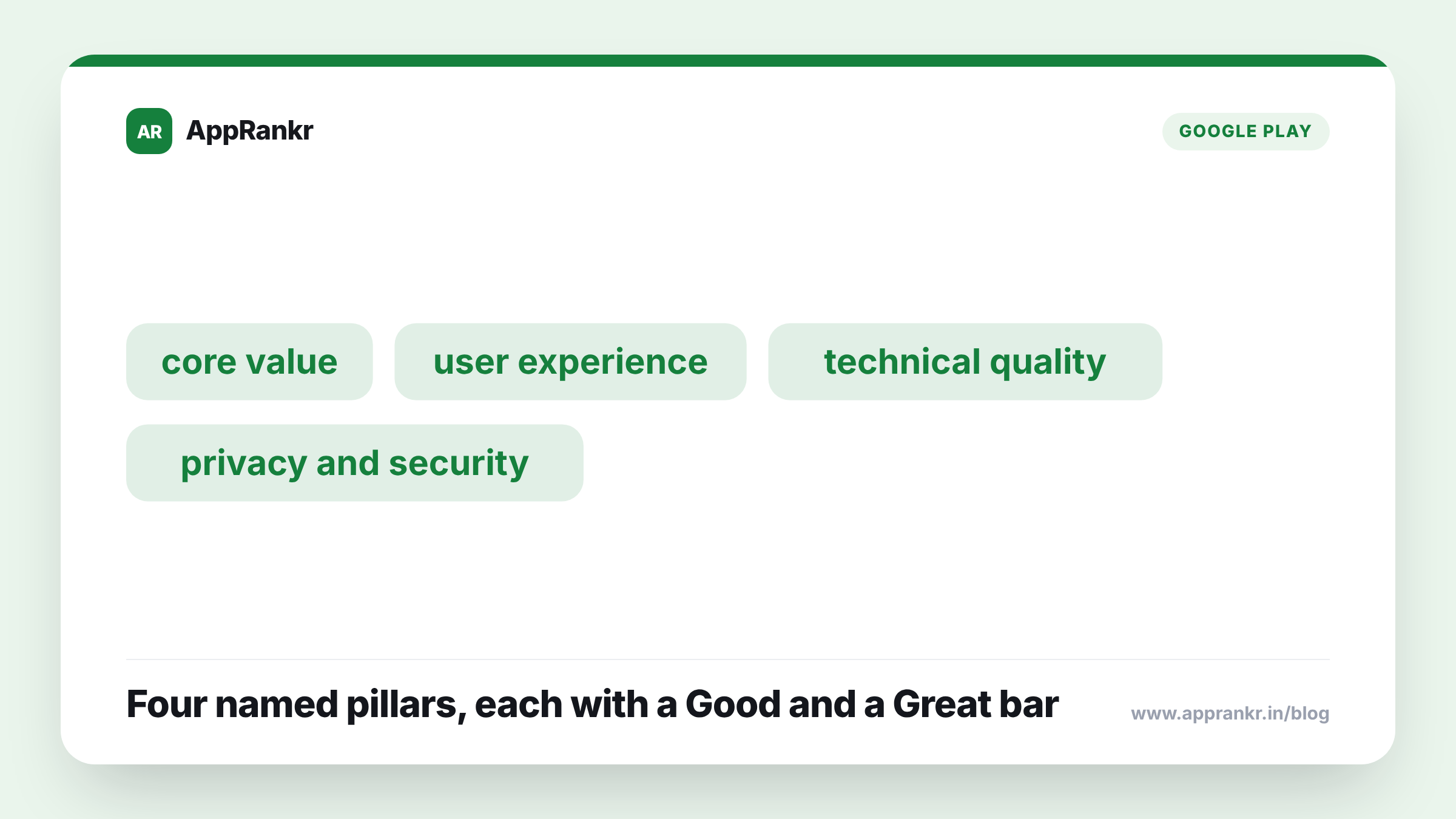
- It names four pillars: core value, user experience, technical quality, and privacy and security.
- Each pillar has a “Good” versus “Great” comparison, not just a pass or fail line.
- A separate, more detailed core quality guideline exists beyond these four high-level pillars.
Most teams treat “quality” as a vague, feel-good word. Google’s own documentation treats it as something specific. Specific enough to name four parts and tie it straight to visibility.
What Google’s own page actually says
Google states plainly that high-quality apps get rewarded with more visibility on Google Play. That’s not a vague pep talk. It’s a direct claim. Quality itself ties to how much you get seen. The page then breaks “quality” into four named pillars, each with its own short line.
| Pillar | What Google says it covers |
|---|---|
| Core value | Being useful or fun |
| User experience | Being delightful to use |
| Technical quality | Making the most of premium devices |
| Privacy and security | Designing for safety |
Why “Good” isn’t the same bar as “Great”
Each pillar on Google’s page has a “Good” bar and a “Great” one, side by side. Technical quality splits “works well on users’ devices” from “makes the most of premium devices.” That’s a real gap. Meeting the bare minimum, and genuinely excelling, are two different outcomes here. Google’s own page treats them as two distinct levels, not one pass-or-fail line.
Real-world scenario: A team had treated “quality” internally as basically “no crashes.” Their focus sat almost entirely on the technical side. Reading through Google’s four-pillar breakdown surfaced two pillars, privacy and security plus core value, that their checklist had never really touched. Adding real checks for those two areas gave them a far more complete quality picture than their crash-only view ever had.
What to actually do about it
- Check your own quality process against all four pillars, not just the technical one. Crash rate is one part of one pillar. Not the whole picture.
- Aim for “Great,” not just “Good,” where it’s realistic. Google’s own page treats these as two different bars, not one line to clear.
- Look at the more detailed core quality guideline too. The four pillars are the high-level framing. A deeper checklist sits behind them.
- Remember visibility is the stated payoff. Google frames this as a real lever, not just good practice for its own sake.
AppRankr’s ASO Inspector checks your real listing and app signals together, a useful way to see where you actually stand against these pillars.