Key points:
- Target audience and content rating are two separate declarations, not the same setting under two names.
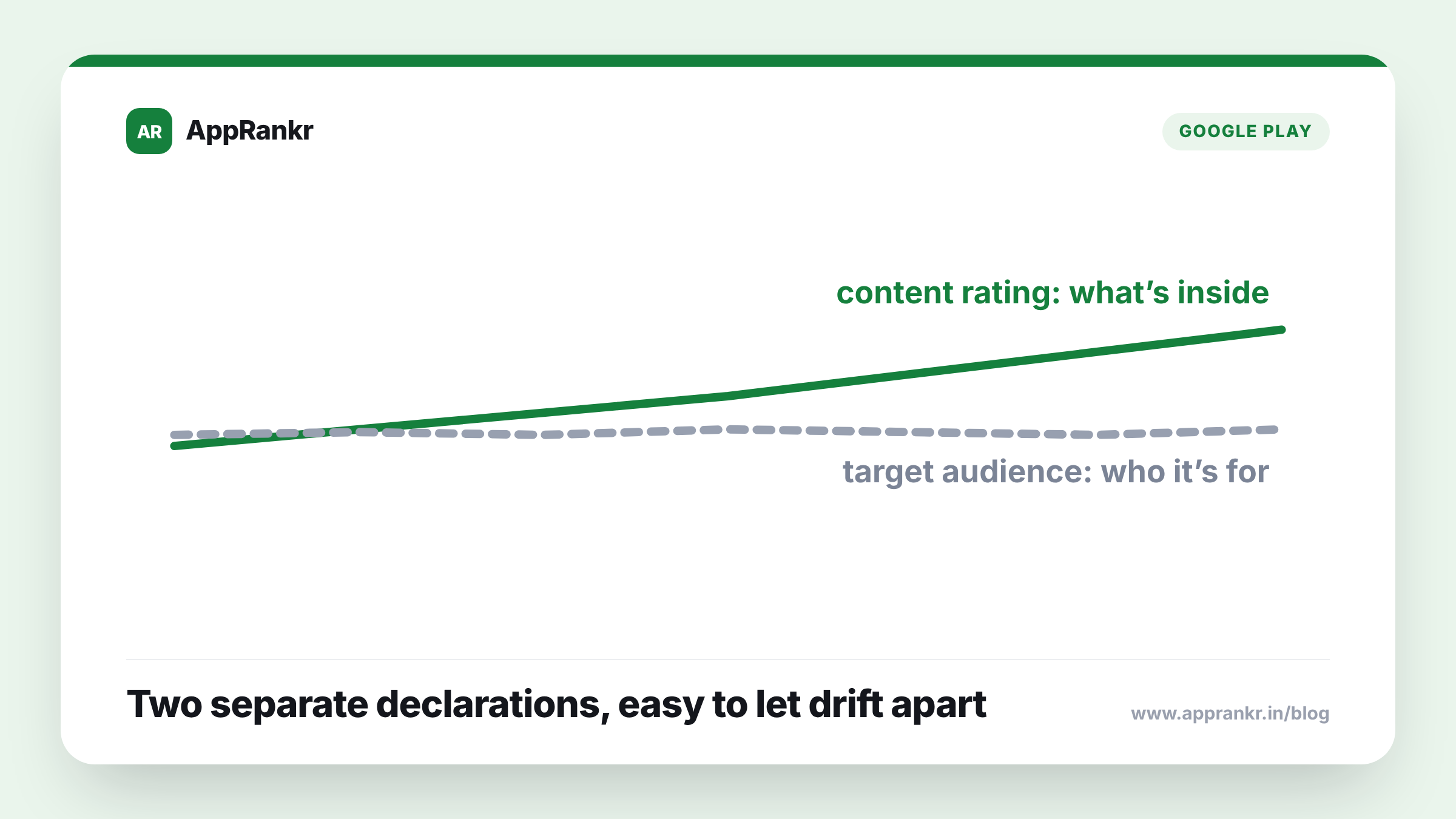
- Content rating describes what’s in your app. Target audience describes who you’re actually building it for.
- A mismatch between your declared audience and your app’s real design or marketing can draw policy attention.
- Picking the broadest audience “to be safe” isn’t automatically the safe choice if it doesn’t match reality.
Most teams set this once at launch. They treat it as basically the same as their content rating, and never look at it again. The two aren’t the same setting.
Why these are two separate declarations
Content rating answers “what’s inside this app.” Target audience asks something else: “who is this app actually built and marketed for.” An app can be rated fine for a general audience in terms of content, while genuinely being built and marketed for adults, or for a narrower group. The two can diverge for a real, legitimate app. That’s exactly why they’re tracked as two things, not folded into one.
| What it describes | |
|---|---|
| Content rating | What’s actually inside the app |
| Target audience | Who the app is actually built and marketed for |
Why a mismatch here is a real risk, not a technicality
Declaring a target audience that doesn’t match your app’s real design or marketing isn’t just an admin slip. It’s meant to reflect genuine intent. A real gap between what you declared and how your app actually works can draw policy attention. This cuts both ways. Declaring a younger audience than you’re really building for is a mismatch. So is declaring a broad, general audience “to be safe” when your real marketing and design clearly target a narrower group.
Real-world scenario: A team set a broad, general-audience declaration at launch and never revisited it. They’d assumed the broadest option was simply the safe default. As their app’s real marketing and content shifted toward a more specific adult audience over time, the old declaration no longer matched what the app had become. Updating the setting to match their app’s real direction fixed a gap that had been drifting further off with every update.
What to actually do about it
- Treat target audience and content rating as two separate questions. One is about content. The other is about who you’re actually building for.
- Revisit this setting when your app’s real direction changes. A declaration set once at launch can quietly go stale.
- Don’t default to the broadest option just to feel safe. A mismatch in either direction is still a mismatch.
- Keep your declared audience honest to your real marketing and design. That’s what the setting is actually meant to reflect.
AppRankr’s ASO Inspector checks your listing’s real signals together, a useful way to catch a setting that’s quietly drifted out of sync with your app.