Key points:
- Reporting on Google’s September 2026 Play Store update (version 53.1) describes a new short description line on Similar Apps cards, highlighting one key feature per app.
- Before this, a Similar Apps card was icon, name, and star rating. Nothing else. Nothing else you could write or test.
- The same update is reported to add a note showing which of your other devices already have an app installed, plus a new navigation bar for browsing interests from Play’s home pages.
- This is reported by multiple industry outlets, not confirmed on an official Google page reviewed for this piece. Treated here as reported, not as Google’s own stated fact.
A Similar Apps card used to be a beauty contest. Icon. Name. Star rating. Nothing a developer could actually write. Reporting on a September 2026 Play Store update says that just changed, with a real line of copy now competing for a shopper’s attention too.
What’s reported to have changed
Multiple industry outlets describe the same update, tied to Play Store version 53.1. A short description now shows on each card in the Similar Apps section, calling out a key feature of that specific app. That sits next to the existing icon, name, and star rating shown before.
| Element | Before | Reported now |
|---|---|---|
| Icon | Shown | Shown |
| Name | Shown | Shown |
| Star rating | Shown | Shown |
| Feature description | Not shown | A short line, per app |
The same reporting describes two more pieces landing in the same update. A note showing which of your other devices already have a given app installed. And a new navigation bar for exploring interests directly from Play’s home pages.
Why the description line specifically matters
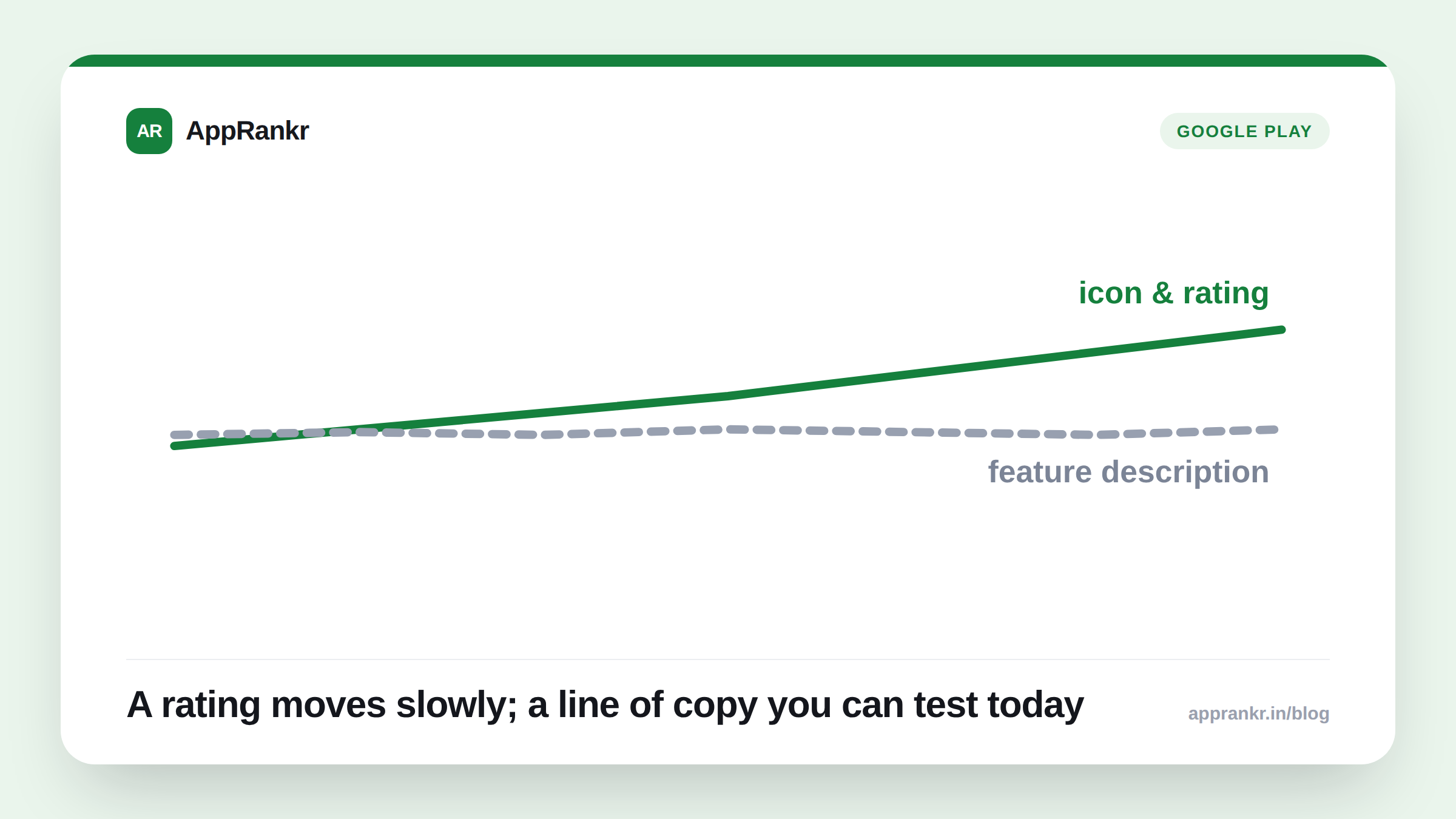
A rating moves slowly. An install count moves slowly. A line of copy doesn’t. It’s one of the only things on that card a developer can actually write, test, and improve on a normal schedule. Similar Apps is also not a small corner of the store. It’s reported as one of the largest browse-based discovery surfaces on Google Play, sitting right next to keyword search itself.
Where that text actually comes from isn’t confirmed on an official Google page checked for this piece. The most likely source is your existing store listing text. That’s the usual way Play pulls text elsewhere. Until Google says so directly, the honest move is simple. Check your own listing’s card. See what’s really showing. Don’t guess at which field controls it.
Real-world scenario: A fitness app’s team read about this update and assumed their app’s rating alone would carry their Similar Apps card, the same as it always had. Checking their own listing directly showed a new line of text sitting under their name and rating, pulled from language they’d written months earlier for an unrelated purpose. It read fine, but wasn’t written with this exact placement in mind. They rewrote it specifically for a shopper scanning a row of competing cards in a few seconds, not for a full product page.
What to actually do about it
- Check your own Similar Apps card directly, today. Don’t assume what’s showing there. See the actual text.
- Write with a few-second scan in mind, not a full listing read. A shopper comparing five cards side by side reads very differently than someone already on your product page.
- Treat the source text as something worth deliberately owning. Since the exact field isn’t officially confirmed, review whatever text is showing and make sure it was actually written for this placement.
- Don’t take this write-up as Google’s own official word. It’s reported by multiple outlets, not confirmed directly here. Verify against Google’s own current Play Console documentation before treating this as settled.
AppRankr’s ASO Inspector reviews the copy across your live listing. A newly visible surface like this is exactly the kind of change worth re-auditing your existing text against.