Key points:
- Apple announced retention messages for auto-renewable subscriptions on November 4, 2026.
- You set the message up directly in App Store Connect. No custom code needed for the basic version.
- A Retention Messaging API is open by request, for teams that want more control than the built-in flow.
- This is a different tool than a win-back offer, which targets someone after they’ve already left, not during cancellation itself.
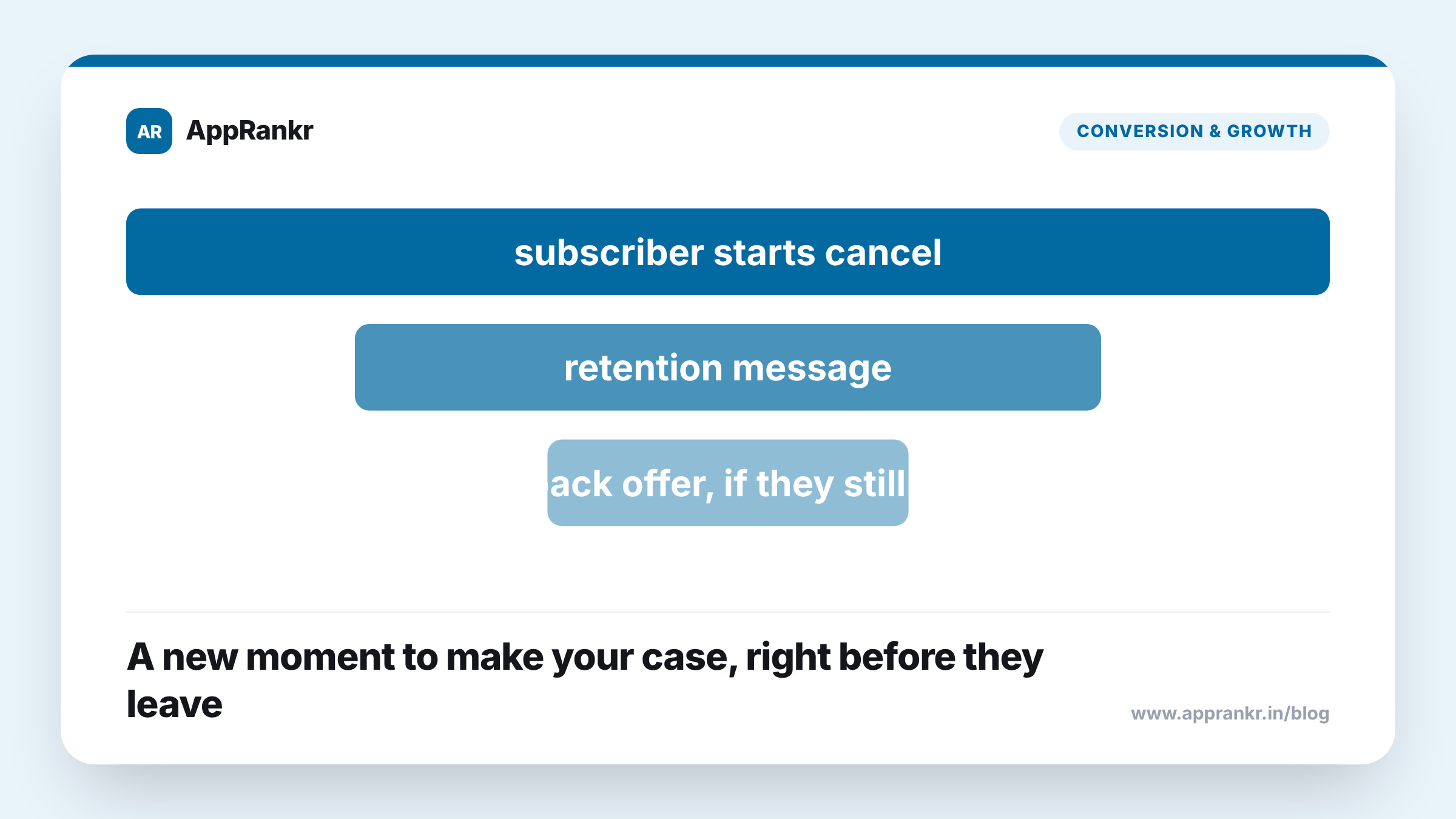
Apple quietly gave every subscription app a new moment to make its case. Right at the point a subscriber is about to leave.
What the feature actually is
Apple’s own page says you can now set up a retention message in App Store Connect, for auto-renewable subscriptions. The message shows up during cancellation itself. Before the user finishes the action. The basic version needs no custom code at all. Apple also offers a Retention Messaging API by request, for teams that want something more tailored than the standard message.
| When it shows | Setup | |
|---|---|---|
| Retention message | During cancellation, before it completes | Set up in App Store Connect |
| Retention Messaging API | Same moment, custom built | Available by request |
Why this is a different tool than a win-back offer
A win-back offer targets someone who’s already left. It tries to bring them back with a new deal. A retention message works earlier. At the exact moment someone is still mid-cancellation, and hasn’t finished yet. One tries to undo churn after it happens. The other tries to catch it right before it does. Having both gives a subscription app two real chances, not one tool doing double duty.
Real-world scenario: A subscription app had only used a win-back offer, sent after cancellation was already done. The response rate was modest, since those users had already moved on in their heads. Once retention messages became available, the team set one up at the cancellation step itself. It named the single most common reason subscribers gave for leaving. Some share of people who started canceling never finished. A result the after-the-fact offer alone had never been built to catch.
What to actually do about it
- Set up a retention message if you run auto-renewable subscriptions. Apple’s own page says it’s set up directly in App Store Connect, no custom build required.
- Base the message on your real top cancellation reasons. A generic “please stay” line does less than one that names what subscribers actually tell you.
- Keep your win-back offer running too. The two tools work at different moments. Neither replaces the other.
- Look at the Retention Messaging API if you need more control. It’s available by request for teams that outgrow the built-in message.
AppRankr’s Rank Tracker watches your real subscription and ranking signals together, a useful way to see how retention changes actually land.