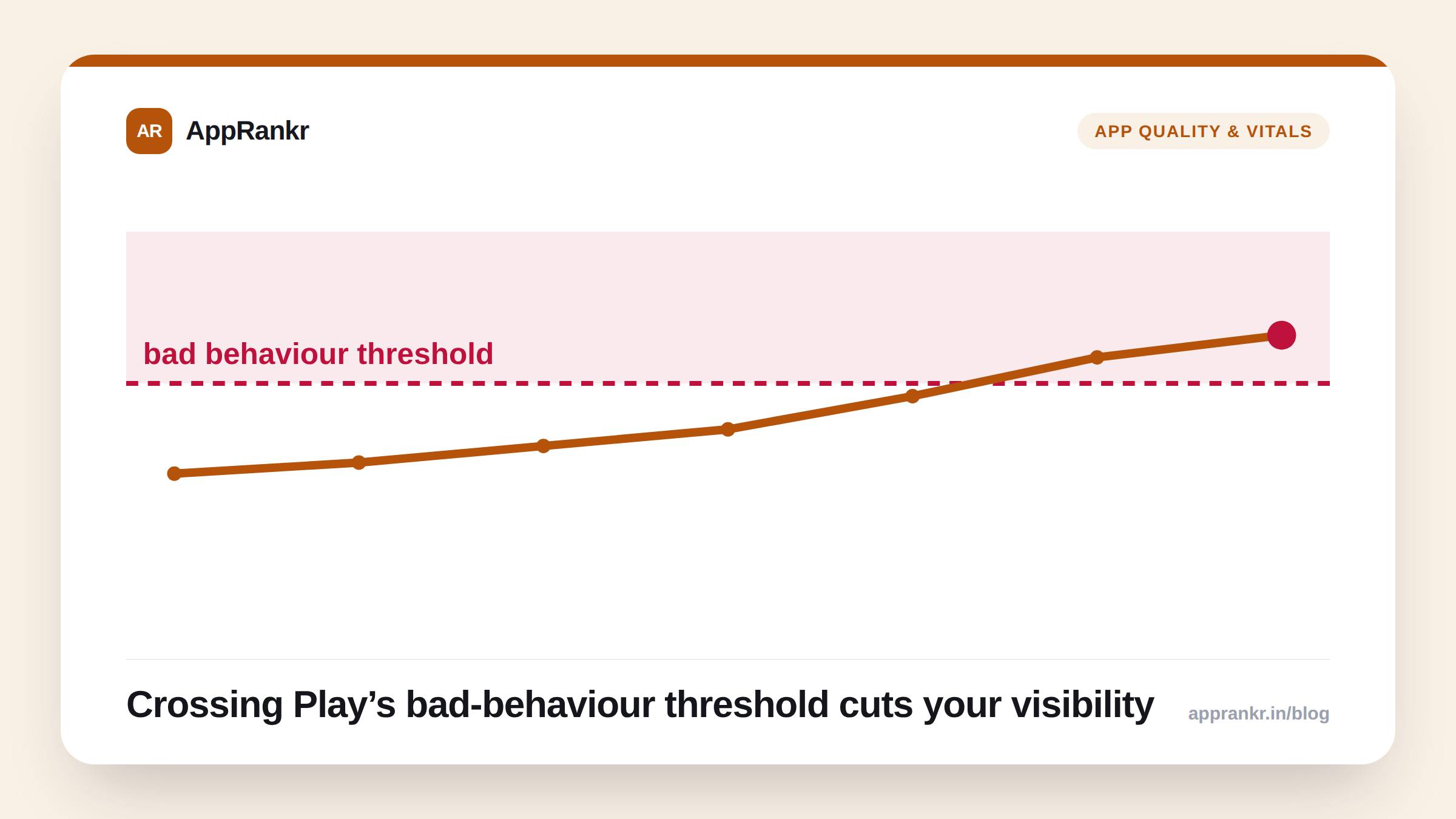
Most quality-signal claims in ASO live somewhere between “strongly inferred” and “ASO folklore”. Nobody outside Google has the ranking formula, so most of what gets written is educated pattern-matching. Crash rate is a rare exception: Google states directly, in its own documentation, that crossing a crash-rate threshold reduces your app’s visibility in Play Store search and browse. This one isn’t a theory.
What Google actually confirms
Android vitals (the quality-metrics dashboard inside Play Console) defines a set of “bad behavior thresholds.” Apps that exceed these thresholds are explicitly deprioritized in Play Store search and browse surfaces, separate from and in addition to any effect crashes have on your rating. Crash rate (specifically user-perceived crash rate: crashes weighted by how many real users actually experienced them, not a raw crash count) is one of the core metrics with a published threshold.
This means a high crash rate can suppress your ranking through two independent channels at once:
| Channel | Mechanism |
|---|---|
| Direct visibility penalty | Google explicitly reduces store placement for apps crossing the bad-behavior threshold |
| Indirect, via ratings | Crashes drive 1-2★ reviews, which correlate with rank drag through the quality-signal pathway (see our 1-2★ reviews piece) |
A spike in crashes is one of the few situations where you can be taking rank damage from two directions simultaneously, which is exactly why it deserves faster attention than an ordinary bug.
Where to actually check this number
Play Console → Quality → Android vitals. This shows your current user-perceived crash rate plotted against Google’s live threshold, along with a breakdown by Android version, device, and (for larger apps) specific crash clusters. This is the authoritative number, not an estimate from a third-party tool, and not a number from an article written months or years ago.
Real-world scenario: A shopping app shipped an update that introduced a crash on a specific Android version used by roughly 15% of its install base. Its overall crash rate crossed Android vitals’ bad-behavior threshold within four days. The app’s rank for its top three keywords dropped an average of 22 positions over the following week, a swing large enough that the team initially suspected a tracking bug in their rank monitoring, before finding the crash cluster in Play Console and shipping a hotfix. Rank recovered to within a few positions of baseline about ten days after the fix went out.
Why the threshold matters more than the raw number
A crash rate of 0.5% sounds low in isolation, but “low” is relative to Google’s specific threshold for your app’s category and size, not a universal number worth memorizing from an old blog post. Google has adjusted these thresholds over time as device and OS quality baselines shift industry-wide. Treat the number in your own Play Console as the one that counts. That’s the one being measured against you today.
What to actually do about it
- Check Android vitals on a regular cadence, not just when you suspect a problem. A slow crash-rate climb is the same “watch the trend, not the snapshot” principle that applies to ratings and rank.
- Prioritize crash fixes over ASO copy changes when both compete for engineering time. A perfectly optimized title and screenshot set doesn’t help if Google is actively suppressing your visibility for exceeding a quality threshold.
- Cross-reference a rank drop against your Android vitals dashboard before assuming it’s a keyword or competitor problem. Tracking your rank daily makes this correlation obvious instead of a guess, because you can see exactly which week the drop started and check what shipped that week.
- Watch the device/version breakdown, not just the aggregate number, a crash rate that’s fine in aggregate but severe on one popular device model can still tip you over a threshold once that device’s install share is significant, and the aggregate number alone won’t show you why.
Crash rate is one of the few places in ASO where the mechanism isn’t a mystery. Google has told you exactly what triggers the penalty and exactly where to check your number. The only real work left is treating it with the urgency a direct, confirmed ranking factor deserves.