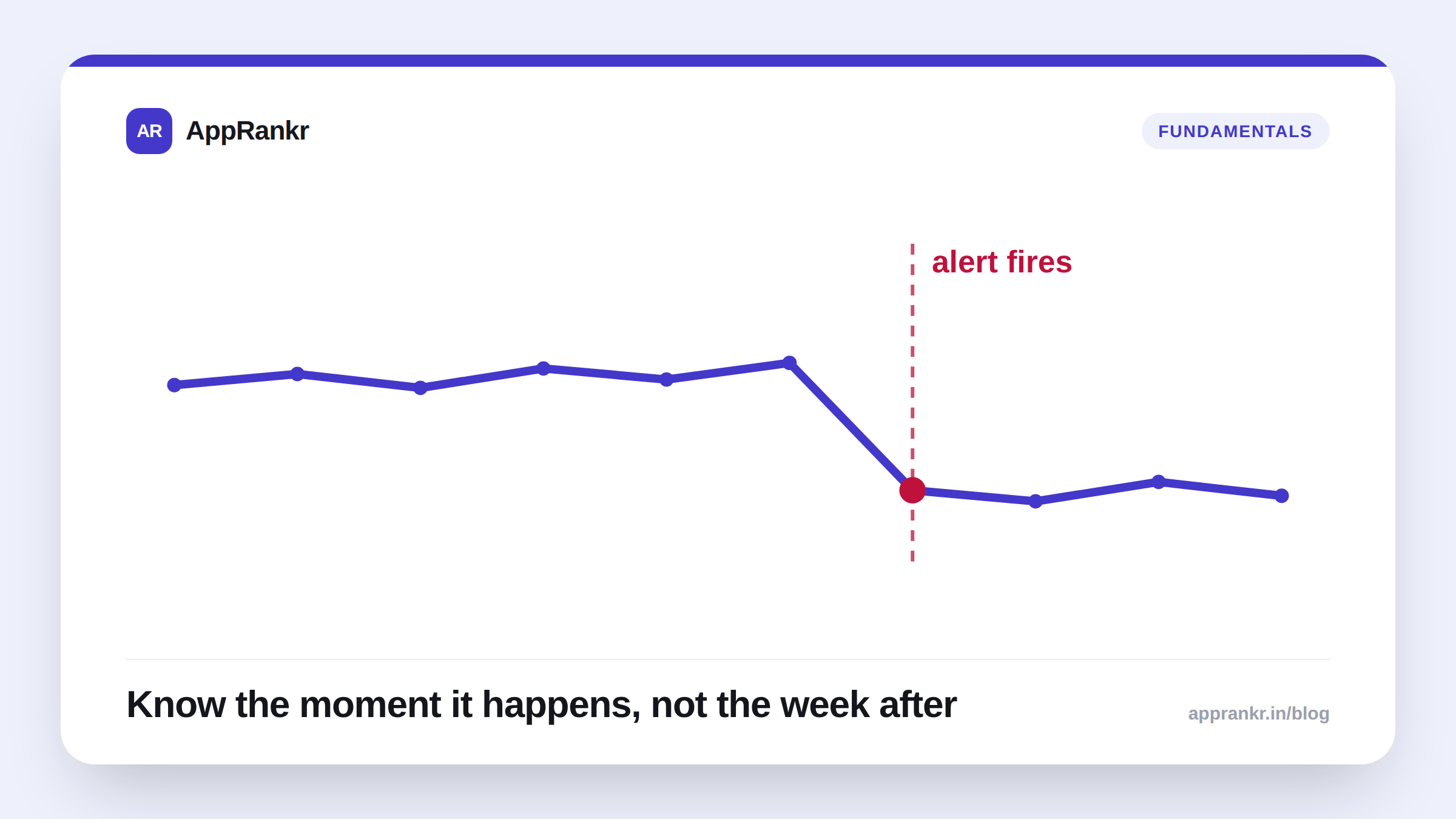
A rank check that happens once a week doesn’t just tell you about drops a week late, it tells you about them up to six days late, because the drop could have happened the day right after your last check. By the time it shows up, you’ve already lost most of a week’s visibility on that term, and you’re diagnosing a problem that’s stale instead of catching one that’s fresh. An alert closes that gap: instead of you finding the drop, the drop finds you, the same day it happens.
What actually deserves an alert
Not every position change is worth a notification. Keyword rank moves a little day to day even when nothing meaningfully changed, that’s normal noise, not signal. An alert is only useful when it’s tied to something you’d genuinely act on: a keyword falling out of a range that matters, not a keyword drifting a couple of spots inside a range you don’t care about.
| Alert threshold | Best for | What triggers it |
|---|---|---|
| Falls out of top 10 | Your hero keywords, the ones actually driving installs today | Any slip below position 10 |
| Falls out of top 30 | Mid-priority terms you’re actively trying to grow | Any slip below position 30 |
| Falls out of top 100 | Long-tail or exploratory terms you’re just keeping an eye on | Any slip below position 100 |
Why the check cadence behind the alert matters just as much
An alert is only as fast as the check that feeds it. A weekly check cycle means an alert can still arrive up to six days after the actual drop, better than finding out during a monthly review, but nowhere near same-day. The value of an alert comes from pairing it with a daily check, so the gap between “it happened” and “you know it happened” is measured in hours, not days.
Real-world scenario: A grocery-delivery app’s #4 keyword slipped to #22 the day after a competitor’s app update landed. Without an alert, the team found out nine days later during a routine monthly review, by then, the keyword had spent over a week losing visibility with no one aware it needed attention. The same drop, caught the next morning by an alert, would have let them check the timing against both the competitor’s update and their own recent changes while the trail was still warm, instead of trying to reconstruct nine days later what had actually happened.
What to do the moment an alert fires
Don’t touch the listing yet, diagnose first:
- Is it one keyword, or several at once? A single keyword slipping usually points to a competitor’s move or a shift in what people are actually searching for. Several keywords dropping together, especially ones that don’t share an obvious theme, points somewhere else, your own listing, a vitals issue, or a broader algorithm change.
- Did anything change on your side recently? An update, a listing edit, a paused campaign, line the alert’s timing up against your own recent actions before assuming it’s external.
- Check the keyword’s history, not just today’s number. A single day below threshold that recovers the next day is noise. A drop that holds for several checks in a row is the one worth acting on.
What to actually do
- Set alert thresholds matched to what each keyword is actually worth to you (configure rank-drop alerts per app), not a blanket top-10 alert on every keyword you track.
- Point the alert at an inbox your team actually reads daily, an alert that lands somewhere no one checks is functionally the same as no alert.
- Pair alerts with a daily check window, not a weekly one, the alert’s speed is capped by how often the underlying data actually refreshes.
- Run the drop through a proper diagnosis once it fires, rule out the confirmed causes before the speculative ones rather than reacting to the alert itself.
An alert doesn’t fix a ranking drop. What it does is turn “we noticed this eventually” into “we noticed this today”, and in ASO, that gap is usually the difference between catching something while it’s still cheap to fix and catching it after it’s already cost you the week.