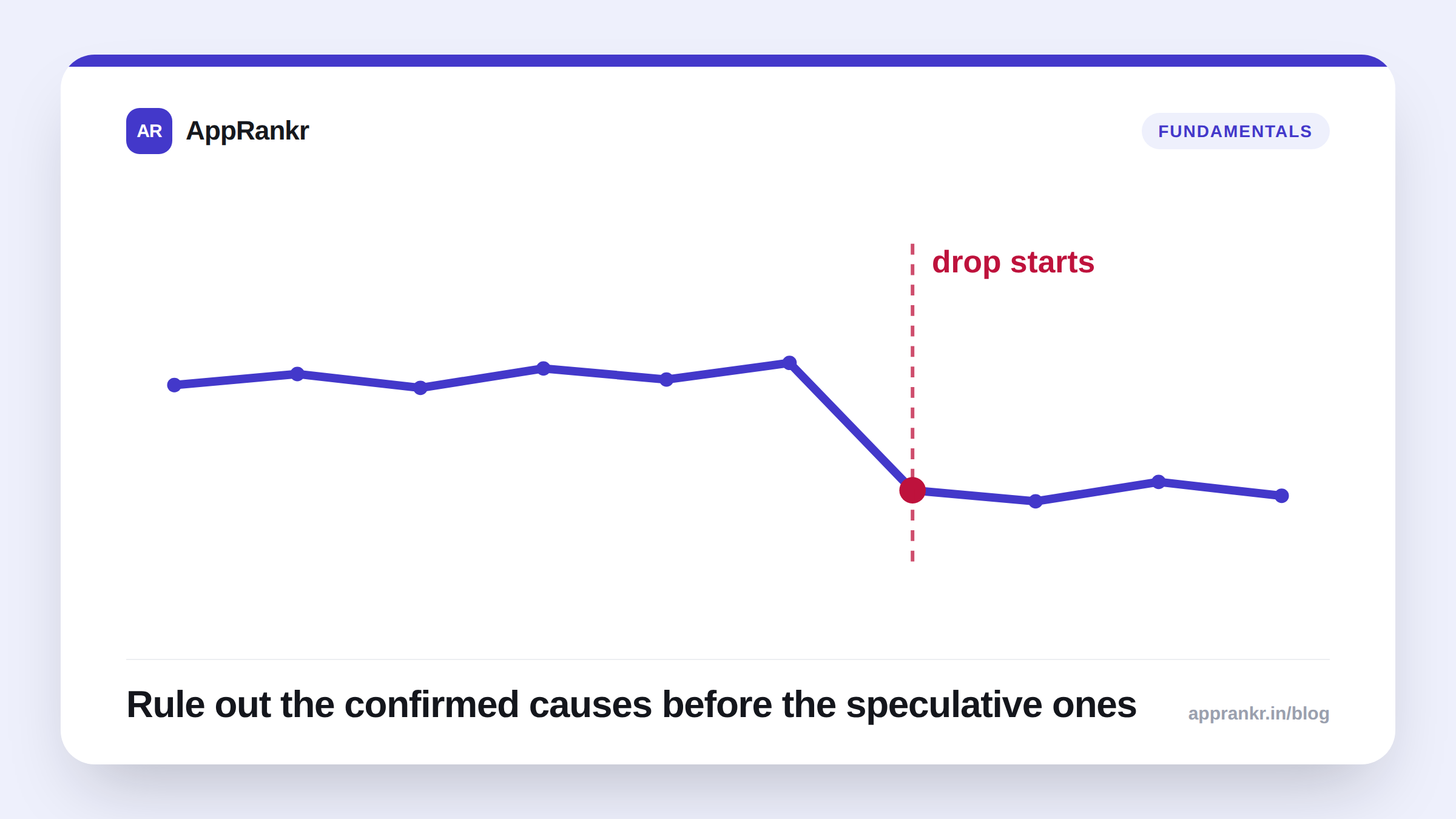
A rank drop reads as an emergency, and sometimes it is one, but “why” is answerable. The mechanism isn’t published by either store, but the list of plausible causes is short, and most of them leave a trace if you know where to look. Work through it in order instead of guessing at whichever cause is top of mind.
The checklist, in the order to check it
| Check first | What to look at | Why it’s first |
|---|---|---|
| Quality signals | Crash rate, ANR rate, recent 1-2★ share | Confirmed or strongly-correlated ranking factors, and the fastest to verify from a dashboard you likely already have open |
| What you changed | Title, subtitle, description, screenshots, keyword list | Self-inflicted changes are the easiest cause to rule in or out. Check your own edit history before anything else |
| What a competitor changed | Their listing, their recent update cadence, their review velocity | A keyword you “lost” is often a keyword someone else won, not a penalty against you |
| Seasonal or demand shift | Search volume for your top keywords over the same period | A term can go quiet industry-wide with nothing wrong on your end |
| A failed check, not a real drop | Whether your tracker flagged an error on that day | Covered below. This one gets missed constantly |
Quality signals first: they’re both confirmed and fast to check
Google states directly that crossing an Android vitals “bad behavior threshold” for crash rate or ANR rate reduces Play Store visibility. This isn’t inference, it’s documented. Both are checkable in minutes: Play Console → Quality → Android vitals. A spike in 1-2★ reviews is a softer signal (correlation, not a stated mechanism) but a well-documented one. See our crash rate, ANR rate, and 1-2★ reviews pieces for the specifics on each. Rule these out first. They’re both the most likely cause and the cheapest to confirm.
Then look at what actually changed
Compare the drop’s start date against your own release history and keyword-list edits. A title or subtitle change that removed a term you were ranking well for is a common, entirely self-inflicted cause, and one that’s easy to miss if you’re not logging when changes shipped against your rank history.
Then consider the competitive and seasonal picture
A keyword’s search volume can decline industry-wide with nothing wrong on your end. See our piece on seasonal keywords for how to tell the two apart. Separately, a rival tracked as a real competitor may simply have improved faster than you did that week, worth checking their listing before assuming a penalty.
The cause that gets missed: a failed check, not a real result
Search-store scraping isn’t perfectly reliable. A rate-limit or a temporary block can make a check return zero or partial results, which looks identical to “confirmed not ranking” unless the tool you’re using explicitly distinguishes the two. A rank tracker that silently treats an error as a real result will show you a false drop exactly when the store had a bad moment, not your app. Before treating a drop as real, confirm the day’s check actually completed successfully rather than failing quietly.
Real-world scenario: A team saw their top keyword drop from #4 to unranked overnight and immediately assumed a penalty, pulling in three people for an emergency review of the last week’s changes. The actual cause: their rank-checking tool had hit a temporary block from the Play Store and returned an empty result, which their dashboard displayed identically to a real drop. The next day’s check showed the app back at #5, a normal day-to-day fluctuation, not a recovery from anything. The hour spent investigating a phantom emergency was the actual cost of a tool that couldn’t tell the difference.
What to actually do, in order
- Check Android vitals first: crash rate and ANR rate are confirmed ranking factors and take two minutes to rule in or out.
- Compare the drop’s start date to your own release and keyword-edit history: an annotation logged against your rank trend turns this into a lookup instead of a guess.
- Check whether the affected keyword’s search volume moved industry-wide, not just for you, before assuming something specific to your app broke.
- Confirm the day’s check actually succeeded before trusting the drop as real. A tracker that visibly flags a failed check instead of silently reporting a false result saves you from investigating an emergency that never happened.
A rank drop is unpleasant, but it’s rarely mysterious once you check the right things in the right order, and the fastest path to a fix is ruling out the confirmed, easy-to-check causes before spending time on the speculative ones.