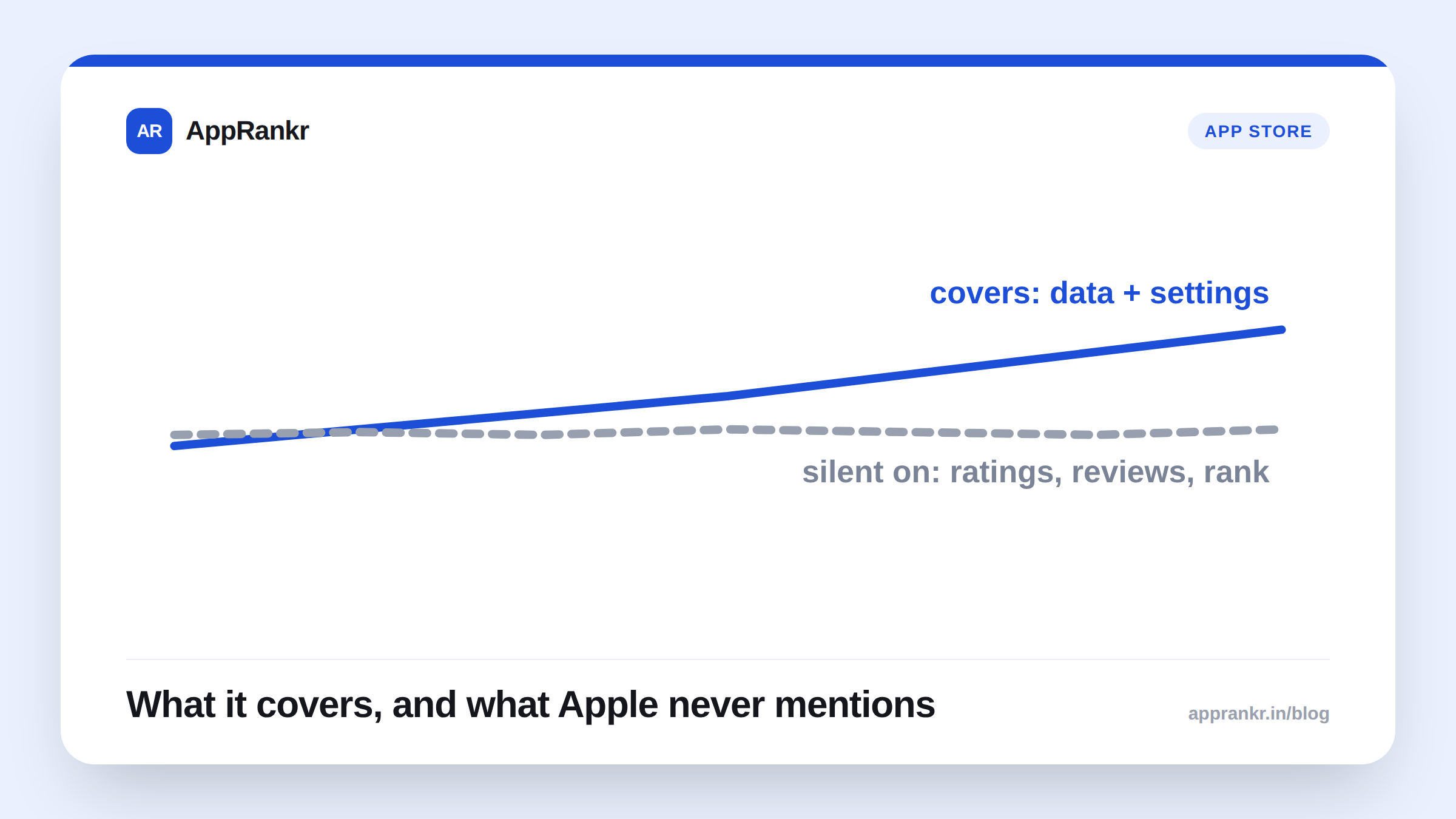
Key points:
- Apple’s own Developer Program License Agreement, updated October 13, 2026, adds a new App Replacement Entitlement.
- Per Apple’s own definition, it shows a system sheet the first time someone opens your replacement app. It offers to move data and settings over, then delete the old app.
- Two rules apply, per Apple’s own section 3.3.8(K). Both apps need your own Developer Program membership. Both need substantively the same purpose and function.
- Apple’s own text says nothing about ratings, reviews, or rank history carrying over. Treat that as unconfirmed.
A new app and an old one used to mean a clean break for users. Apple just added an official prompt for moving them across instead.
The exact legal text
Apple’s own agreement defines the entitlement in Section 1.2:
“App Replacement Entitlement” means the documented entitlement that shows, upon first launch of Your replacement Application, a system sheet that gives the end user a choice to move data and settings from Your original Application that they installed previously, and to delete that original Application.
Section 3.3.8(K) sets who can use it:
Your replacement Application may use the App Replacement Entitlement only if both it and Your original Application are under Your Developer Program membership, and have substantively the same primary purpose and functionality.
| Detail | What Apple’s own text says |
|---|---|
| What the sheet does | Offers to move data and settings, then delete the old app |
| When it shows | First launch of the replacement app |
| Ownership rule | Both apps under your own Developer Program membership |
| Function rule | Substantively the same primary purpose and functionality |
What this doesn’t say, and why that matters
This is a data tool. It’s built into the system. It fires on first launch. That’s genuinely useful on its own. A user moving to your new app no longer has to type everything in by hand.
Here’s what Apple leaves out. Nothing about App Store visibility. No word on ratings. No word on reviews. No word on rank, keyword spot, or download counts moving to the new listing. Maybe you’re weighing a rebrand. Maybe you hope this fixes the “lose all your reviews” fear that’s kept devs from relaunching. Apple gives you no reason to think that. It fixes the data problem. Not the store history one.
Real-world scenario: A developer ran two apps under one account. An older utility app, and a newer rebrand doing the same core job. Consolidating them kept getting put off. Losing the old app’s review count on a fresh listing felt like starting over from zero. Reading Apple’s own new definition cleared things up fast. It would smooth the actual switch. Saved data and settings move automatically. Users get a clean prompt to delete the old app. But Apple’s own text said nothing about reviews or rank. So the developer kept researching the App Store side on its own, instead of assuming the entitlement covered that too.
What to actually do about it
- Check both rules before you plan around this. Both apps need the same Developer Program membership. Both need the same real purpose and job. A truly different app doesn’t qualify.
- Don’t assume your reviews or rank come with you. This covers data and settings only. Look into the App Store side on its own if that matters to you.
- Treat this as a fix for users, not for ASO. It cuts friction for people switching between apps you already own. It isn’t built to change how either listing does in search.
- Watch for more docs to land. Apple calls this a “documented entitlement.” That hints at separate technical docs, out now or coming soon. Check Apple’s own developer site before you build around it.
AppRankr’s Rank Tracker tracks your real keyword and ranking history over time. Worth having that data in hand before any app consolidation decision, since Apple’s own entitlement terms don’t say what happens to it.