Key points:
- Apple’s own Bundles and Suites page confirms up to 5 developers can combine subscriptions into one Bundle.
- A Suite goes further within one developer account. One purchase can unlock up to 15 apps.
- You’ll need StoreKit 2. Every subscription in a Bundle must share the same length. Your app must support iOS 27 or later.
- Access isn’t automatic. Apple’s own page describes a request form, an approval step, and for multi-developer setups, a signed legal form per developer.
A subscription has always meant one app, one price. Apple’s own page says that’s no longer the only option. Up to five separate developers can now sell one combined subscription together.
What Apple’s own page actually describes
Per Apple’s own docs, there are two separate shapes here. Not one feature with two names.
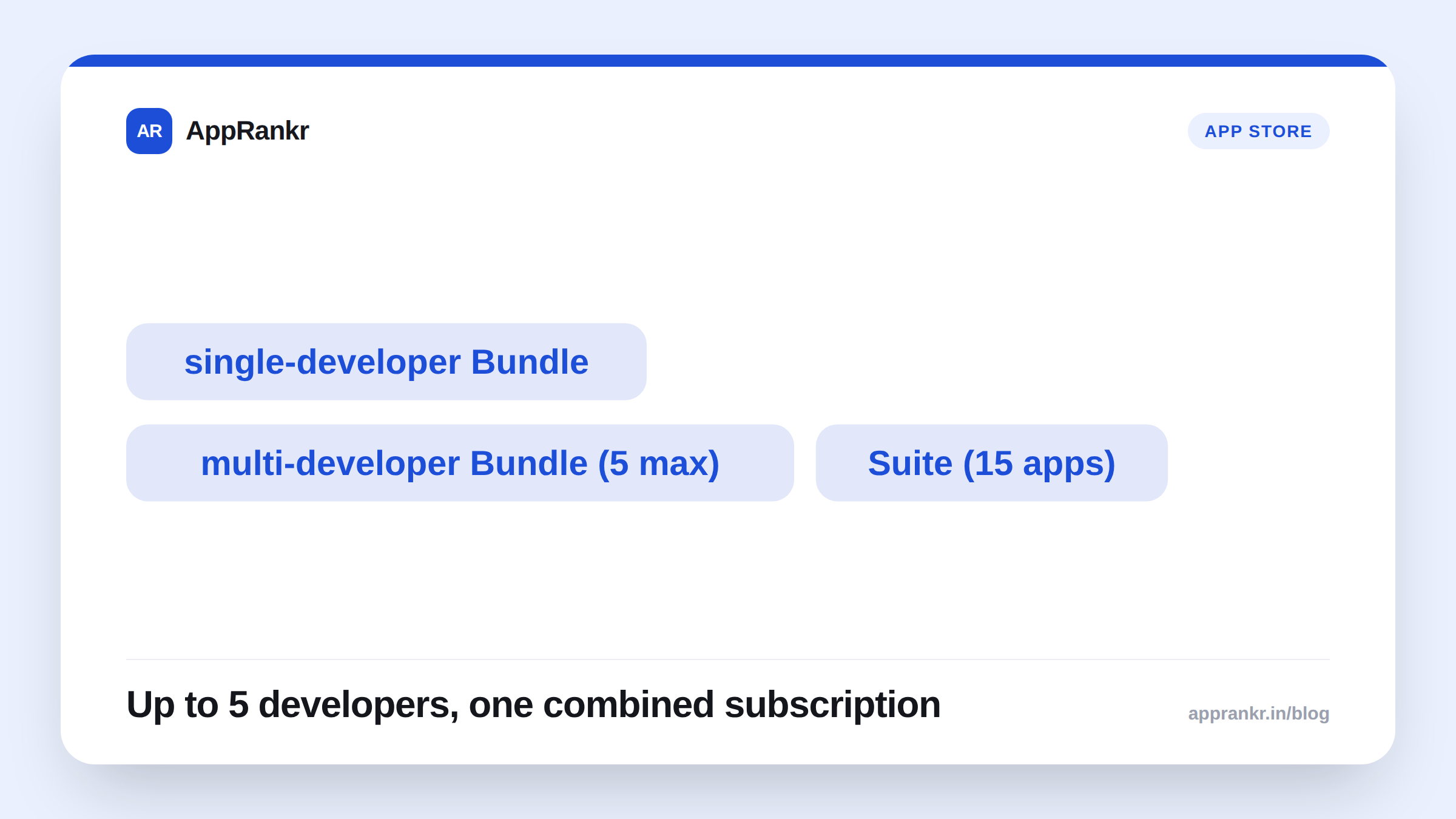
| Type | What it combines | Limit |
|---|---|---|
| Single-developer Bundle | Your own subscriptions, in one app or several | Priced below the combined total |
| Multi-developer Bundle | Subscriptions from different developers’ apps | Up to 5 developers |
| Suite | One developer’s content across many apps | Up to 15 apps |
Apple’s own examples make this easy to picture. One developer with a music app and a podcast app can Bundle both. A fitness app and a nutrition app, built by two separate people, can Bundle into one joint health plan. A developer with writing, spreadsheet, and slide-deck apps can sell all three as a single Suite. One price, not three.
Why the multi-developer option is the real news here
A single-developer Bundle is just a pricing tweak. Combining subscriptions from five different developer accounts is a different thing. It builds cross-promotion right into the purchase screen, between apps that may never have worked together before.
Per Apple’s own page, this isn’t self-serve. Each developer fills out their own interest form. Each one signs a legal form, called the Multi-Developer Bundle Program Addendum. Each completes an intake form too. Only then does Apple start setting things up. Bundles go live in batches. Not instantly.
Real-world scenario: A habit-tracking app and a meditation app came from two unrelated developers. For years they’d cross-promoted each other with simple in-app banners. After reading Apple’s own page, both applied for a Bundle. Each signed their own legal form. A user who already paid for just the habit app, then bought the new Bundle, got upgraded right away. Per Apple’s own rules, they also got money back for the unused part of their old plan. Neither developer had to build any shared tech for this. Apple’s own purchase flow did the work.
What to actually do about it
- Check the technical bar first. Per Apple’s own page, you need StoreKit 2. Your app must support iOS 27, iPadOS 27, macOS 27, or tvOS 27 or later. Watch and Vision Pro aren’t listed as supported yet.
- Match your subscription lengths. Apple’s own page says every plan inside one Bundle must run the same length. A monthly plan and a yearly plan can’t sit in the same Bundle.
- Line up a real partner before you apply for a multi-developer Bundle. The legal form and intake form are per developer. This isn’t something to start alone.
- Don’t expect to go live overnight. Apple’s own page describes batched setup after approval. Apple works out pricing and the go-live date with you directly.
AppRankr’s ASO Inspector reviews your current listing and copy. A useful check before a Bundle or Suite changes how your plan actually gets sold on your product page.