Key points:
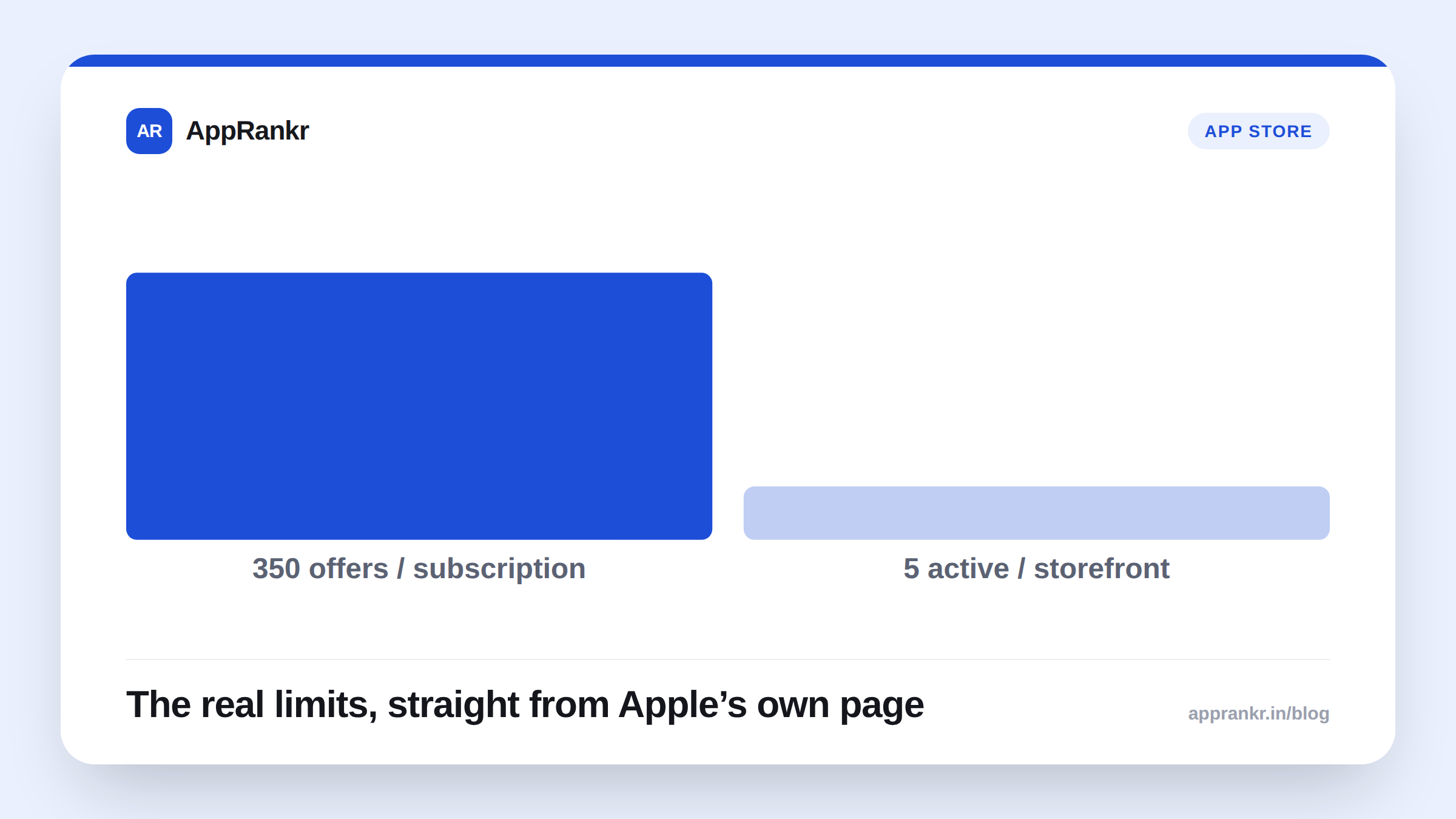
- Apple’s own App Store Connect help page confirms up to 350 win-back offers per subscription, with 5 active per storefront at once.
- A win-back offer is per subscription product, not per subscription group. Only the most recently lapsed product in a group qualifies a customer.
- Every offer needs eligibility rules: Minimum Paid Duration, and a required Time Since Last Subscribed range from 1 to 24 months.
- The subscription must already be approved by App Review before you can create a win-back offer at all.
A lapsed subscriber doesn’t have to be gone for good. Apple’s own App Store Connect page lays out exact numbers for winning them back, not just the general idea.
The real numbers, from Apple’s own page
Third-party guides often repeat these figures loosely. Apple’s own help page states them directly.
| Limit | What Apple’s own page says |
|---|---|
| Offers per subscription | Up to 350 |
| Active offers per storefront | Up to 5 at a time |
| Minimum offer run length | 3 days |
| Time Since Last Subscribed range | 1 to 24 months, both values required |
| Storefronts you can price across | 175 |
The 5-per-storefront figure trips people up. Per Apple’s own page, it’s a concurrency limit, not a lifetime one. You can create far more than 5 offers for one subscription over time. Just never run more than 5 in the same storefront at once.
Who actually qualifies for an offer
Per Apple’s own page, eligibility isn’t automatic once someone lapses. You set it yourself. Two fields are required. Minimum Paid Duration says how long they had to have been subscribed before lapsing. Pick anywhere from 1 month up to 24 months, or set it in whole years out to 5. Time Since Last Subscribed sets a window since they actually lapsed. It’s also required, with both a minimum and a maximum value. A customer outside either range simply never sees the offer.
One more rule matters before you plan a multi-product strategy. Per Apple’s own page, a customer only qualifies for the most recently lapsed subscription product in their group. Want to reach lapsed subscribers across several products in one group? You need a separate offer built for each product.
Real-world scenario: A subscription app ran one win-back offer for its main plan. It was open to anyone lapsed between 1 and 24 months. Redemptions stayed low. Reading Apple’s own eligibility rules closely, the team noticed a 23-month-lapsed user and a 2-month-lapsed user were seeing the exact same offer, priced the same. They split it into two offers instead. A smaller discount for the 1 to 3 month group. A steeper one for 6 months plus, each with its own Time Since Last Subscribed range. Redemptions picked up, specifically in the longer-lapsed group that previously had no real reason to come back.
What to actually do about it
- Get your subscription through App Review first. Per Apple’s own page, you can’t create a win-back offer until the subscription itself is already approved.
- Set a real eligibility window, not the widest one possible. A single offer covering 1 to 24 months treats a nearly-current lapsed user the same as someone gone two years. Split it if your numbers support that.
- Add the approved image if you want App Store visibility. Per Apple’s own page, without it the offer still shows on the system Manage Subscriptions page. It just never appears on your product page or in personalized recommendations.
- Remember prices lock once you confirm. Per Apple’s own page, the reference name, offer identifier, and price can’t change after creation. Review your storefront pricing table carefully before you click Confirm.
AppRankr’s Rank Tracker tracks your real App Store visibility over time, a useful habit to keep alongside any subscription offer strategy, since the two move independently of each other.