Key points:
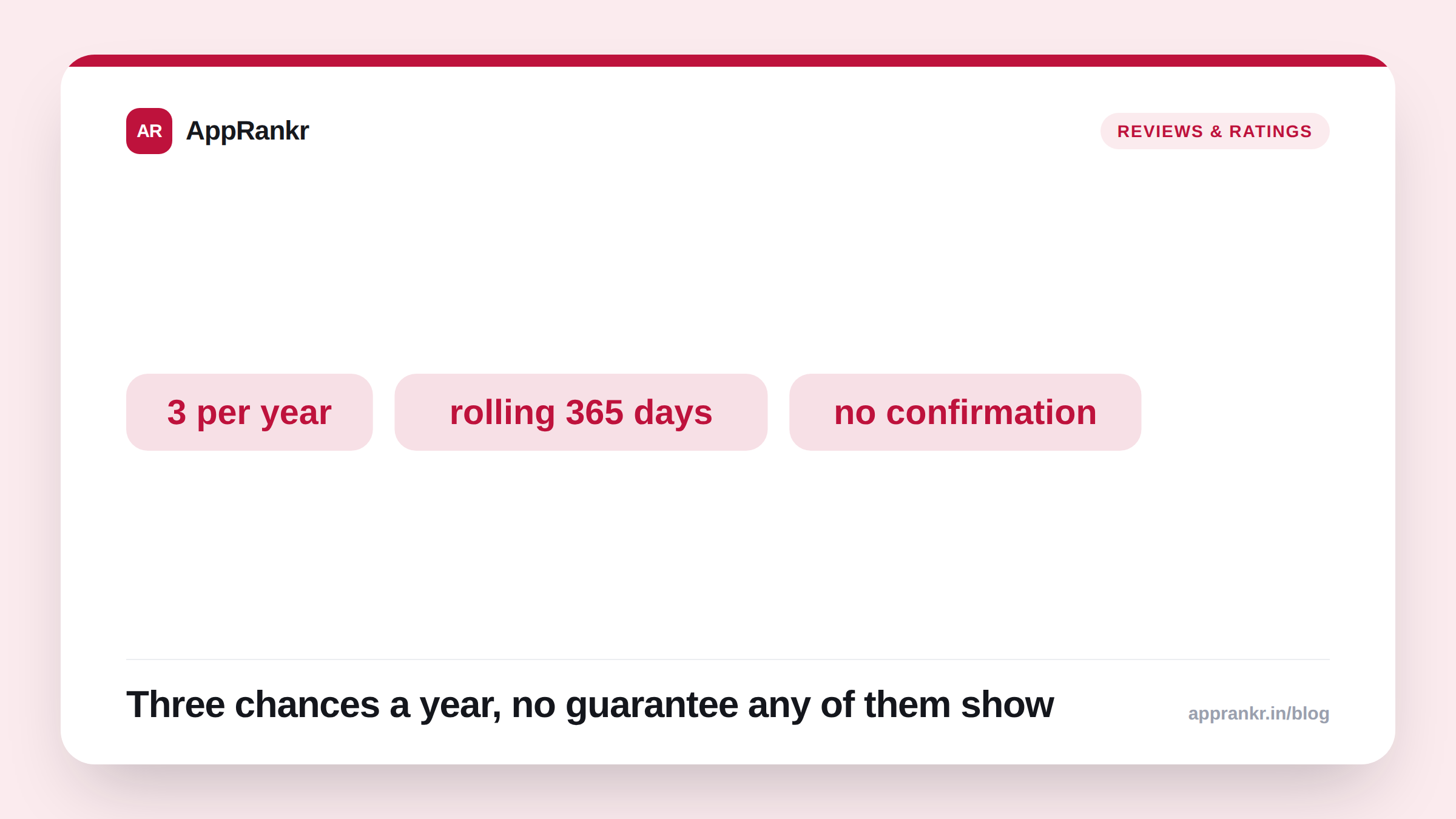
- Apple’s own documentation caps SKStoreReviewController at three prompts per 365-day period, per app. That’s an official, confirmed number, not a rumor.
- The window rolls continuously from each prompt’s own date. It doesn’t reset on a fixed calendar date.
- Apple’s system decides whether to actually show the prompt at all, even within the limit. Your app can’t confirm if it appeared or if a rating was submitted.
- Calling the API more than three times in a rolling year does nothing. No prompt shows, and nothing in your code is broken.
Three chances a year. That’s the real ceiling on Apple’s standard review prompt, and it’s not a guess or a community estimate. It’s Apple’s own documented number.
The actual limit, confirmed
Apple’s own developer documentation states the rule directly. SKStoreReviewController is the system behind the standard App Store review prompt. It allows at most three prompts in a rolling 365-day period, per app. That’s a real, official cap. Not a pattern pieced together from developer forums.
| Detail | What Apple confirms |
|---|---|
| Maximum prompts | 3 per 365-day period |
| Window type | Rolling, from each prompt’s date |
| Scope | Per app, not per Apple account |
| Guarantee of display | None, even within the limit |
Why the cap matters more than it looks
Three chances a year sounds generous. Until a wasted prompt, fired at a bad moment or too early, is one of your three gone for good. There’s no way to undo a poorly timed call. And even within the limit, Apple’s own system decides whether to show anything at all. A call inside your yearly budget can still show nothing, with zero confirmation back to your app either way.
Timing is the real lever here. Not frequency. Fire all three prompts early in a user’s first month, and you waste the two you might have used later. At a moment when the user had a stronger, more positive experience to react to.
Real-world scenario: A subscription app fired a review prompt every time a user completed onboarding, assuming that was a natural moment to ask. Within a few months, they’d used all three of that year’s prompts on users who’d barely used the app yet, with weak results. Reading Apple’s own documentation clarified the real constraint: three chances, a full year, no do-overs. They rebuilt their trigger logic around a single, later moment, after a genuinely positive interaction like completing a real goal inside the app, rather than spending prompts early on unproven users.
What to actually do about it
- Treat each of your three yearly prompts as precious, not routine. A prompt fired at a mediocre moment is one you can’t get back until the rolling window clears.
- Pick a real positive moment, not just app launch or onboarding. A completed goal or milestone beats a generic early touchpoint almost every time.
- Don’t assume a fired prompt actually showed or worked. Apple’s system decides that silently. Your code has no way to confirm either outcome.
- Track the rolling window per app, not by calendar year. A prompt fired in March counts against you until roughly the following March, not until December 31st.
AppRankr’s Rank Tracker tracks your App Store rating trend continuously, giving you a real read on whether your limited review prompts are actually landing at the right moments.