Key points:
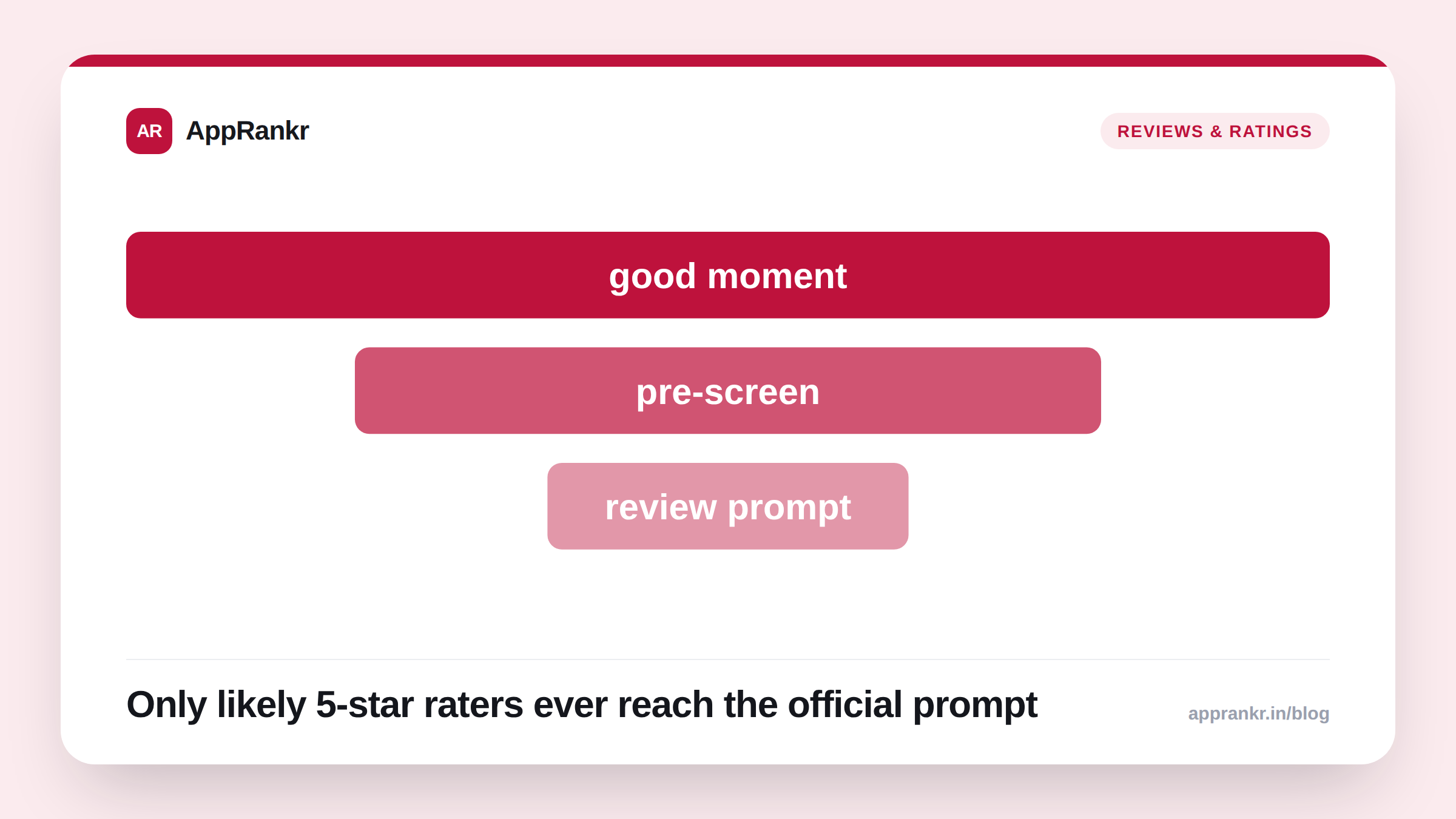
- Reporting describes an “NPS pre-screen” pattern: a one-question recommend-likelihood survey shown before the real review prompt fires.
- Only people who answer favorably get routed to the official in-app review flow. Others go to a private feedback form instead, not a public 1-star review.
- Reported gains: a 0.3 to 0.6 star climb over 90 days. Treat this as an industry-reported figure, not a guaranteed or platform-confirmed outcome.
- Google’s own rules on the official review prompt itself are unchanged. No pressuring language right before or during that specific prompt.
Most teams treat the review prompt as one decision. When to show it. Reporting describes a second decision worth just as much attention. Who actually gets shown it at all.
What’s reported about the pattern
Industry reporting describes a two-step flow. First, after a real high-emotion moment. Finishing a task. Hitting a milestone. A successful purchase. A simple one-question survey asks how likely someone is to recommend the app. A high answer routes straight to the real, official review prompt. A low or middling answer routes somewhere private instead. A feedback form. Not a public review.
| Step | What happens |
|---|---|
| High-emotion moment | Task done, milestone hit, purchase completed |
| Pre-screen question | One question: how likely to recommend |
| High answer | Routed to the official review prompt |
| Low or middling answer | Routed to a private feedback form instead |
Where Google’s own rules still apply
The pre-screen question sits outside Google’s own In-App Review API. So the API’s specific rules don’t govern that first question directly. But the moment the official prompt actually fires, Google’s own guidance is unchanged. And it still applies in full. No opinion or predictive question right before or during that prompt. No custom messaging layered on top of the review card itself. The pre-screen has to end cleanly before the real prompt starts. Not blend into it.
Reporting ties this pattern to a real gain. A 0.3 to 0.6 star climb over 90 days for apps that adopted it. That’s a reported industry figure from outside analysis. Not a number either platform publishes or guarantees. Treat it as a reason to test the idea on your own app. Not a result to expect automatically.
Real-world scenario: A team wanted to lift their app’s rating without violating Google’s own review-prompt rules. They read reporting on the pre-screen pattern and built a simple one-question survey, firing only after a user completed a core task successfully. Users who answered favorably got routed to the standard in-app review flow, completely untouched and unmodified, exactly as Google’s own guidance requires. Users who didn’t got a private feedback link instead. They tracked their own rating trend over the following months rather than assuming the reported 90-day figure would apply exactly to their app.
What to actually do about it
- Keep the pre-screen question separate from the real prompt. No blending, no custom overlay on the official review card itself. Google’s own rules on that prompt haven’t changed.
- Fire the pre-screen after a genuine good moment, not a random one. A task just completed or a milestone just hit is a real signal. A prompt fired on app open isn’t.
- Route low answers to a private form, not nowhere. That feedback is still real and useful, it just doesn’t belong in a public review.
- Track your own rating trend, not the reported figure. A 0.3 to 0.6 star reported gain is industry data from other apps, not a number your specific app is owed.
AppRankr’s ASO Inspector tracks your rating and review trends over time. A prompt-timing change like this is exactly the kind of experiment worth measuring against your own real baseline, not an outside number.