Key points:
- A 2013 academic study, presented at ACM KDD, analyzed millions of Google Play reviews. It found complaint themes differ sharply by app category. There’s no universal “top complaint.”
- One independent case study of 414 reviews across 10 coaching apps found 35% of critical reviews mentioned crashing, freezing, or losing data. Cancellation-friction complaints showed up in 8 of 10 apps despite being a small share of total volume.
- Both Apple and Google give developers review-reading tools. Play Console groups reviews by topic. Neither hands you a full theme-by-theme sentiment breakdown out of the box, though.
- The practical version of this doesn’t need a research team. A manual pass through a few hundred recent 1-3 star reviews, sorted into a handful of buckets, usually surfaces a real pattern within an hour.
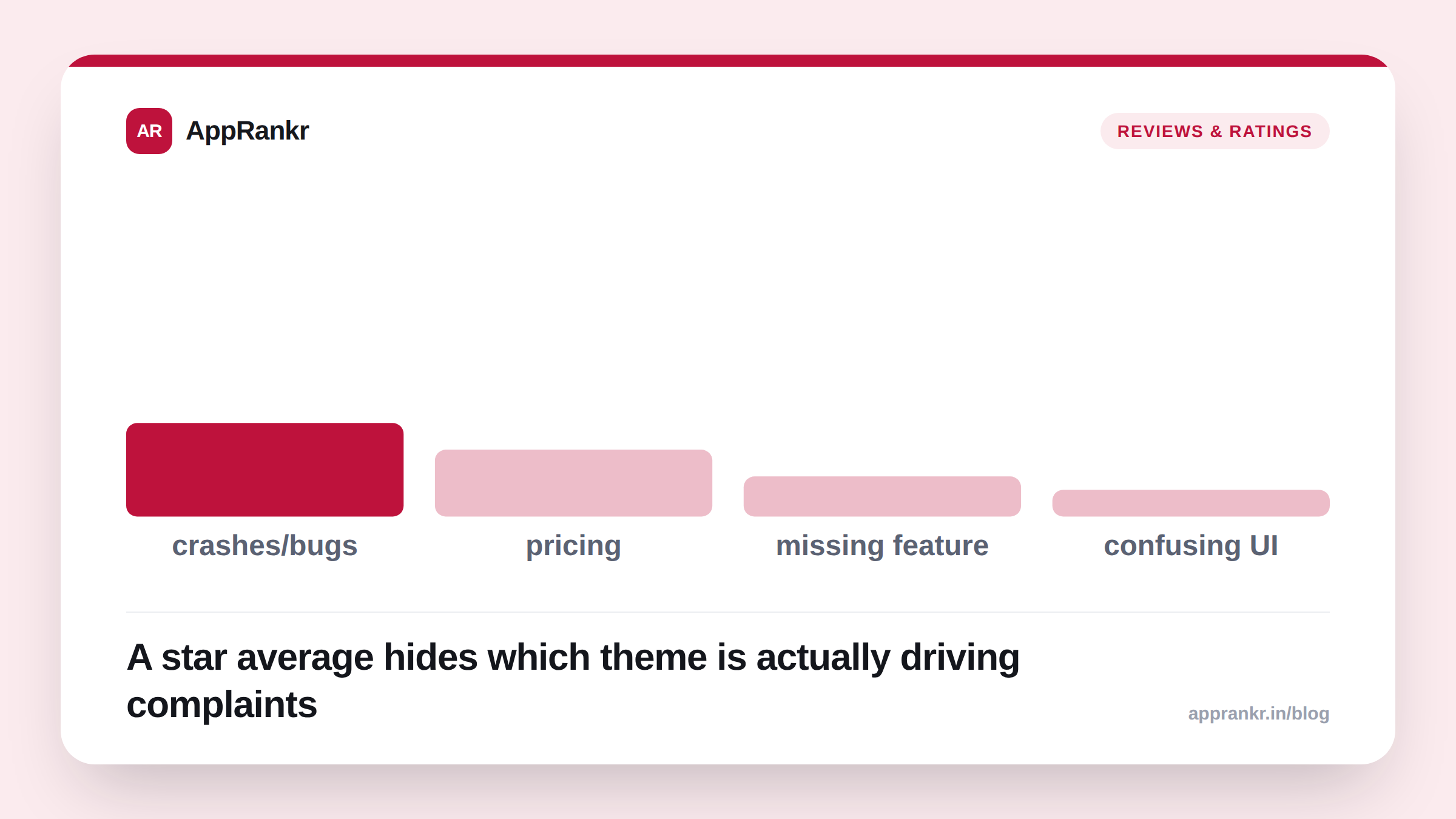
A star average answers one question. Are people happy. It doesn’t answer the more useful one. Why aren’t they. A 4.1 next to a 4.1 can hide two completely different stories. One about a pricing complaint you could fix in an afternoon. Another about a crash you can’t reproduce. Reading review TEXT, not just the star next to it, is how you tell those two apart.
The academic case for this
A frequently cited paper, “Why People Hate Your App: Making Sense of User Feedback in a Mobile App Store,” was presented at the ACM KDD conference in 2013. The researchers looked at millions of real Google Play reviews across many app categories. Their central finding is worth sitting with. Complaint themes are NOT universal. What drives a 1-star review for a health app is a different mix than what drives one for a game. A generic “top 5 reasons apps get bad reviews” list misses this entirely. The real top 5 depends on what kind of app you’re running.
That’s the whole argument for reading your own reviews by theme. Not trusting a generic checklist written for no app in particular.
A smaller, more concrete example
You don’t need millions of reviews to find a real pattern. One independent case study read 414 public reviews across 10 coaching apps. It pulled out 164 critical ones for closer reading. Two findings stood out. First, 35% of the critical reviews mentioned the app crashing, freezing, or losing saved data. A clear, fixable technical theme. Second, complaints about how hard it was to cancel a subscription showed up in 8 of the 10 apps. Even though cancellation complaints were a small share of total review volume overall.
That second finding is the interesting one. A small complaint that shows up almost everywhere in your category might matter more than a big complaint specific to one app. It points at a category-wide expectation you’re not meeting either.
What the platforms actually give you
Apple’s Ratings and Reviews tools in App Store Connect let you read and respond to reviews. Apple’s Customer Reviews API lets you pull review data programmatically if you want to build your own theme analysis.
Google Play Console goes a step further out of the box. Its ratings and reviews tools cluster reviews by topic to help surface recurring issues. They also let you compare your own review themes against similar apps in your category.
Neither platform hands you a finished “35% of your negative reviews are about X” breakdown, though. That part still takes actually reading a sample of your reviews. Or building a lightweight process to tag them yourself.
| Data source | What it gives you | What it doesn’t |
|---|---|---|
| App Store Connect | Read and reply to reviews, raw API access | Automatic theme clustering |
| Google Play Console | Reviews grouped by topic, category comparison | A full theme-by-theme percentage breakdown |
| Manual reading | Exact, specific patterns in your own app’s words | Speed, at high review volume |
Real-world scenario: A wellness app with a healthy 4.6 average star rating still had a steady trickle of 1 and 2 star reviews the team had never closely read. They assumed the high average meant the negative ones were just noise. Someone finally pulled and read a large batch of the negative reviews specifically. Over half of them turned out to mention pricing, trial length, or billing confusion. Not the app’s core function at all. The star rating had been masking a real, fixable monetization problem the whole time. The negative reviews were too small a share of the total to move the average. The team adjusted their trial length and clarified billing language in the listing. Pricing complaints dropped sharply in the following month’s reviews.
How to actually do this without a research team
- Pull your last 200-500 reviews, weighted toward 1-3 star ones. That’s usually enough to see a real pattern without reading thousands.
- Sort each one into a small, fixed set of buckets. Pricing, bugs/crashes, missing feature, confusing interface, customer support, other. Resist creating a new bucket for every single review.
- Look for the bucket that shows up across many DIFFERENT reviews, not just the one with the angriest single complaint. Breadth beats intensity here.
- Re-check after you fix something. A theme that shrinks in your next batch of reviews confirms you fixed the right thing.
AppRankr’s review-theme analysis does this automatically for your tracked apps. It surfaces the real recurring complaint themes in your negative reviews without you reading them one by one.