Key points:
- Apple’s own developer news confirms multiseat purchases are now on by default for subscriptions in App Store Connect.
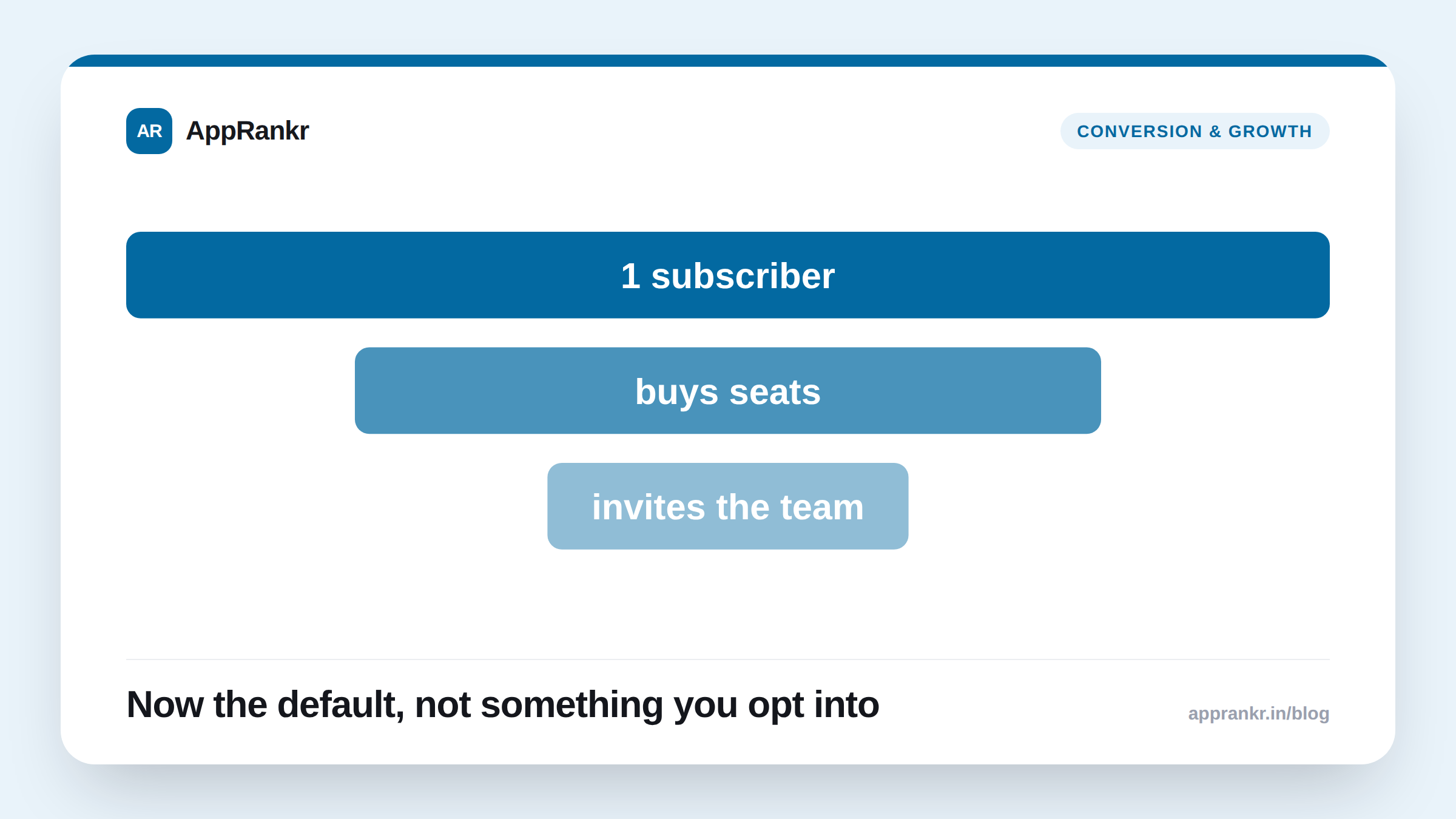
- A single subscriber can buy several seats in one purchase, then invite others. Apple handles seat assignment and invites.
- You can disable multiseat purchases entirely, or manage availability across the App Store, Apple Business, and Apple School Manager separately.
- Volume Purchasing, a related but separate program, launches October 22, 2026. Group Purchases ships fully this winter.
A subscription setting most developers never touched just changed under them. Apple’s own page confirms multiseat purchases are on by default now. Not something you opt into.
What Apple’s own page confirms
Apple’s own developer news is direct about how this works. A subscriber buys several seats in one purchase. They invite others to fill those seats. Apple runs the assignment and the invite flow itself. Not the developer. The pitch is simple. A team, a department, or a small business can subscribe together without ever touching procurement or IT.
| Detail | What Apple’s own page confirms |
|---|---|
| Default state | On, for existing App Store Connect subscriptions |
| Can you turn it off? | Yes, fully, or manage it per channel |
| Where it can appear | App Store, Apple Business, Apple School Manager |
| Related program | Volume Purchasing, launching October 22, 2026 |
Why the default matters more than the feature
A new feature you opt into is easy to plan around. A new default already live on your existing subscriptions is different. Your pricing, your seat math, and your churn tracking may all have been built around one person, one subscription. Multiseat purchases change that math with no action from you. Unless you go check the setting yourself.
This isn’t a reason to panic or turn it off on reflex. Group buying can be a real growth channel for a productivity or business-facing app. It’s a reason to treat this like any silent default change deserves. Check it. Understand what it does to your own pricing. Then decide.
Real-world scenario: A team-collaboration app’s developer read a headline about multiseat purchases. They assumed it was an opt-in feature to consider later. Checking their own App Store Connect settings showed it was already live on their subscription. A support ticket had come in from a user confused about an invite flow they didn’t recognize. Reading Apple’s own page cleared up the mechanic. They kept the feature on, since it fit their real use case. But they rewrote their onboarding copy to explain the invite flow before more users hit it unprepared.
What to actually do about it
- Check your own App Store Connect setting today. This is live now, on existing subscriptions. Not a future rollout to wait for.
- Decide if group buying fits your pricing model. A per-seat plan makes sense for some apps and actively conflicts with others. Know which one you are before you leave the default on.
- Update your support and onboarding copy for the invite flow. A user invited to a seat they didn’t expect needs context. Not a support ticket.
- Track multiseat subscribers on their own in your analytics. A group subscription behaves differently than a single one. Lump them together, and your real numbers blur.
AppRankr’s Rank Tracker tracks your real App Store visibility, separate from anything on the billing side. A default change like this affects your revenue mechanics, not your search rank, and keeping the two apart keeps your numbers honest.