Key points:
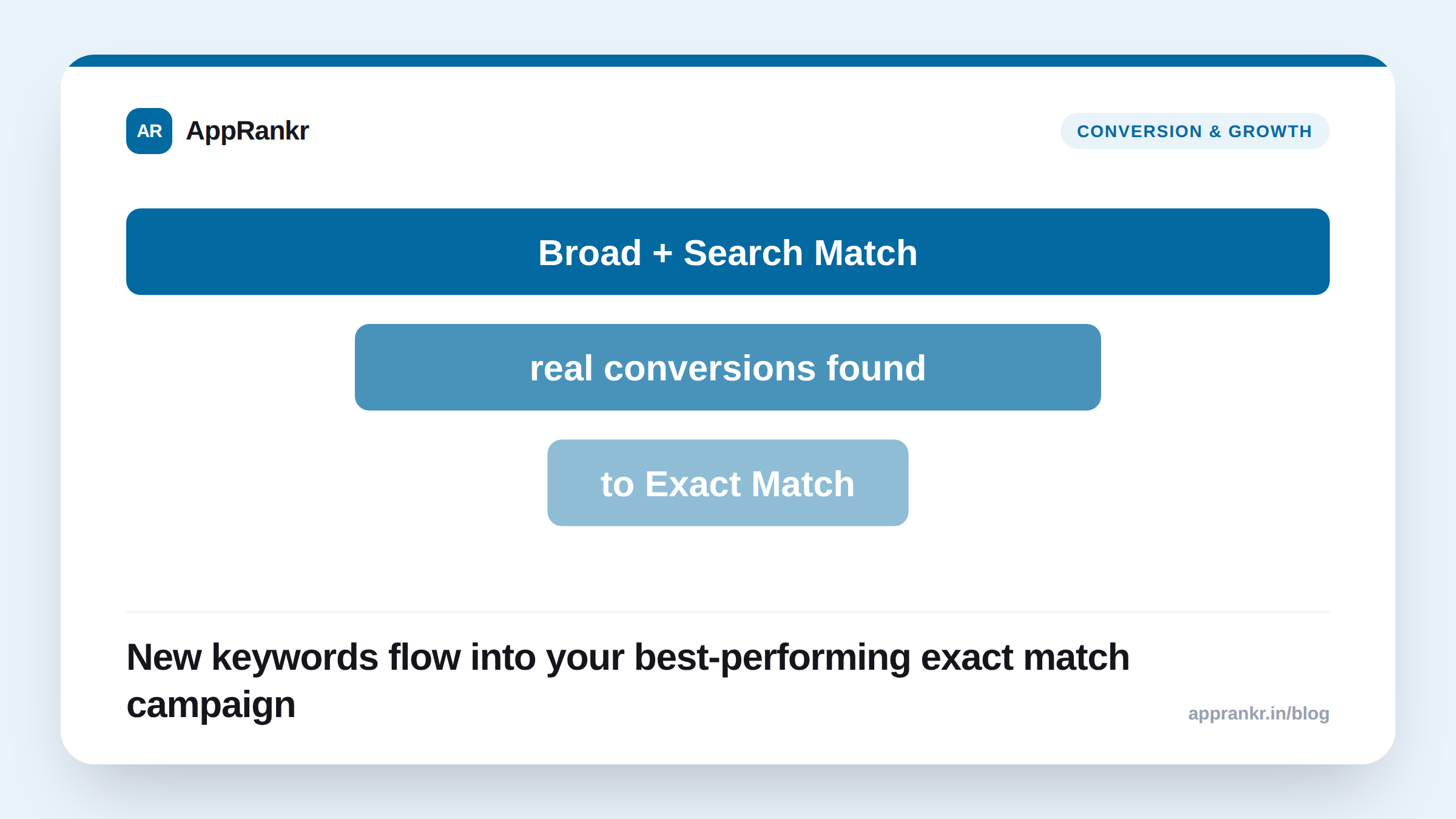
- Discovery campaigns exist to surface new keywords you’re not already bidding on. Not to run your known, high-performing terms.
- They run two ad groups automatically. Broad Match, and Search Match, Apple’s own automatic targeting based on your app’s metadata and category.
- Regular Search campaigns use Exact Match on keywords you’ve already chosen. Discovery campaigns find the ones you haven’t chosen yet.
- Winning keywords from a Discovery campaign should move into a dedicated Exact Match campaign for tighter bid control.
Most Apple Search Ads accounts run the same handful of known keywords on Exact Match. Forever. Discovery campaigns exist to find the keywords that list is missing.
What a Discovery campaign actually does
A Discovery campaign runs two ad groups automatically. One on Broad Match. One on Search Match. That’s Apple’s own auto-targeting. It uses your app’s metadata, category, and user behavior. Neither ad group targets keywords you’ve already picked. That’s the point. A regular Search campaign bids on terms you already know convert. Usually with Exact Match. It goes after high-intent users on known ground. A Discovery campaign explores new ground instead.
| Campaign type | Match type | Purpose |
|---|---|---|
| Discovery campaign | Broad Match + Search Match | Surface new, unknown keywords |
| Search campaign | Exact Match | Target known, high-performing keywords |
Why the two need to work together
A Discovery campaign alone isn’t the end goal. It’s a testing ground. Some keywords will show real conversions there, not just impressions. Move those into a dedicated Exact Match campaign. That gives you tighter bid control. And clearer data on a term once you know it works.
Keep your best keywords only in a Discovery campaign, and you get less bid control than Exact Match gives. Run only Exact Match, with no Discovery campaign feeding it, and you keep bidding on the same known list forever. You miss new, relevant searches as your app or the market changes.
Real-world scenario: A fitness app had run the same 15 Exact Match keywords for over a year. Performance had slowly flattened. They set up a Discovery campaign alongside their existing Exact Match campaigns, letting Broad Match and Search Match find new terms on their own. After a month, three new keywords showed real conversion rates the team hadn’t been targeting at all. They moved those three into their Exact Match campaign with dedicated bids. They left the Discovery campaign running to keep finding the next batch.
What to actually do about it
- Run a Discovery campaign alongside your Exact Match campaigns, not instead of them. They do different jobs. One finds new terms. The other targets known ones precisely.
- Check Discovery campaign results regularly, not just once. New keywords worth moving over can show up on an ongoing basis.
- Move winners to Exact Match once they prove out. A Discovery campaign gives you less precise bid control than a dedicated Exact Match campaign does.
- Don’t expect a Discovery campaign to convert as efficiently as a tuned Exact Match campaign. Its job is finding new terms. Not running your most efficient spend.
AppRankr’s ASO Inspector shows you the keywords your listing already ranks for organically, a useful cross-check against whatever a Discovery campaign surfaces before you commit paid budget to it.