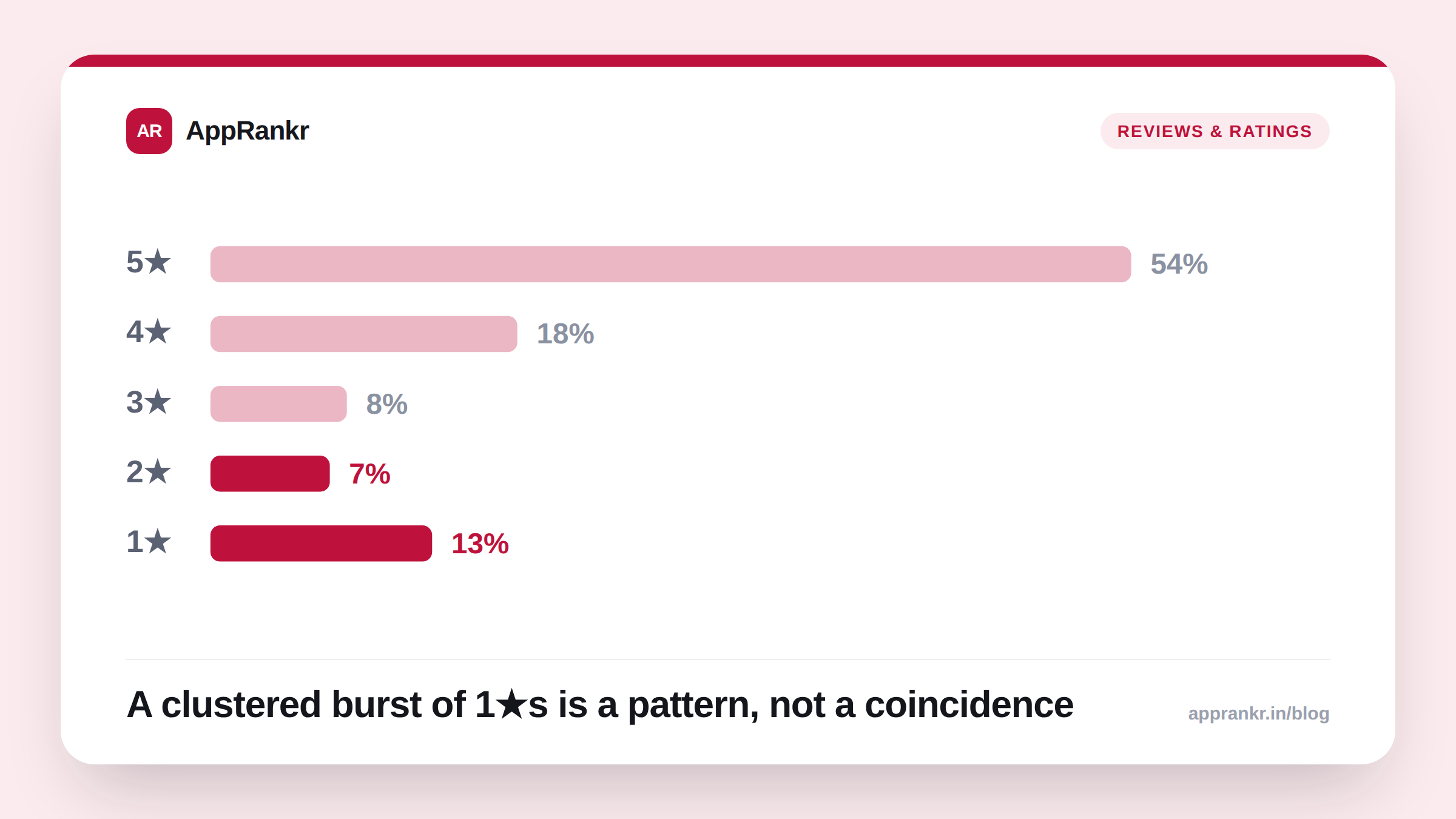
Key points:
- A tight burst of 1-star reviews, all in the same short window, is the clearest sign of a coordinated attack. Real dissatisfaction doesn’t usually look like this.
- Google’s User Ratings, Reviews, and Installs policy bans manipulated reviews outright. You can report a review straight from Play Console.
- Apple’s App Review Guidelines ban review manipulation too. There’s no dedicated reporting tool like Google’s, though. Developers on the Apple Developer Forums have flagged this gap directly.
- Not every bad batch of reviews is an attack. Rule out a real bug first. That’s the more common cause, and the fix is different.
Your rating drops fast. A batch of 1-star reviews lands within hours of each other. The text feels off. Vague. Repetitive. It doesn’t quite describe your actual app. Your first thought might be a real bug. Your second thought, if you’ve seen this before, might be a competitor. Here’s how to tell, and what to do next.
The signs that point to a coordinated attack
Check three things before you decide anything.
- Timing. Real complaints trickle in over days or weeks. Different users hit the same real issue at different times. A bombing run lands in a tight cluster instead — often within hours.
- Specificity. Genuine 1-star reviews usually name something concrete. A crash on one screen. A payment that failed. A feature that broke. Fake ones stay vague. “Bad app.” “Don’t download.” “Scam.” Nothing that matches your actual app.
- Account history. Real reviewers usually have some history. Other reviews. A normal-looking profile. A wave of brand-new accounts, all posting at once, is a strong tell.
| Signal | Real dissatisfaction | Coordinated attack |
|---|---|---|
| Timing | Spread over days/weeks | Clustered in hours |
| Review text | Specific, varied complaints | Vague, repeated language |
| Reviewer accounts | Mixed history | Often new or thin |
| Star pattern | Mostly 1-2★, some 3★ | Almost entirely 1★ |
What the platforms actually say
Google’s User Ratings, Reviews, and Installs policy bans manipulated reviews. Fake ones. Paid ones. Incentivized ones. It doesn’t matter who’s behind them. Google updated this policy in April 2023 to also cover incentivizing installs of other apps. That closes a related loophole rivals sometimes use.
Apple’s App Review Guidelines, Section 3, says something similar. Manipulating reviews to inflate or damage rankings — even through a third party — can get a developer expelled from the Apple Developer Program. That clause is written to catch developers manipulating their OWN reviews, though. It doesn’t hand you a clean tool for reporting someone doing it to you.
That gap is real. Developers have said so directly. On the Apple Developer Forums, one developer described a competitor posting fake negative reviews to steer users toward a rival app. Apple removed one review that clearly broke the rules. It said it couldn’t act on the rest. They didn’t technically cross a line Apple could enforce against. A separate thread raises the same complaint. Apple’s response to review bombing often falls short of a real fix.
How to actually report it
On Google Play: Open Play Console. Go to Monitor and improve → Ratings and reviews → Reviews. Find the review. Click the flag icon. Select Report. Google checks it against the Comment Posting Policy. You’ll usually hear back within a few business days. One catch: you can’t re-report a review that was already rejected once. Don’t waste your first shot on a weak case.
On the App Store: There’s no equivalent flag-in-console flow. Your options are Feedback Assistant or a developer support ticket through Apple. Be specific. Timing pattern, account details, anything that supports “coordinated” — not just “I don’t like this review.”
Real-world scenario: A food-delivery app’s rating fell from 4.3 to 3.9 in a single day. 40 new 1-star reviews landed within six hours, all between 1am and 3am local time. Nearly all said some version of “app doesn’t work, don’t waste your time.” None named a specific screen, order, or feature. The team checked their crash logs and error rates for that window. Nothing had changed. They reported the ten worst-worded reviews through Play Console. Google removed seven within four days. The rating recovered most of the way within two weeks, once those reviews stopped counting toward the average.
Rule out the boring explanation first
Before you assume it’s an attack, check your own crash rate, ANR rate, and recent release notes for that exact window. A bad release causing a real spike in negative reviews is far more common than a competitor attack. The fix is completely different too — you patch the bug, you don’t file a report. AppRankr’s Rank Tracker can show you whether a rating spike lines up with a real visibility drop. That’s the fastest way to tell “this is hurting me” from “this is just noise.”