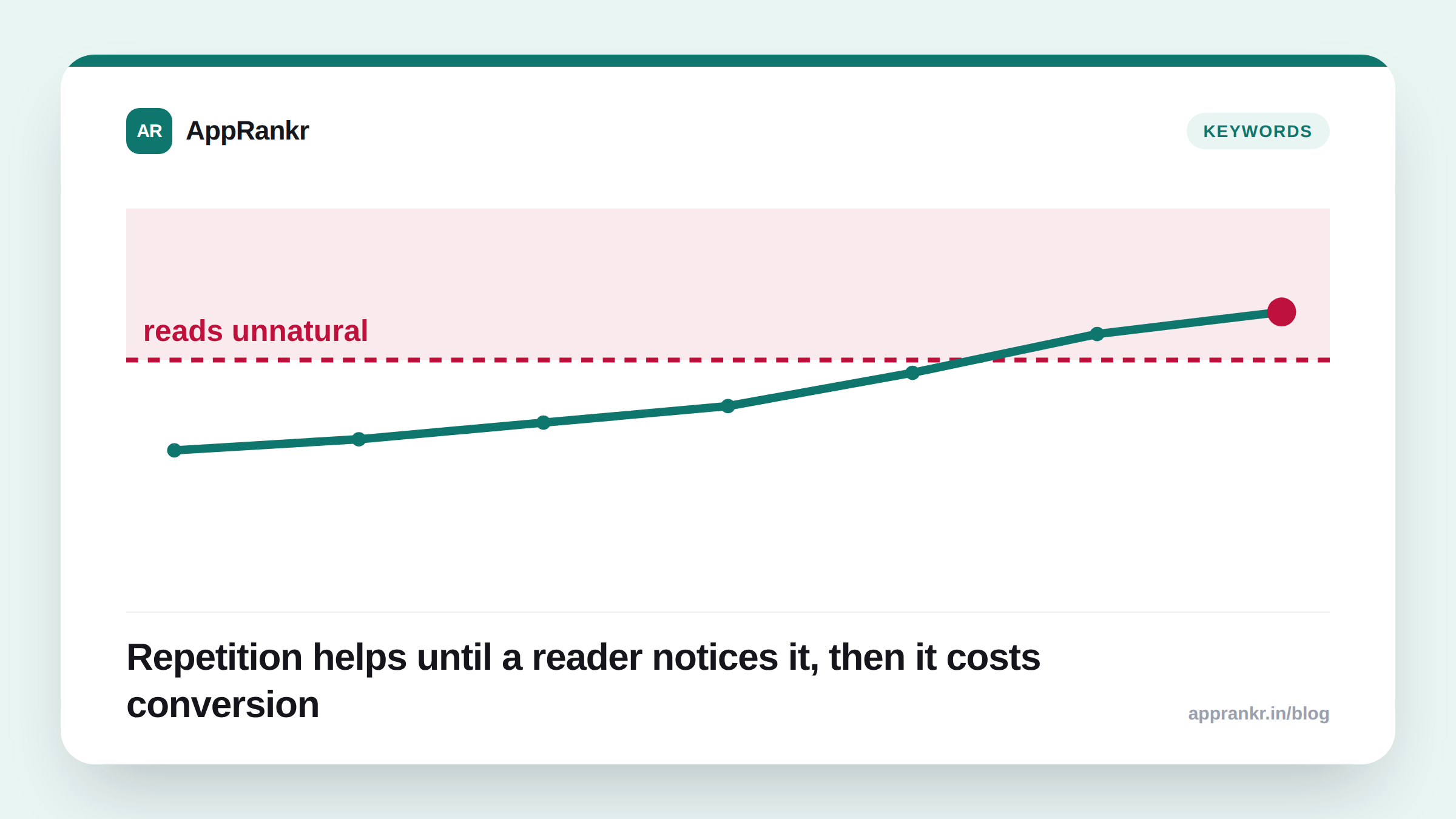
Every ASO guide says “use your keywords naturally,” which is true and also not specific enough to act on. The useful question isn’t whether repetition is allowed, it’s where a listing stops reading like copy written for a person and starts reading like copy written for an algorithm, and what that costs you when it crosses over.
The two stores don’t share one rule
App Store: keywords live in a dedicated 100-character field, invisible to the shopper, indexed but never displayed. There’s nothing to “stuff” here in the reader-facing sense, repeating a term in this field just wastes characters you could’ve spent on a different keyword, since the field only needs each term once to be indexed at all.
Google Play: there’s no separate keyword field. The title, short description, and long description are all indexed prose, and all visible to a human reading the page. This is where stuffing is actually possible, and actually costly, because every repeated term is sitting in text a real person has to read before deciding whether to install.
| App Store | Google Play | |
|---|---|---|
| Where keywords live | Hidden 100-char field | Visible indexed text (title, short + long description) |
| Repetition risk | Wastes character budget | Reads unnatural, hurts conversion |
| Fix | Use each term once, prioritize by relevance | Use each term a few times, in different natural phrasings |
Why “stuffed” hurts you even without a named penalty
Neither store has confirmed a direct ranking penalty triggered by repetition count. What’s better supported is the indirect path: a description that repeats “best budget tracker app budget planner budget app” reads as spam to a person skimming it, and that person bounces without installing. Conversion rate is a metric both stores’ ranking systems weight, so a listing that tanks conversion because it reads badly loses ground for a completely different, better-documented reason than “the algorithm caught the repetition.”
This matters because it changes what you should actually optimize for: not “how many times is this term in the text,” but “would someone reading this out loud sound like a person or a keyword list.”
What natural repetition actually looks like
A term used two or three times, in different phrasings, across a longer description reads fine:
“Track your monthly budget across every account. Our budget planner categorizes spending automatically, so you always know where your budget stands.”
“Budget” appears three times here and reads completely normal, because each instance does different work in the sentence. Compare that to:
“Best budget app, budget tracker, budget planner, monitor your budget with our budget app.”
Same term count, unmistakably worse, because it’s a list pretending to be a sentence.
Real-world scenario: A personal finance app rewrote its Google Play description to include “investment tracker” nine times across three paragraphs, chasing a specific keyword. Store listing conversion rate dropped 1.8 points over the following two weeks, install volume from the same organic traffic fell with it, and the keyword itself didn’t move. Reverting to a version that used the term three times, once per relevant section, restored conversion within days. Rank for that keyword didn’t change either way, only conversion did.
A practical check before you publish
- Read the description out loud. If a sentence sounds wrong when spoken, it reads wrong on the page too. This catches stuffing faster than counting occurrences.
- On App Store, dedupe your keyword field. Every repeated term in that 100-character field is dead space, a synonym or a term you haven’t covered yet would use it better. See what actually gets indexed on each store for which fields carry weight at all.
- On Google Play, cap yourself at 3-4 natural mentions per core term across the whole listing, spread across different sentences rather than clustered in one paragraph.
- Track conversion rate alongside rank, not rank alone. A rank tracker that also shows visibility trend will surface a conversion drag from a bad rewrite before it shows up as a keyword-rank drop, since the two often move at different speeds.
The line isn’t a repeat count. It’s whether the text still sounds like it was written for the person about to read it, not for the term you’re chasing.