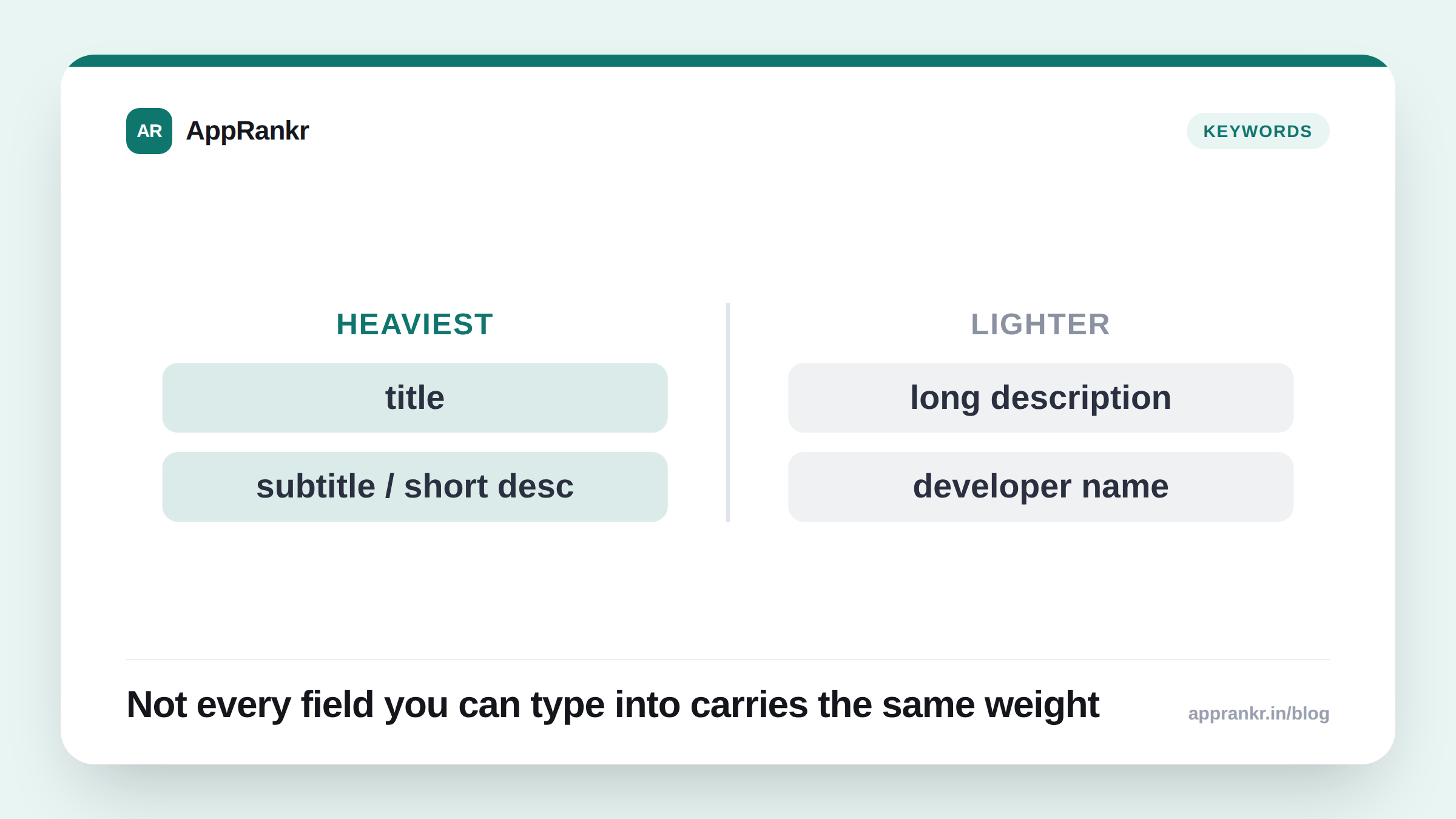
Every app listing has the same handful of text fields, but not all of them are treated equally by either store’s search index, and getting the weighting wrong means you spend your best keywords on a field that barely counts, while your highest-weighted field sits underused.
| Field | Indexed? | Char limit | Relative weight |
|---|---|---|---|
| App title / name | Both platforms | 30 chars | Highest |
| Subtitle (iOS) / Short description (Android) | Both platforms | iOS 30 / Android 80 | Second-highest |
| Keyword field | iOS only | 100 chars | Secondary, invisible to users |
| Long description | Android confirmed; iOS ambiguous | ~4000 chars | Lower, contested on iOS |
| Screenshots / icon / video | Neither, not text-searchable | n/a | Conversion only, not ranking |
App title / app name
Highest-weighted field on both platforms, no serious dispute about this. This is the single most valuable 30 characters you control. Every keyword strategy should start here: what are the 1-2 terms, at most, that you most need this app to be found for?
The common failure mode is treating the title as a branding-only field (“Zenflow”) when it could be doing double duty as both brand and category signal (“Zenflow: Meditation & Sleep”). You don’t have to sacrifice brand identity. You have to stop treating the title as only brand identity when search weight is sitting there unused.
Subtitle (iOS) / Short description (Android)
Second-highest weighted field, and the most commonly wasted one. This is prime real estate that a huge number of listings fill with pure marketing copy (“The #1 rated app you’ll love!”) instead of a second wave of keyword-relevant, benefit-driven copy.
iOS gives you 30 characters here; Android gives you 80. On Android specifically, this field has enough room to work in a genuine secondary phrase, not just a single word. “Track expenses, budgets & bills” does real keyword work across three related terms while still reading as a normal sentence.
Keyword field (iOS only)
Indexed, never shown to users, 100 characters. No spaces needed between individual terms. Apple’s own guidance is to separate with commas and skip spaces, since spaces just waste characters (both “photo” and “editor” get indexed as separate matchable terms regardless of whether there’s a space or comma between them, as long as they’re comma-separated, not repeated inside a sentence).
Common waste in this field: repeating words already in your title or subtitle (they’re already indexed there, so repeating them here is a wasted character), and repeating your own brand name (you already rank for your own brand almost by default. Spend the space on terms you don’t already own).
Android has no equivalent field. See our iOS vs Android ASO piece for the full implications of that gap.
Long description
Indexed on Android, and Google’s own documentation explicitly recommends natural keyword inclusion here. Apple’s long description is a more contested case. Apple has been ambiguous over time about how much weight, if any, the long description carries for search versus being purely a conversion/informational field for the human reader.
Practical approach either way: write the long description primarily for the human reader (what does this app do, what makes it worth installing), and naturally work in your secondary keyword terms as part of describing real features, not as a keyword-stuffed block at the top that reads badly and, on iOS at least, may not even be earning you the search credit you’re hoping for.
What definitely is NOT indexed
Worth stating plainly, because it saves people from a common wasted effort: screenshots, preview video, and icon are not text-searchable by either store’s index. Text baked into a screenshot image (a caption like “Track 50+ workout types!”) helps human conversion when they’re already looking at your listing, but it does nothing for search ranking. The store isn’t running OCR against your screenshot images as part of ranking.
If a keyword genuinely matters to your ranking strategy, it needs to live in one of the actual indexed text fields above, title, subtitle/short description, keyword field (iOS), or long description. A screenshot caption is a conversion tool, not a ranking one.
Real-world scenario: A recipe app spent months captioning screenshots with “1000+ Recipes! Meal Planner!” hoping to catch “meal planner” searches, while the actual title, subtitle, and description never mentioned meal planning at all. It never ranked for that term, an ASO audit flagged the mismatch immediately, and moving that phrase into the subtitle produced a top-20 ranking within the next check cycle.
A simple field-priority checklist
When you’re deciding where a given keyword goes, work down this priority order and stop once it’s placed somewhere sensible:
- Does it belong in the title? (Reserved for your 1-2 absolute highest-priority terms only.)
- Does it fit naturally in the subtitle/short description? (Your next 1-3 priority terms, especially ones with a natural short phrase.)
- iOS only. Does it fit the keyword field? (Secondary and long-tail terms that don’t need to be human-readable.)
- Does it fit naturally into the long description as you describe a real feature? (Everything else worth mentioning at all.)
If a keyword doesn’t comfortably fit anywhere in that list without forcing awkward, repetitive copy, that’s a signal it’s either not actually relevant to what your app does, or it belongs in a future update once you’ve genuinely built the feature it implies, not stuffed in now for a ranking shortcut that quality guidelines on both platforms explicitly discourage.