Key points:
- Two different problems get reported the same way on developer forums: “my app disappeared.” One is a real takedown. The other is a live app that just isn’t surfacing in search.
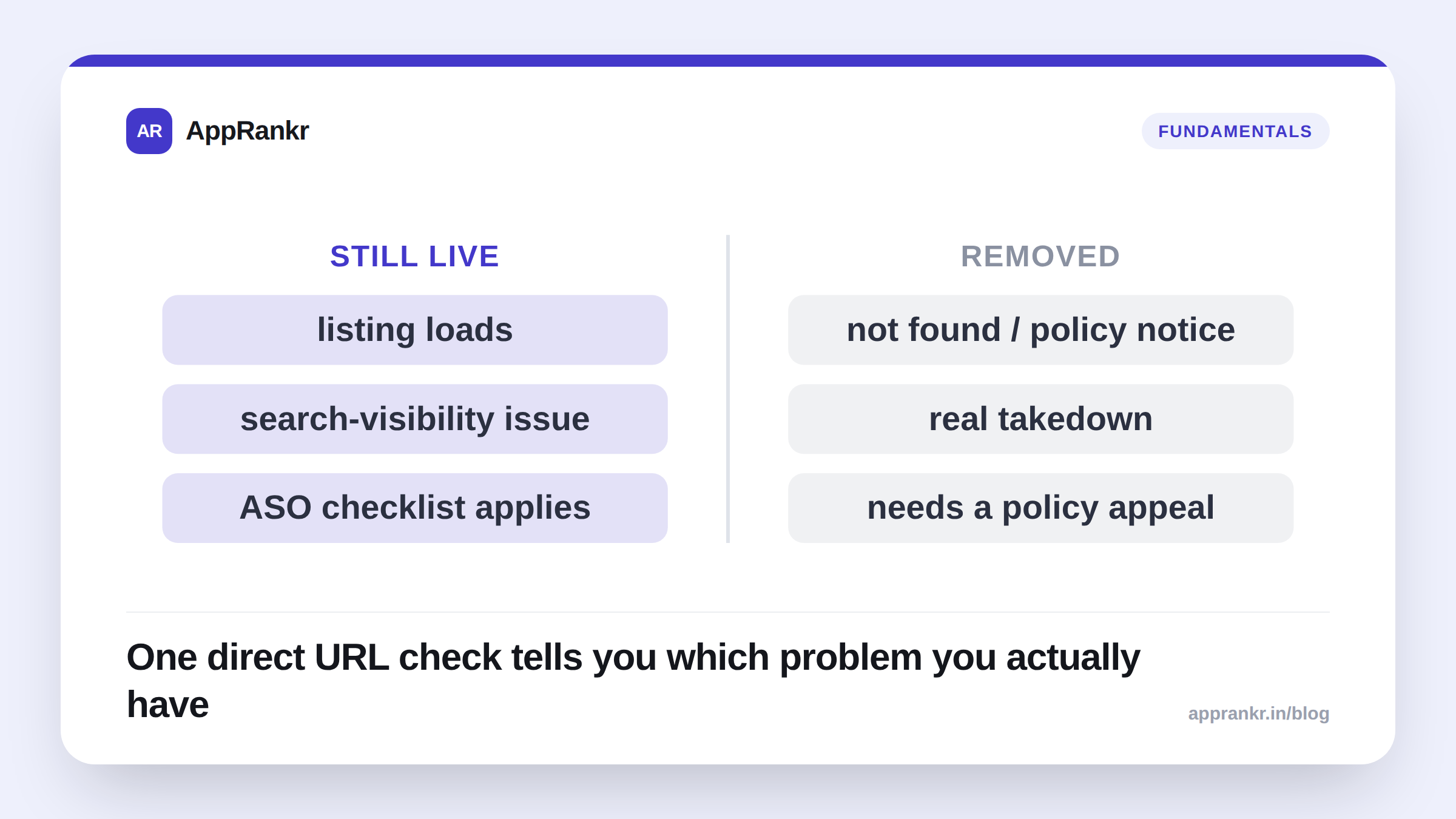
- The fastest check: open the app’s direct Play Store URL. If it loads, your app is live. You have a search-visibility problem, not a removal.
- A “not found” page or a policy notice means a real takedown. That needs a Play Console policy appeal, not ASO work.
- Confusing the two wastes real time. Developers on the Play Console Help Community have spent days on ASO fixes for what was actually a policy suspension, and the other way round too.
Two titles show up constantly on the Play Console Help Community: “app disappeared from top 30 rankings and can’t be found anywhere,” and “sudden huge drop in store visitors, app lost all search rankings.” They describe two genuinely different problems. Each needs a different fix. Mixing them up wastes real time.
The one-minute check that tells them apart
Open your app’s direct Play Store URL. It looks like play.google.com/store/apps/details?id=<your.package.name>. Do this in a browser, logged out, in an incognito window.
| What you see | What it means | What to do next |
|---|---|---|
| The listing loads normally — icon, screenshots, description all there | Your app is live. This is a search-visibility problem, not removal | Move to the ranking checklist below |
| ”This item is not available in your country” or “app not found” | Could be a real takedown, or just a country-availability gap | Check Play Console’s app status page directly |
| A policy-violation notice on the listing itself | Real takedown — a policy enforcement action | File a policy appeal in Play Console; ASO changes won’t help |
This one check settles it almost every time. It takes under a minute.
If the app is live: it’s a ranking problem
A live app that ranks nowhere for its own brand name has a short list of real causes. Most of them, you can check today.
- Indexing lag. A brand-new app, or one that just went through a big listing change (a new title, a package change, a re-publish), can take time to get fully re-indexed. This is temporary. It usually clears up within days.
- A quality-signal problem. Crashes, ANR rate, and a spike in 1-2★ reviews are documented factors that can suppress visibility, even for your own brand name. See our crash rate and ANR rate posts for what to check first.
- A near-identical competitor is winning your own brand query. This is rare. But it happens with generic app names. Check what actually shows up when you search your app’s exact name.
- A tracking or check-failure problem, not a real drop. If you use a rank tracker, confirm the day’s check actually finished, rather than silently failing. A false “not ranking” result from a failed store search is a common false alarm.
If it’s a real takedown: this isn’t an ASO problem
If the direct URL genuinely shows “not found” or a policy notice, no amount of keyword work fixes it. The real path looks like this:
- Check your Play Console app status page for the specific policy violation named there. Google states the reason, even when the wording is terse.
- File a policy appeal that addresses that specific violation. Don’t send a general “please review my app” message.
- Don’t republish under a new package name as a workaround. This usually breaks policy on its own, and it can put your whole developer account at risk, not just the one app.
Real-world scenario: A team spent four days rewriting their app’s title, subtitle, and keyword list after it “disappeared from search.” They treated it as a ranking problem. On day five, someone finally opened the direct listing URL. It showed a policy-violation notice about a permissions mismatch. The app had been suspended, not de-ranked. The ASO rewrite was wasted effort. The real fix was a permissions correction and a policy appeal, resolved within 48 hours once they found the actual cause.
Five minutes spent confirming which of these two problems you actually have saves days of working on the wrong fix.