Key points:
- Apple’s own March 2026 announcement calls this Analytics’ biggest update since it launched.
- Two new peer-group benchmarks. Download-to-paid conversion. And proceeds per download. Compare your app against similar ones. Not just your own past numbers.
- The benchmarks use differential privacy, per Apple’s own words. Your real numbers stay private. The comparison still means something.
- Also included: over 100 new metrics, cohort analysis, up to 7 filters at once, and two new subscription reports via the Analytics Reports API.
Knowing your own download-to-paid conversion rate only tells half the story. Is it good? Bad? Average for your category? Apple’s own Analytics update finally answers that second question. A real peer comparison, built right in.
What Apple’s own announcement confirms
Apple’s developer news post, dated March 25, 2026, calls this the biggest Analytics update since launch. Two new benchmarks lead it:
| Benchmark | What it compares |
|---|---|
| Download-to-paid conversion | Your rate of turning downloads into paying users, against similar apps |
| Proceeds per download | Your average revenue per download, against similar apps |
Apple’s own words explain how the comparison stays fair to everyone in it. Benchmarks “incorporate differential privacy techniques to protect individual developer performance while also providing meaningful and actionable insights.” You get a real comparison. No other developer’s raw numbers get exposed to give it to you.
The rest of the update, in plain terms
The benchmarks aren’t the only new thing here. Apple’s own post lists a big set of extras:
- Over 100 new metrics. Money and subscription data, in far more depth than before.
- Cohort analysis. Group users by traits they share. Download date. Download source. Offer start date. Then watch how that one group behaves over time. Apple’s own example: how fast do users in a brand-new region start buying, next to an older, settled one?
- Up to seven filters at once. Look at one metric from many angles, all at the same time.
- Two new subscription reports. Pull them out through the Analytics Reports API. Good for offline work, or your own in-house tools.
Why the benchmarks specifically are worth your attention
A number with nothing to compare it to just invites a guess. Is a 2% download-to-paid rate strong? Weak? Depends on your category. Your price. Your crowd. A peer benchmark answers that with real context. Your own past numbers never could do that alone.
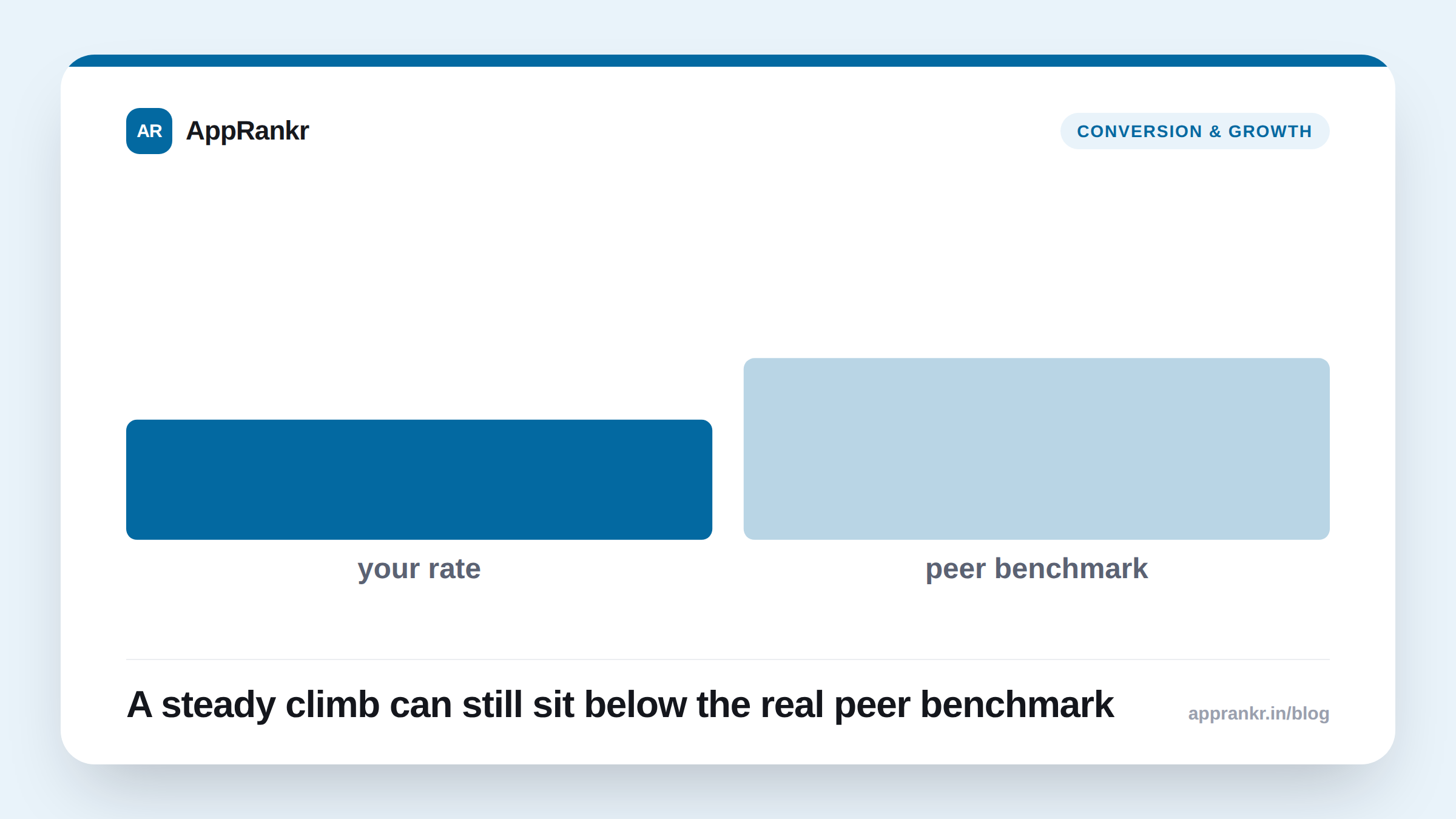
Real-world scenario: A subscription app tracked its own download-to-paid conversion rate for two years. It slowly climbed. The team treated every small rise as a win. After this update, they checked their new peer benchmark. Their rate sat well below similar apps in their category, despite the steady internal climb. The number they’d been celebrating was still behind the field. That one comparison changed the whole roadmap conversation. From “are we improving” to “are we actually competitive.”
What to actually do with this update
- Check both new benchmarks before drawing conclusions from your raw numbers. A rate that looks fine alone can read very differently next to a real peer comparison.
- Use cohort analysis for any recent regional or channel launch. Apple’s own example, a new region against older ones, is a direct, practical use case.
- Pull the new subscription reports into whatever system you already use. The Analytics Reports API export exists so this data doesn’t stay stuck inside one screen.
- Rebuild your regular Analytics views around seven filters. That’s a real jump from what was there before.
AppRankr’s ASO Inspector covers what shapes your visibility in search. Once a user is already looking at your app, tools like these new benchmarks are where the real conversion story gets measured.