Key points:
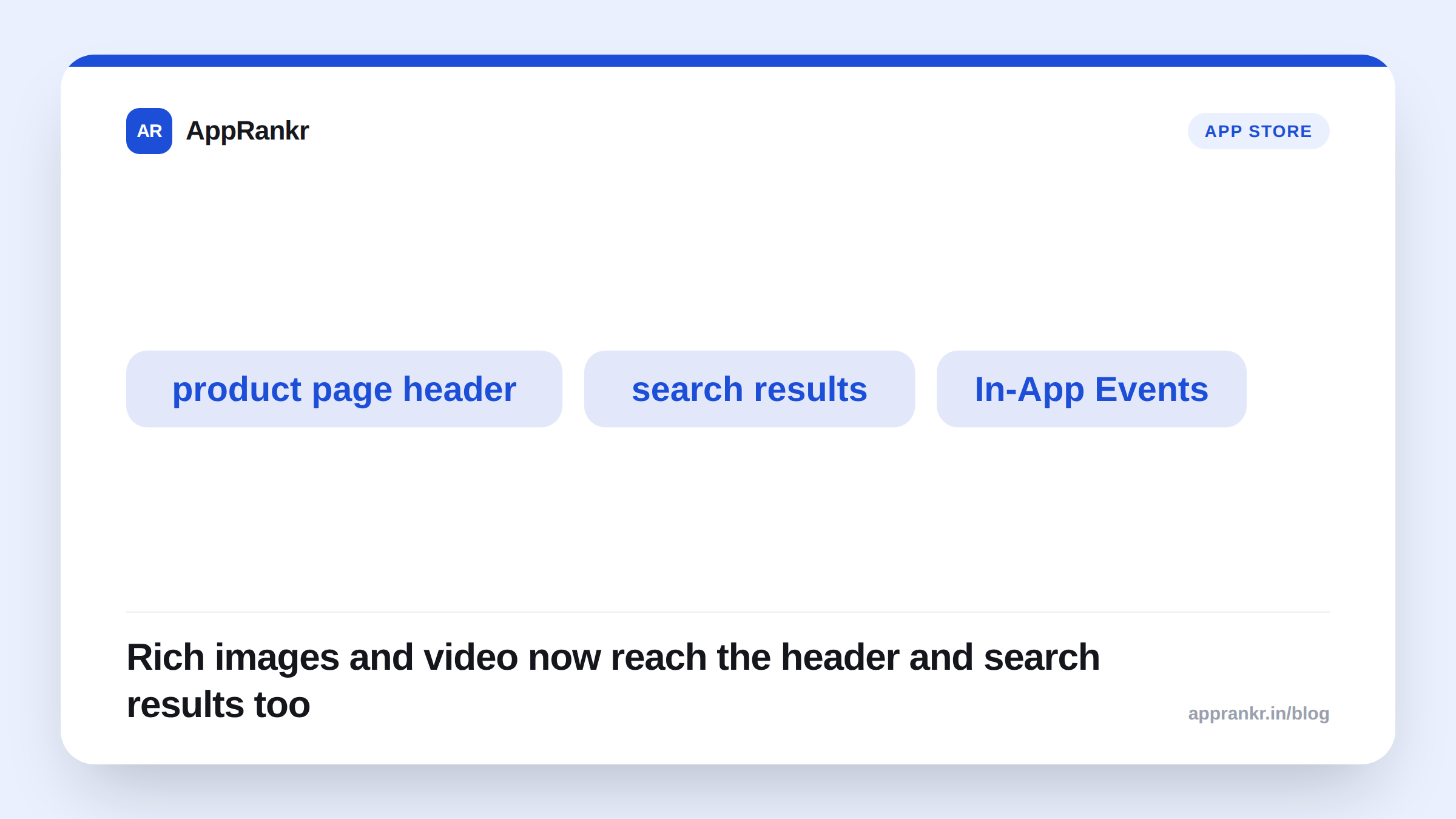
- Apple’s own App Store “What’s New” page confirms Creative Assets: rich images and video in the product page header and in search results.
- A new Asset Library in App Store Connect centralizes every visual. Reuse the same one across a product page, search results, and In-App Events without re-uploading it.
- A new Product Page Preview tool shows your header, name, description, screenshots, and search creative together before you publish.
- MacRumors independently confirms the same fall 2026, iOS 27-aligned rollout.
Screenshots and a preview video have been the whole visual toolkit for an App Store listing for years. Apple is adding a second layer this fall. Images and video that show up in the product page header itself. And in search results, before someone even taps into your listing. Here’s exactly what’s confirmed, and what’s still ahead of its actual release.
What Apple’s own page confirms
Apple’s App Store developer page lists Creative Assets as coming this fall, alongside iOS 27 and iPadOS 27. The stated placements:
| Placement | What shows there |
|---|---|
| Product page header | New creative assets at the top of your listing |
| Search results | Images and video in relevant App Store and Apple Games search results |
| Custom product pages | Usable there too, testable with product page optimization |
| Apple Ads | Creative assets can also boost Today tab and search campaigns |
Two tools ship alongside it. An Asset Library in App Store Connect holds every image and video in one place. Upload once. Submit it for approval on its own, apart from a full app submission. Then reuse that asset across a product page, search results, and In-App Events. A Product Page Preview tool shows your header, app name, description, screenshots, and search creative together before it goes live. No more finding out how it reads only after you publish.
What’s still just a preview
This was first shown at WWDC26, on June 8, 2026. MacRumors’ own coverage confirms the same fall 2026 date, tied to iOS 27. As of this writing, none of it is live on the public App Store yet. Nothing here is a confirmed ranking factor either. Apple’s own page frames this as a new discovery surface. Not a stated change to how search results get ordered.
Real-world scenario: A game studio prepping a fall update assumed their existing app preview video would automatically fill the new product page header once it launched. Checking Apple’s own page directly showed something different. Creative Assets are their own asset type, uploaded through the new Asset Library. Not an automatic reuse of an existing preview video. They budgeted a small production pass for header-specific creative instead of assuming their current assets would carry over.
What to actually do before it launches
- Don’t assume your current screenshots or preview video carry over automatically. Creative Assets are their own asset type in a new library. Not a repackaging of what you already have.
- Plan creative that works at product page header size, and in a small search result thumbnail. Apple’s own placements list both. One asset needs to read clearly at each size.
- Watch for the actual fall 2026 release. Don’t act on WWDC preview material as if it’s live already. Nothing described here is available to test yet.
AppRankr’s ASO Inspector reviews the parts of your listing that are live today. Once Creative Assets ship, that’s the next visual surface worth auditing alongside your existing screenshots.