Key points:
- Apple’s own App Store “What’s New” page confirms Personalized Collections: tailored recommendations based on a person’s interests.
- Collections can show on the Apps, Games, and Search tabs. Each one includes a short explanation of why that app was picked.
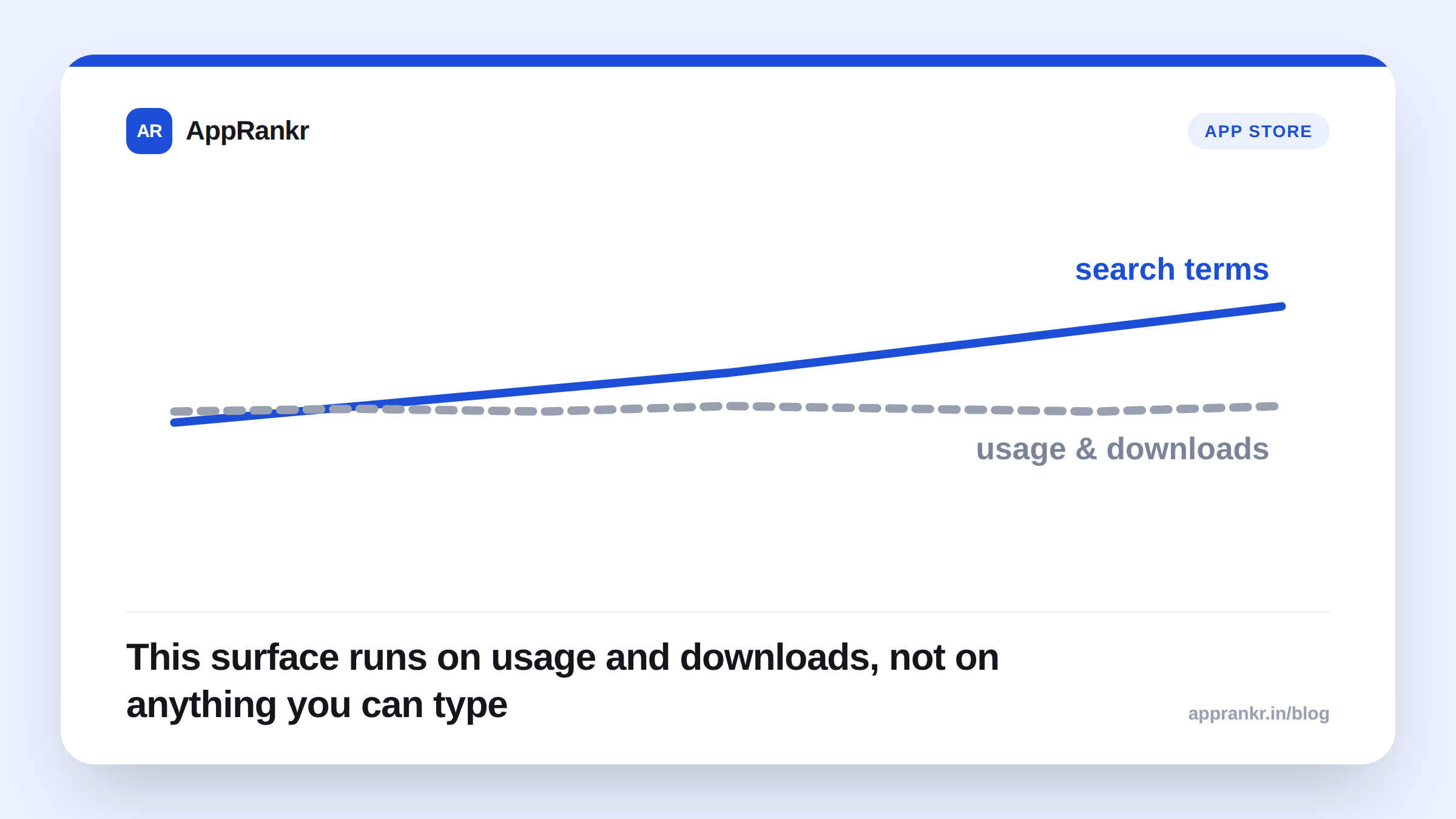
- Apple builds these from someone’s app usage and downloads, plus other App Store data. Not from search terms.
- Currently live in select countries and regions, for a limited set of apps. Apple’s own page says wider rollout is planned, not scheduled.
A new App Store surface just started showing apps to people who never searched for them. Apple’s own page confirms it. Here’s what that actually changes for your listing.
What Apple’s own page confirms
Apple’s own “What’s New” page describes Personalized Collections plainly: tailored recommendations based on someone’s interests. They can show up on the Apps tab, the Games tab, or the Search tab. Each collection includes a short line explaining why that specific app made the list. Multiple outlets, including TechCrunch and MacRumors, describe that explanation feature by the name “App Notes,” though Apple’s own page doesn’t use that exact term. Treat the name as reported, not official.
| Question | What Apple’s own page confirms |
|---|---|
| Where can it show? | Apps, Games, and Search tabs |
| What drives it? | App usage, downloads, other App Store data |
| Can you target it with keywords? | No field for that exists |
| Is it live everywhere? | No. Select countries and regions, limited apps |
Why “usage and downloads” is the part that matters
Every other App Store surface has a lever. Search has keywords. A product page has screenshots and a description. Personalized Collections runs on something you can’t write into a field: what a person has already installed and used. That puts weight back on your existing user base’s real behavior, not on how you describe your app.
This also means the surface will look different for every app, and Apple’s own page gives no formula for it. Guessing at inclusion criteria without a confirmed answer would be exactly the kind of overclaiming worth avoiding here. The honest position: watch your own numbers, don’t assume a mechanism Apple hasn’t published.
Real-world scenario: A habit-tracking app’s team noticed a small but real spike in installs from users who’d never searched their brand or core keywords, based on their own App Analytics traffic sources. They couldn’t find a matching campaign or press mention to explain it. Reading Apple’s own page pointed to Personalized Collections as the likely source, tied to usage patterns among people who already had similar apps installed. They had no way to directly target or confirm it. So they focused on what they could control: keeping their existing users genuinely engaged, since usage is the one input Apple’s own page says actually feeds this surface.
What to actually do about it
- Check your own App Analytics for unexplained traffic. A source you can’t tie to search or a campaign is worth a second look right now.
- Don’t chase a field that doesn’t exist. There’s no keyword or metadata control for this surface, per Apple’s own page. Time spent hunting for one is time you won’t get back.
- Keep real usage healthy. Apple’s own page ties this directly to downloads and usage. That’s an outcome of a good product, not a setting you flip.
- Re-check Apple’s own page periodically. It states collections are still expanding. What’s true in select regions today may include your market later.
AppRankr’s ASO Inspector reviews the parts of your listing you can actually control. A surface like this one sits outside that scope for now, but it’s exactly the kind of change worth tracking as Apple’s own page updates.