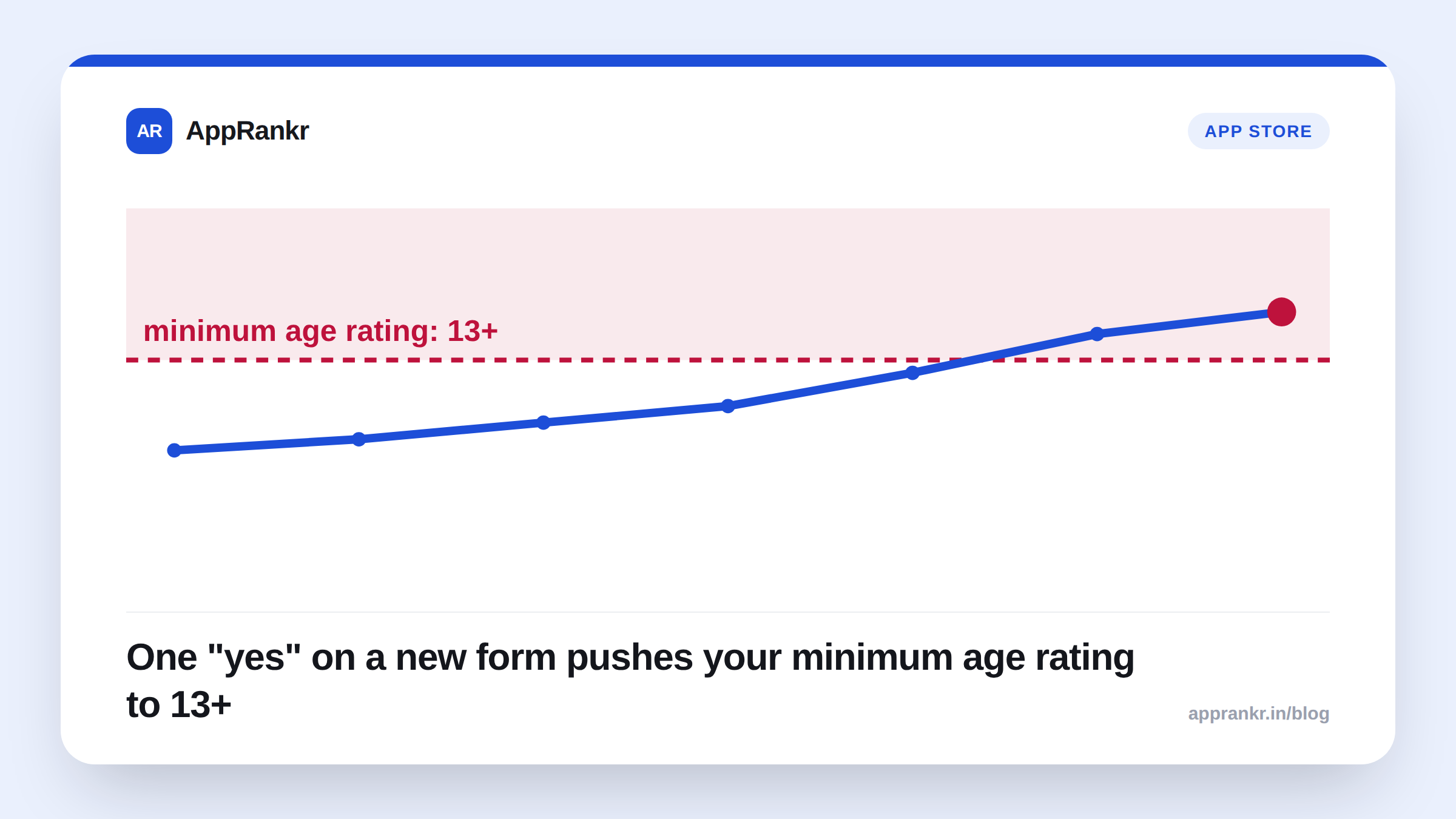
Key points:
- Apple’s own September 2026 developer update tells developers to declare social media capabilities in the App Store Connect age rating questionnaire.
- Apple’s own age ratings reference defines social media precisely: a feed that redistributes or amplifies user content, spreading it to many users.
- A “yes” here carries a real minimum age rating. 13+, or 16+ in Australia.
- A separate declaration exists for apps that lock social features from users under 13. It uses Apple’s own Declared Age Range API.
Apple just added a new question to the age rating form. It sounds small. It isn’t. Answer it wrong and your app’s age rating shifts. That changes who can even see your app in some settings. Here’s exactly what Apple’s own pages say. Not a guess at what they might mean.
What Apple actually requires
Apple’s own September 2026 developer page is direct about it. Time Allowances are coming in iOS 27, iPadOS 27, and macOS 27. Get ready by declaring whether your app has social media capabilities. The place to answer: the age rating questionnaire in App Store Connect.
What counts as “social media”? Apple’s own age ratings reference spells it out in exact words:
“Redistribution, amplification, or interaction with user-generated content through a social feed or similar discovery method that visibly spreads content to many users.”
Apple adds a concrete example. Feeds where people can like, comment, or share user content count. That’s a wide net. A comments section that lets people upvote each other’s posts could plausibly fall inside it too.
| Question | What Apple’s own page confirms |
|---|---|
| Where do you declare it? | Age rating questionnaire, App Store Connect |
| What triggers a “yes”? | A feed that spreads user content to many users |
| Minimum age rating if “yes”? | 13+ (16+ in Australia) |
| A way around the higher rating? | Yes, declare social media disabled for under-13s |
| What backs that second declaration? | Apple’s own Declared Age Range API |
Why this actually matters for your listing
An age rating isn’t just a label on your product page. It gates who your app is even shown to in some settings. It’s also one of the few pieces of metadata a parent, or a platform control, actually reads and acts on. Getting bumped to 13+ when your real feature set doesn’t need it can cut off an audience you were counting on. Under-declaring is worse. That’s a compliance risk, not just an ASO one.
The under-13 carve-out is worth reading closely too. Apple ties it to a real technical requirement. The Declared Age Range API has to run before those features turn on for a user. This isn’t a checkbox you tick without doing the matching engineering work first.
Real-world scenario: A photo-sharing app added a simple “like” button to public posts. The team treated it as a minor UI tweak, nothing more. At their next submission, they answered the new age rating question honestly. Their app’s minimum rating moved to 13+. One like button on a public feed was enough to qualify under Apple’s own definition. They hadn’t realized that until they read the actual wording.
What to actually do about it
- Read Apple’s own definition before answering the questionnaire. “A feed that visibly spreads content” is broader than most teams assume. A like or share button on public content can be enough on its own.
- Check whether your under-13 audience actually matters to you. If it does, the Declared Age Range API is the real technical path to a lower rating. Answering “no” and hoping isn’t.
- Re-check this before your next submission, not after. iOS 27’s Time Allowances are the reason Apple is asking now. A rating mismatch found late can hold up a release.
AppRankr’s ASO Inspector reviews your live listing. But a content descriptor and age rating shift like this one starts in App Store Connect, well before anything shows up in search. Check it there first.