Key points:
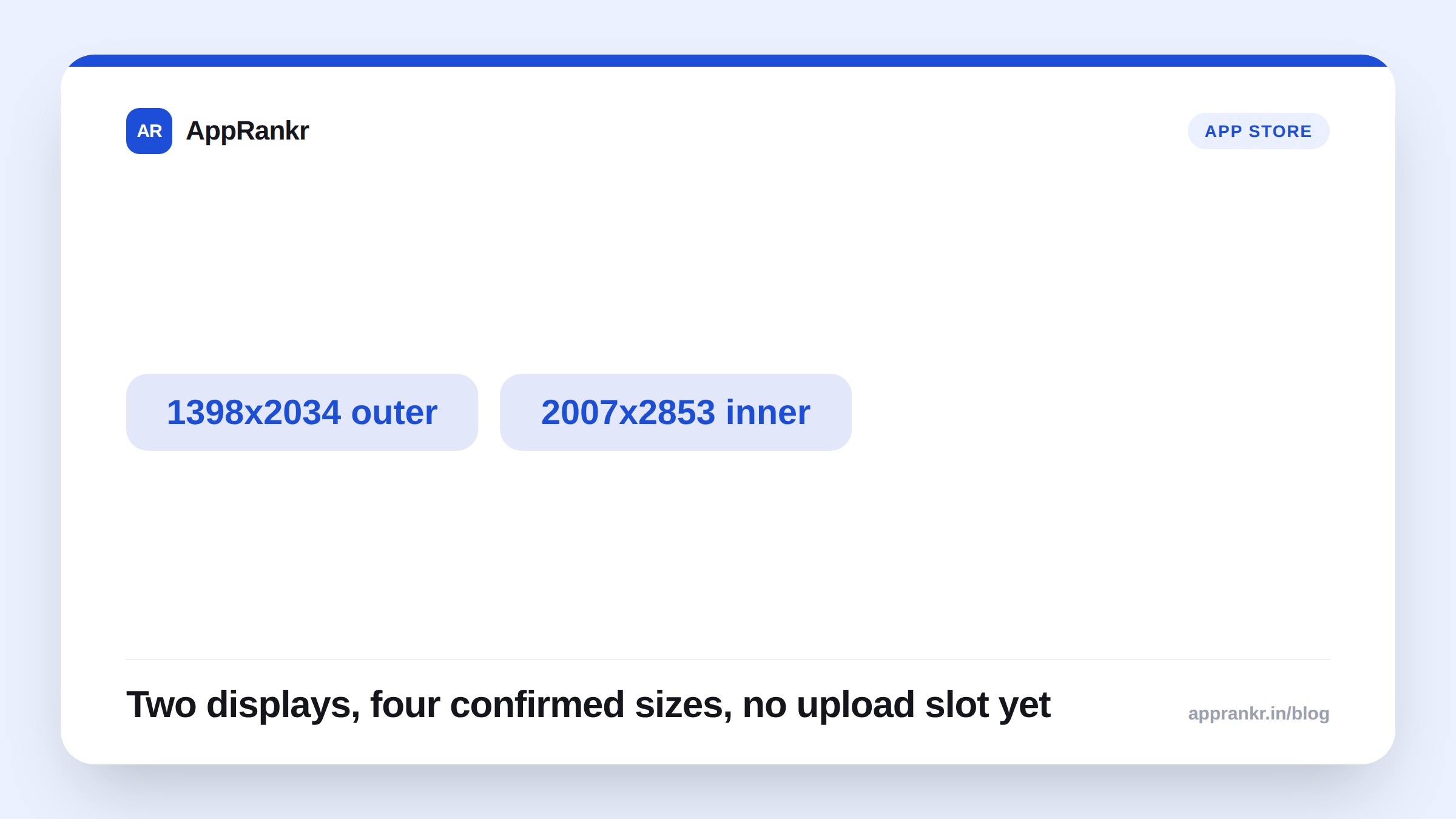
- Apple’s own screenshot specifications page lists exact iPhone Duo sizes, for both its outer and inner displays.
- That’s four separate sizes total. Two displays, each in portrait and landscape.
- Apple’s own page states upload support for this device in App Store Connect is coming later this year. Not live yet, as of this writing.
- Reporting confirms Apple added these rows to App Store Connect’s specs the same afternoon as the September 9 keynote.
A foldable iPhone means a foldable screenshot problem. Two screens. Two very different shapes. Apple’s own App Store Connect docs already spell out exactly what each one needs, even before you can upload a single image for it.
What Apple’s own specs confirm
Apple’s screenshot specifications page lists iPhone Duo separately from every other iPhone size. Two displays. Four total dimensions.
| Display | Portrait | Landscape |
|---|---|---|
| Outer | 1398 x 2034 | 2034 x 1398 |
| Inner | 2007 x 2853 | 2853 x 2007 |
That’s not one new size to plan for. It’s four. A screenshot built for the outer display alone would look wrong, or simply not fit, on the larger inner screen. Two real layouts to design and test, not a single resize job.
Why you can’t upload one yet
Apple’s own page is direct about this. Support for uploading iPhone Duo assets in App Store Connect is coming later this year. Not available today. The specs exist ahead of the upload path itself, which is worth knowing so you don’t go looking for an upload slot that isn’t there yet.
Reporting on the rollout says Apple added these exact rows to App Store Connect’s specifications the same afternoon as the September 9 keynote. The documentation moved fast. The actual upload feature is still catching up.
Real-world scenario: A design team read about iPhone Duo the day it was announced and immediately tried to add a new screenshot slot in App Store Connect for it. Nothing showed up. Checking Apple’s own specs page directly explained why. The sizes were documented, but upload support wasn’t live yet. They used the wait productively instead, mocking up both display layouts against the confirmed pixel sizes so real assets were ready the moment the upload option appeared.
What to actually do now
- Design against both confirmed sizes, not just one. The inner and outer displays aren’t the same shape scaled up or down. Treat them as two real layouts.
- Don’t wait for the upload slot to start designing. Apple’s own exact pixel dimensions are already public. Nothing about the actual creative work needs to wait.
- Check Apple’s own specs page again before you plan a launch around this device. “Later this year” isn’t a fixed date, and the upload feature’s real arrival is worth confirming close to when you need it.
- Test the actual target device once you can. A screenshot that measures correctly on paper can still read oddly on real hardware, especially across a fold.
AppRankr’s ASO Inspector reviews your live App Store listing. A new device format like this is worth planning for well before it’s live, not scrambling for the week upload support actually opens.