Key points:
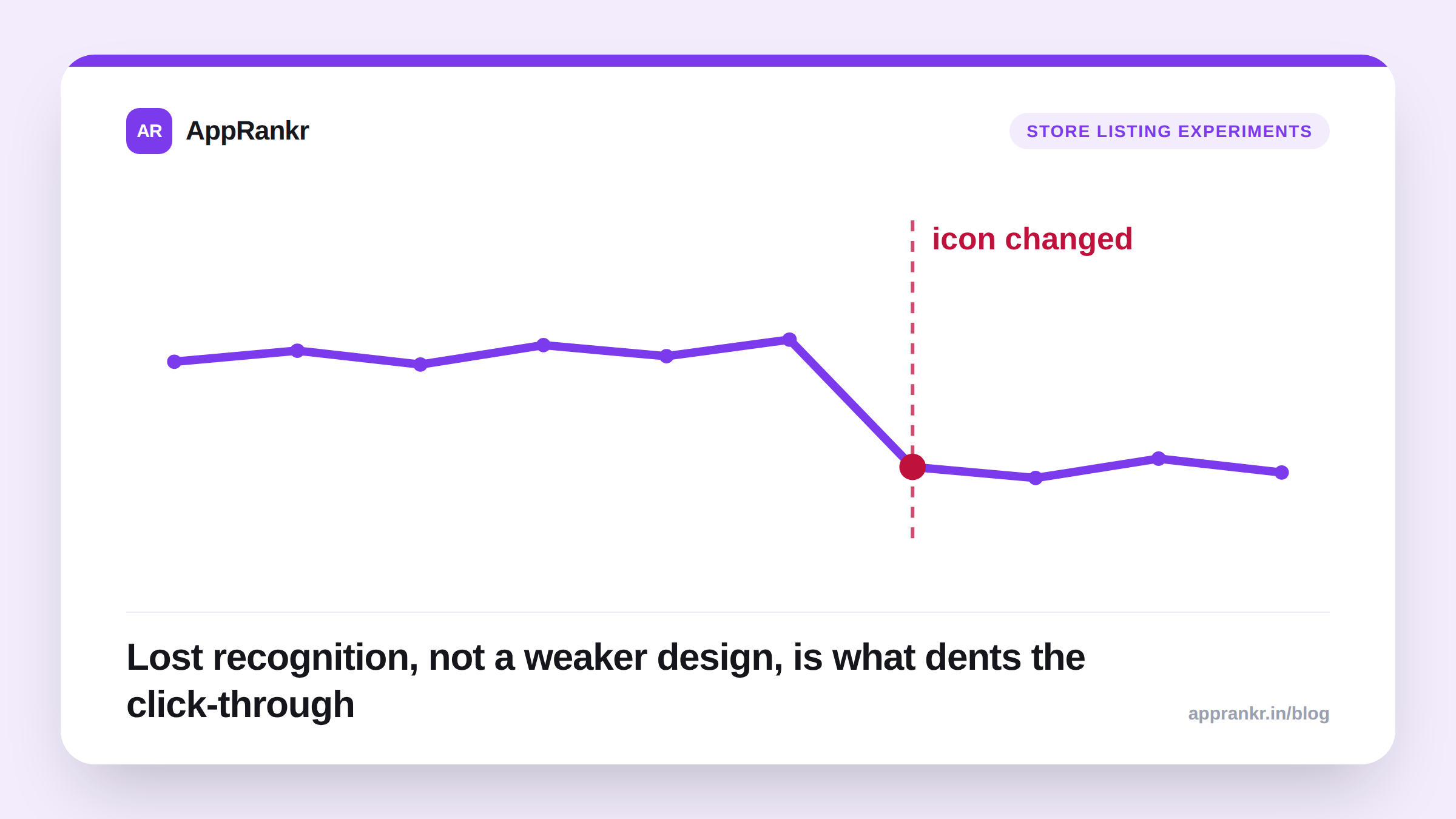
- Industry reporting on ASO ties app icon changes to click-through dips, from lost recognition among people who already know the old icon.
- The same reporting describes real gains too. A tested change, in one reported case, added a 3% click-to-install lift. This is why testing matters, not a reason to avoid changing an icon.
- The icon is the one element that follows an app everywhere: search results, category browse, and the home screen after install. That’s a lot of surface area for a recognition break to cost you.
- No platform rule requires a brand name inside the icon. What matters is whether it reads clearly at a small size, next to competing icons doing the same job.
An icon redesign can look purely positive on a design review call. Reporting on real ASO outcomes says the real risk sits somewhere else. Whether people who already know your old icon still recognize the new one.
Why a recognition break costs real clicks
The app icon shows up everywhere an app does. Search results, category browse, and the home screen after install. Industry reporting calls it the one visual element that follows a user through the whole journey. Before and after install. That continuity is exactly what a sudden redesign breaks. A shopper who’s tapped your icon before is pattern-matching on the old shape and color. So is a returning user scanning their home screen. Change it all at once, and that match can silently fail.
| Scenario | What reporting describes |
|---|---|
| Untested, all-at-once icon change | Risk of a real click-through dip from lost recognition |
| Tested icon change via a controlled experiment | Reported gains, including a documented 3% click-to-install lift |
| New app with no existing icon to lose | Recognition risk doesn’t apply yet |
Why this is exactly the case for testing it, not avoiding it
This isn’t an argument against changing your icon. Reporting on tested changes describes real upside too, not just risk. The difference is how it ships. Direct to every user at once, or first as a controlled experiment against a slice of traffic. A test catches a recognition dip on a small sample, where it costs little. Shipping cold to everyone means finding out the same thing on your full audience instead.
Real-world scenario: An established app redesigned its icon as part of a full rebrand. They shipped it directly to every user in one release. Search click-through dropped within days. Reading reporting on why icon changes move conversion pointed at recognition loss in existing searchers and users. Not a weaker design. On their next icon update, they ran it as a store listing experiment against a share of traffic first. The test caught a smaller version of the same dip before it ever touched their full audience. They adjusted the design before the wider rollout.
The brand name question
Whether a name or wordmark belongs inside the icon has no fixed rule on either app store. Reporting on icon practice describes real variation across successful apps. Some carry a name or initial. Some are a pure symbol with no text at all. The real test isn’t “does it have a name.” It’s whether whatever’s in the icon, symbol or name, reads clearly at the tiny size it’s actually seen at, next to a row of competitors doing the same job. A cluttered name squeezed into a small icon can hurt more than a clean symbol with none.
What to actually do about it
- Never ship a meaningful icon redesign cold to 100% of users. Run it as a controlled experiment first, on a slice of traffic, so a recognition dip shows up small before it shows up everywhere.
- Expect a real, established icon to carry earned recognition. A confident redesign can still cost clicks in the short term purely from that loss, independent of whether the new design is better.
- Judge a name or symbol by legibility at real size, not by a rule. Neither app store requires a brand name in the icon. What matters is whether it reads clearly next to competitors at a glance.
- Isolate the icon as its own test. Changing it alongside screenshots or the description at the same time means you won’t know which change moved the number.
AppRankr’s ASO Inspector reviews how your current icon reads against real competitors. Before a redesign ships anywhere, checking your current baseline is worth doing first.