Key points:
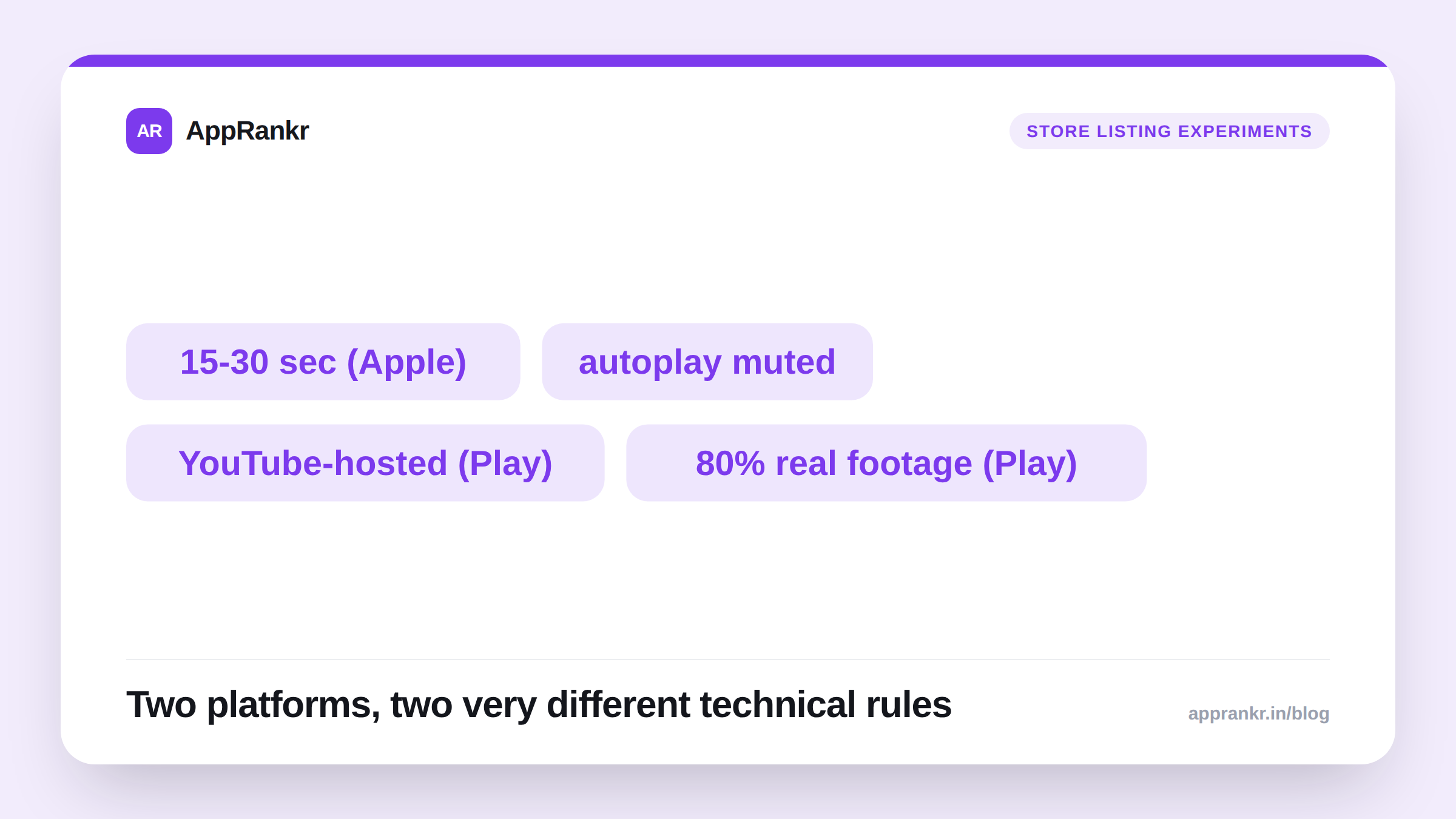
- Apple’s official App Preview specs set a strict 15 to 30 second length. Up to 3 previews per language. A default poster frame at the 5-second mark.
- App Previews autoplay with sound off by default. Your video has to work as a silent, visual pitch first. Audio is an optional bonus a viewer has to choose to unmute.
- A Google Play Store video is not a native upload. It’s a YouTube video URL, with its own rules: public or unlisted, embeddable, ads disabled, and at least 80% real app footage.
- The two platforms diverge enough that a single video built for one rarely works as-is for the other without real edits.
A video feels like the highest-effort piece of a store listing. It often gets treated that way too: outsourced, produced once, left alone for years. The actual technical rules for both platforms are specific enough that a video built blind to them tends to fail quietly. It works fine as a video. Just not as a listing asset doing its actual job.
What Apple actually requires
Apple’s official App Preview specifications set hard limits. Length: 15 seconds minimum, 30 seconds maximum. Format: H.264 or ProRes 422 HQ, under 500MB, up to 30fps. You can upload up to 3 App Previews per language. Each one gets a poster frame, the still shown before playback, defaulting to the 5-second mark but settable by hand.
Here’s the detail that actually changes how you should build the video. App Previews autoplay with the sound off by default. A viewer has to tap to unmute, and most won’t. If your message depends on narration explaining what’s happening, most viewers never hear a word of it. The visual alone has to carry the pitch.
What Google Play actually requires
Google Play handles video completely differently. There’s no native upload at all. Your Play Store listing links to a YouTube video by URL instead. Not a playlist or channel link. That video must be public or unlisted, embeddable, ads disabled. Google specifically requires at least 80% of the video show real app experience. Not marketing footage, actors, or abstract branding.
This is a structural difference, not a style choice. An Apple App Preview lives self-contained inside App Store Connect. A Play Store video is a pointer to a separate YouTube asset, under YouTube’s own rules on top of Google Play’s.
| Requirement | Apple App Preview | Google Play video |
|---|---|---|
| Hosting | Native upload to App Store Connect | YouTube URL, public or unlisted |
| Length | 15-30 seconds | No strict Play-specific limit, commonly kept short |
| Sound | Autoplays muted by default | Depends on YouTube embed/viewer settings |
| Real app footage requirement | Not explicitly quantified | At least 80% of runtime, per Google |
Structuring one video that respects both
Given the sound-off default on iOS, and the real-footage rule on Android, a video built for both tends to follow the same underlying shape no matter where it’s hosted:
- Open with the core visual hook in the first few seconds. That’s what a muted autoplay viewer sees before deciding whether to keep watching.
- Show real app screens doing something specific. Not an abstract animation or a logo reveal. This satisfies Google’s real-footage rule by default, and gives iOS viewers something concrete to follow without sound.
- Add on-screen text for anything that would need narration. A muted viewer can read a caption. They can’t hear a voiceover they never unmuted.
- Keep it inside Apple’s 30-second ceiling, even where Play allows more. A cut built to iOS’s stricter limit works on both. One built past it needs trimming anyway.
Real-world scenario: A recipe app’s team made a 45-second promo video with a voiceover explaining meal planning, meant for both stores. On iOS, they had to cut it to fit the 30-second App Preview limit. Testing showed most viewers never unmuted it at all. They missed the voiceover completely and got nothing from the video. The team re-cut it around on-screen captions instead of narration, showing the real meal-planning screen with short text callouts over real taps and swipes. The new version worked the same with sound on or off. It also already cleared Google Play’s 80% real-footage rule, since the whole thing was screen capture, not staged footage. One edit, both platforms, just a length trim for iOS.
What to check before you publish
- Confirm your Apple video runs 15 to 30 seconds. Pick a poster frame that represents the app well on its own, since it’s what shows before anyone taps play.
- Confirm your Play Store video’s YouTube settings. Public or unlisted, embeddable, ads disabled.
- Watch your own video muted, start to finish, before publishing anywhere. If you can’t follow the message without sound, most real viewers won’t either.
- Check your real-footage share for Play. Aim comfortably above Google’s 80% floor, not right at the edge of it.
Once your listing assets are right, AppRankr’s Rank Tracker tracks whether the change actually moved your numbers. Not just whether it looked better in a meeting.