Key points:
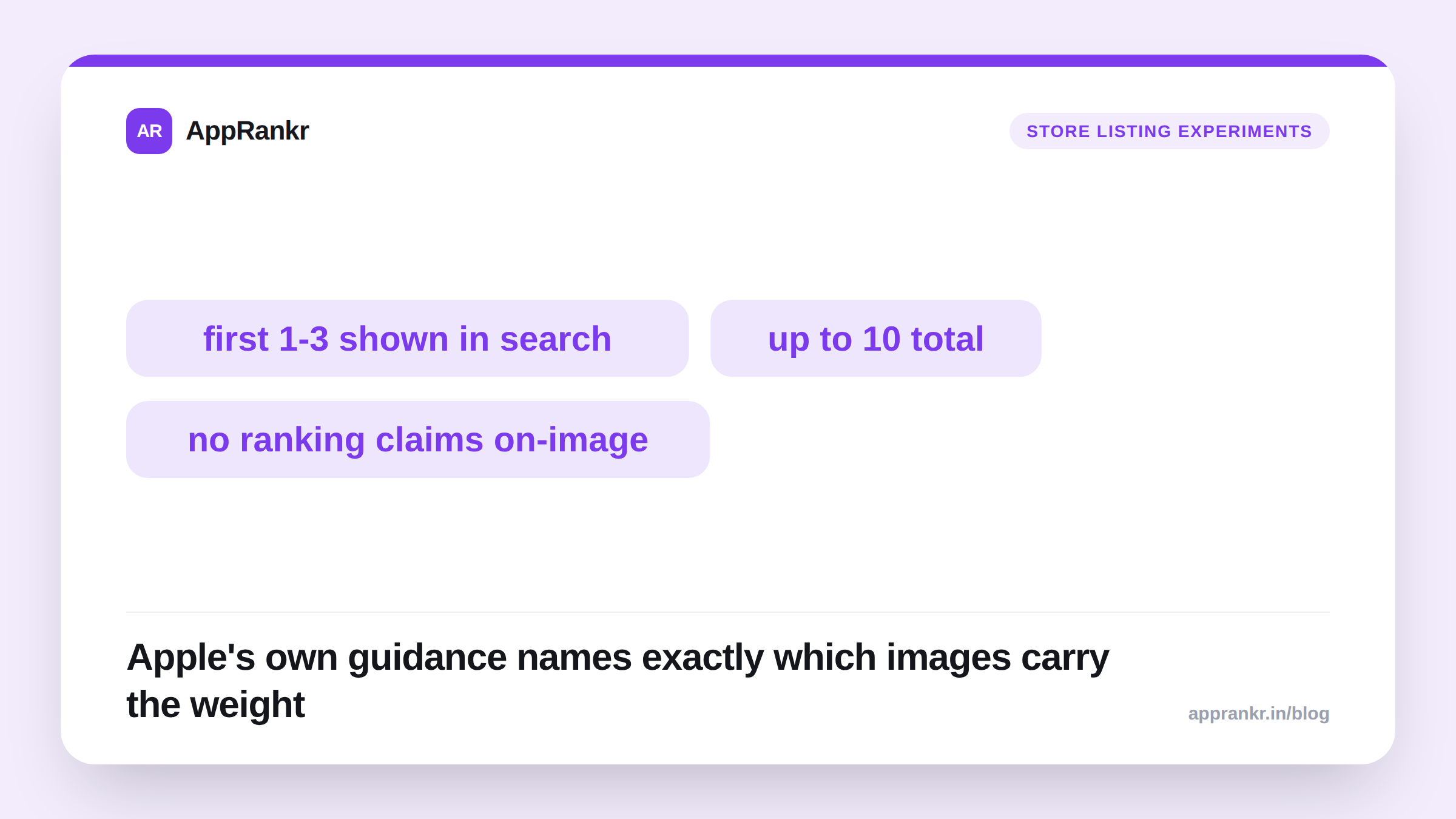
- Apple’s own App Store product page guidance says the first one to three screenshots are what show up in search results. It tells developers to make sure they “highlight the essence” of the app.
- Google Play’s screenshot policy requires at least 4 screenshots. It explicitly bans adding ranking or award claims like “#1” or “App of the Year” directly onto the images.
- ASO research vendors consistently find the first one to two screenshots drive most of the install decision. Exact percentages differ between reports, so treat any single number as directional.
- Apple allows up to 10 screenshots per platform. Its own guidance is to give each one after the first its own specific benefit or feature. Not to repeat the same message.
Apple says this directly, in its own developer documentation. Most listings still don’t act on it. Your first screenshot isn’t just the first image in a gallery someone scrolls through. On search results, it’s often the ONLY image a potential user sees before deciding whether to tap through. That one image needs to work in about three seconds.
What Apple’s own guidance actually says
Apple’s App Store product page guidance is direct. “Depending on the orientation of your screenshots, the first one to three images will appear in search results when no app preview is available, so make sure these highlight the essence of your app.” That’s not a tip buried in a forum post. It’s Apple’s own instruction. It names the exact images that carry the weight.
The same guidance covers what comes after the first few. “Focus each subsequent screenshot on a main benefit or feature so that you fully convey your app’s value.” Apple allows up to 10 screenshots per product page. That’s real room to build a case. But only after the first one to three have already done their specific job.
What the 3-second test actually checks
The test is simple. Worth running for real, not just thinking about it. Show your first screenshot alone to someone who has never seen your app. For about three seconds. Then ask what they think it does. If they land close to correct, the image is working. If they guess wrong, or can’t answer at all, you now have direct proof of a problem Apple’s own guidance already told you to fix.
| Requirement | Source |
|---|---|
| First 1-3 images appear in search results | Apple, official product page guidance |
| Each image should show the app’s essence or a specific benefit | Apple, official product page guidance |
| At least 4 screenshots required, no ranking/award claims on the image itself | Google Play, official screenshot policy |
| Up to 10 screenshots allowed per platform | Apple, official specifications |
What Google Play requires and restricts
Google Play’s own screenshot requirements set a minimum of 4 screenshots. At least 1080 pixels on the short side. Landscape or portrait, either works. Google also draws a specific, real line. Don’t put images or text claiming store performance or ranking, things like “App of the Year,” “#1,” or “Popular,” directly onto the screenshot itself. That’s a real policy rule. Not just a design tip. Worth knowing before a creative team builds a screenshot around a claim that gets flagged later.
What the research says, with appropriate caution
ASO research firms including Storemaven and SplitMetrics have studied first-screenshot impact for years. The direction of their findings stays consistent. The first one to two screenshots drive the large majority of a viewer’s install decision. Exact percentages vary a fair bit between different reports and sources. Treat any single number you see quoted with some caution. The direction itself, that the first screenshot matters far more than the rest, is the part worth acting on with confidence.
Real-world scenario: A meditation app’s team had built their screenshot set the same way for two years. A clean interface shot first, then feature-specific screens after. Impressions were healthy, but conversion had stayed flat through several unrelated listing updates. They ran an informal 3-second test on ten people who’d never seen the app. Seven of ten described the first screenshot as “some kind of notes or journaling app.” Not a guided meditation app. They swapped the first screenshot for one showing a person mid-session, with a short headline naming the exact benefit: “Fall asleep faster with guided audio.” The next batch of ten testers got it right nine times out of ten. Conversion on the listing rose within two weeks. Nothing else changed.
How to actually apply this
- Run the literal test. Show screenshot one, for three seconds, to someone who’s never seen your app. Ask what it does.
- Put your single clearest benefit in the first image, with a short text headline if your category supports it. Don’t lead with a generic interface shot.
- Give each following screenshot its own distinct job, matching Apple’s own guidance. Don’t repeat the same message in different framing.
- Never put ranking or award claims directly on a Play Store screenshot. It’s an explicit policy violation. Not a style choice.
AppRankr’s ASO Inspector reviews your live listing against exactly this kind of checklist. Catch a first-screenshot problem before conversion data tells you the hard way.