Key points:
- A Custom Store Listing targets one audience segment, a country, a campaign link, a keyword search, with different listing content. It’s about who sees what.
- A Store Listing Experiment tests different versions of your listing against real traffic. It’s about which version wins.
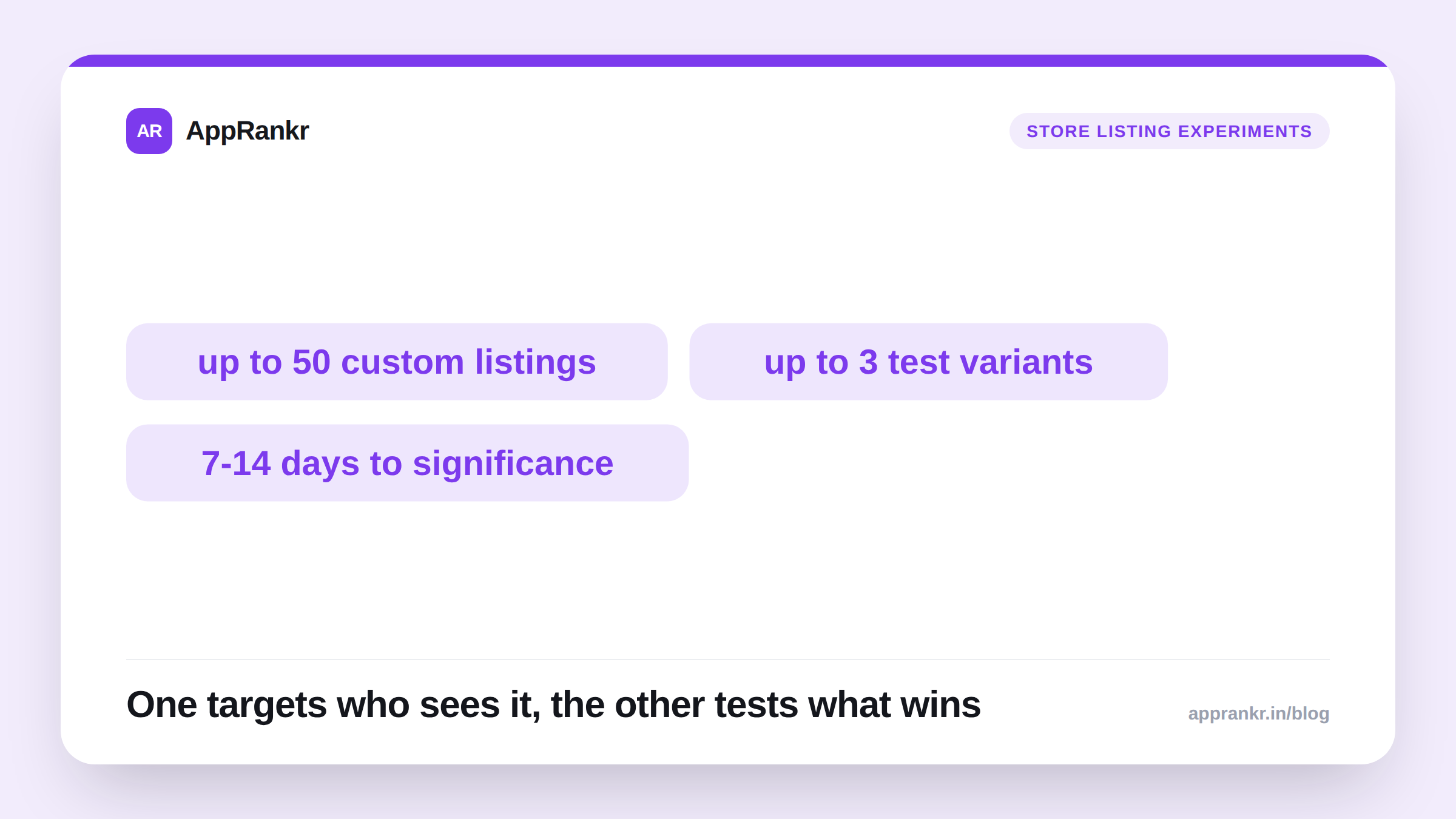
- Google Play supports up to 50 Custom Store Listings per app, and up to 3 experiment variants tested at once. Results typically need 7-14 days to reach significance.
- You can nest an experiment inside a Custom Store Listing. Only the audience eligible for that listing enters the test.
Two tools in Google Play Console have names close enough to blur together in conversation. Custom Store Listings. Store Listing Experiments. They solve different problems. Mixing them up in your own planning tends to waste both.
Custom Store Listings: targeting who sees what
A Custom Store Listing shows different listing content to different audience segments. Google’s own framing covers real ground. Users in different countries. People who pre-registered before launch. Visitors who arrived by searching a specific keyword. Users who’ve gone inactive and might respond to a different pitch than a first-time visitor would.
You can also point a unique Custom Store Listing URL at one traffic source. A partner deal. An email blast. An influencer’s link. Whoever clicks that link sees the tailored version. Everyone else, arriving through normal search, sees your default listing.
Google Play supports up to 50 of these per app. That limit was raised from an earlier cap of just 5. Real room to tailor a listing for many audiences without diluting your main store page.
Store Listing Experiments: testing what converts
A Store Listing Experiment is Google Play’s native A/B testing tool, run against real store traffic, not a simulated environment. You can test up to 3 variants of your icon, feature graphic, screenshots, or description against your current listing at once. Google typically recommends 7 to 14 days of real traffic before a result reaches significance. A shorter window risks a false read from normal day-to-day noise.
This tool answers a different question. Not “who should see this version.” Instead, “which version actually wins.”
| Tool | Answers | Typical use |
|---|---|---|
| Custom Store Listing | Who should see which version | Country targeting, campaign links, keyword-specific pitches |
| Store Listing Experiment | Which version performs better | Icon, screenshot, or description A/B tests |
Where they combine
Here’s the genuinely useful part. An experiment can run nested inside a Custom Store Listing. Only the audience eligible to see that specific listing enters the test. You can A/B test a screenshot set aimed at, say, users from one ad campaign, without ever touching your main store listing’s own conversion rate.
Real-world scenario: A language-learning app ran a Custom Store Listing for users arriving through a partnership with a travel blog. Its screenshots emphasized travel-phrase lessons instead of the general curriculum on the default listing. A few weeks in, the team wanted to know if a different screenshot order would convert even better within that same travel audience. Rather than risk their main listing’s numbers, they ran a Store Listing Experiment nested inside that one Custom Store Listing. The test reached significance after 10 days. It showed a real conversion lift for the reordered screenshots, visible only to the travel-blog audience the whole time. Zero effect on the main listing’s own numbers.
How to decide which one you need
- If the question is “who should see this,” reach for a Custom Store Listing. Different countries, different campaign sources, different keyword intent all fit here.
- If the question is “which version wins,” reach for a Store Listing Experiment. Icon tests, screenshot order tests, and description rewrites all fit here.
- If both questions apply at once, nest the experiment inside the Custom Store Listing. Don’t run one blended test across your whole audience instead.
- Don’t let a segment-specific test run too short. The same 7-14 day guidance applies even to a narrower audience. A smaller sample still needs that much time for a reliable read.
Once you’ve settled on a winning listing, AppRankr’s Rank Tracker tells you whether it actually moved your real keyword positions over time. Not just your test’s conversion number in isolation.