Store Listing Experiments are Play Console’s built-in A/B testing tool for your listing’s visual and text elements. Run correctly, they replace guessing with a real answer to “does this new icon actually convert better, or did it just feel like an improvement to us?”
What you can test
Play Console lets you run an experiment on one of these elements at a time, against your current live listing as the control:
- App icon
- Feature graphic
- Screenshots (phone, tablet, and other device-specific sets)
- Short description
| Element | What it mainly affects | Test priority |
|---|---|---|
| App icon | Tap-through from search results and category browse, before the listing even loads | Highest. Test first if you can only run one |
| Screenshots | Conversion once someone’s already reading the listing | High |
| Short description | Conversion + a secondary keyword-relevance signal | Medium |
| Feature graphic | Conversion, mainly on Android’s browse surfaces | Medium |
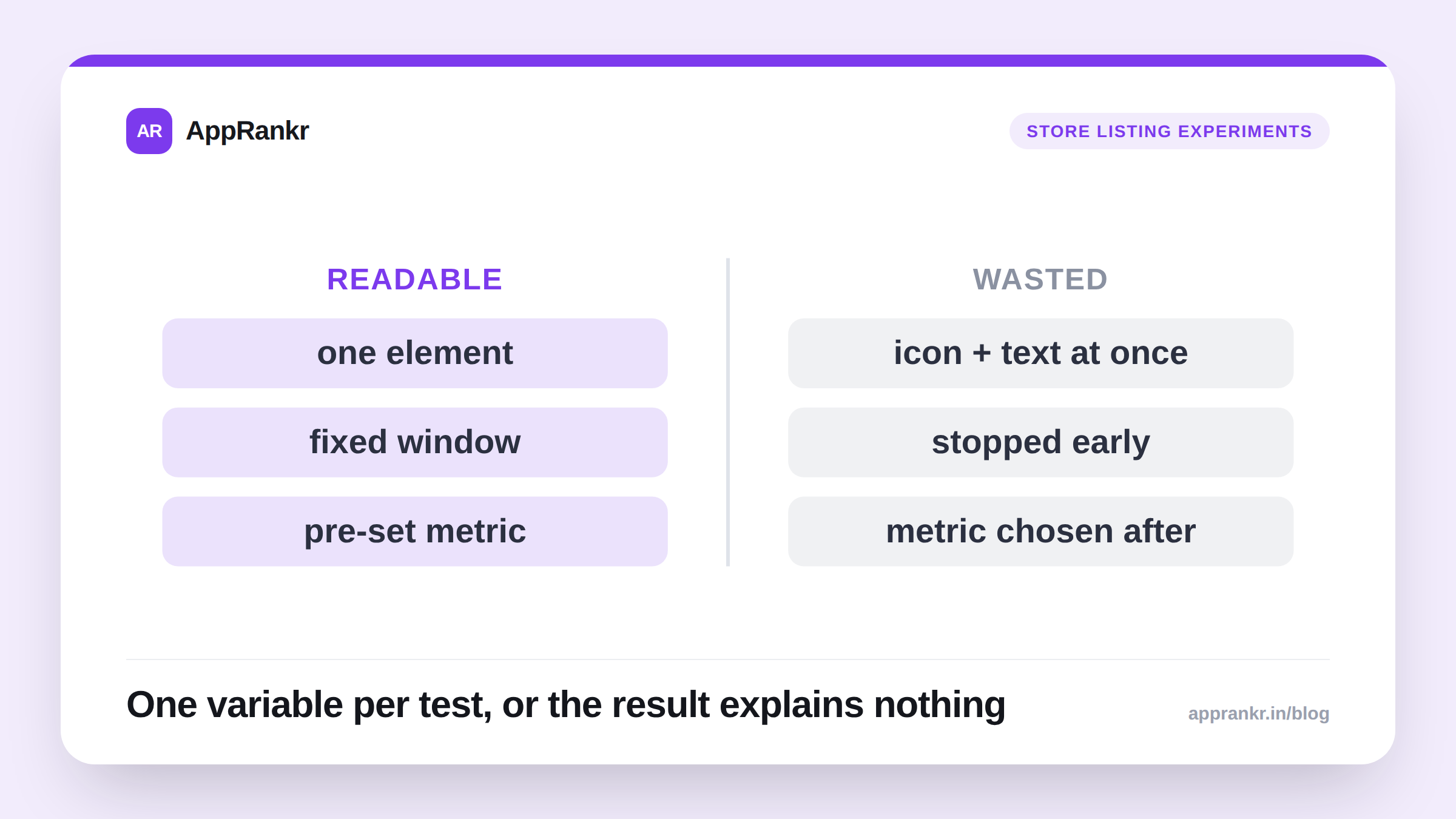
Test one element per experiment. It’s tempting to redesign the icon and swap the first three screenshots and rewrite the short description all at once, but if that combined variant wins, you have no idea which change did the work, and you can’t carry that learning into your next redesign. Isolate the variable.
Setting up a test that actually tells you something
- Start from a real hypothesis, not just “let’s see.” “Our current icon doesn’t stand out against competitors’ icons in search results, so a higher-contrast version should improve tap-through” is testable. “Let’s try a different icon” isn’t. You won’t know what to conclude either way.
- Design 1-2 variants against your current listing, not five. More variants split your traffic thinner across each one, which means it takes longer to reach a confident result on any of them.
- Pick a metric before you start, not after. Store listing experiments optimize for store listing conversion rate (visitors who go on to install), decide that’s what you’re judging success on, so you’re not tempted to rationalize a losing variant afterward by pointing at some other number.
- Let the traffic be representative. If you’re mid-way through a big paid campaign or a press spike, that traffic doesn’t behave like your normal audience. A test that runs entirely inside that window won’t generalize.
How long to run it
Two things need to both be true before you should trust a result:
- At least a full week of traffic, so weekday/weekend behavior differences even out across variants.
- Enough visitors per variant for Play Console to report meaningful confidence. Lower-traffic apps will need this to run for weeks, not days. There’s no fixed universal duration, because it depends on how much store listing traffic you actually get. Watch the confidence/significance indicator in the experiment dashboard rather than a calendar date.
Stopping early because one variant is “pulling ahead” is the single most common way teams talk themselves into a false positive, a lead in the first three days regularly reverses by day ten as more data comes in.
Real-world scenario: A budgeting app tested a higher-contrast icon against its original. By day 4, the variant was showing a promising +11% lift, the team almost called it there. By day 12, with enough visitors accumulated, the lift had settled to a confirmed +4%, still worth applying, but a very different number than the early read suggested.
What “done” looks like
A finished experiment gives you one of three honest outcomes:
- A confident winner: apply it, and treat the specific hypothesis behind it as validated (worth reusing the logic elsewhere, e.g. other markets).
- A confident “no difference”: also useful. It tells you that particular change wasn’t the lever you thought it was, so you stop iterating on it and look elsewhere.
- Inconclusive: usually a traffic problem, not a listing problem. Either the variants were too similar to produce a measurable difference, or the app doesn’t get enough store listing visits yet for Play Console to call it either way.
Once you have a result, the next question is how to actually read the confidence and lift numbers Play Console shows you, covered in how to read Google Play experiment results.