“Custom Store Listing” is one of the more commonly misunderstood features in Play Console. Mostly because its name sounds like it should overlap with keyword targeting or Store Listing Experiments, and it doesn’t do either of those things. Here’s what it actually is.
What a Custom Store Listing actually does
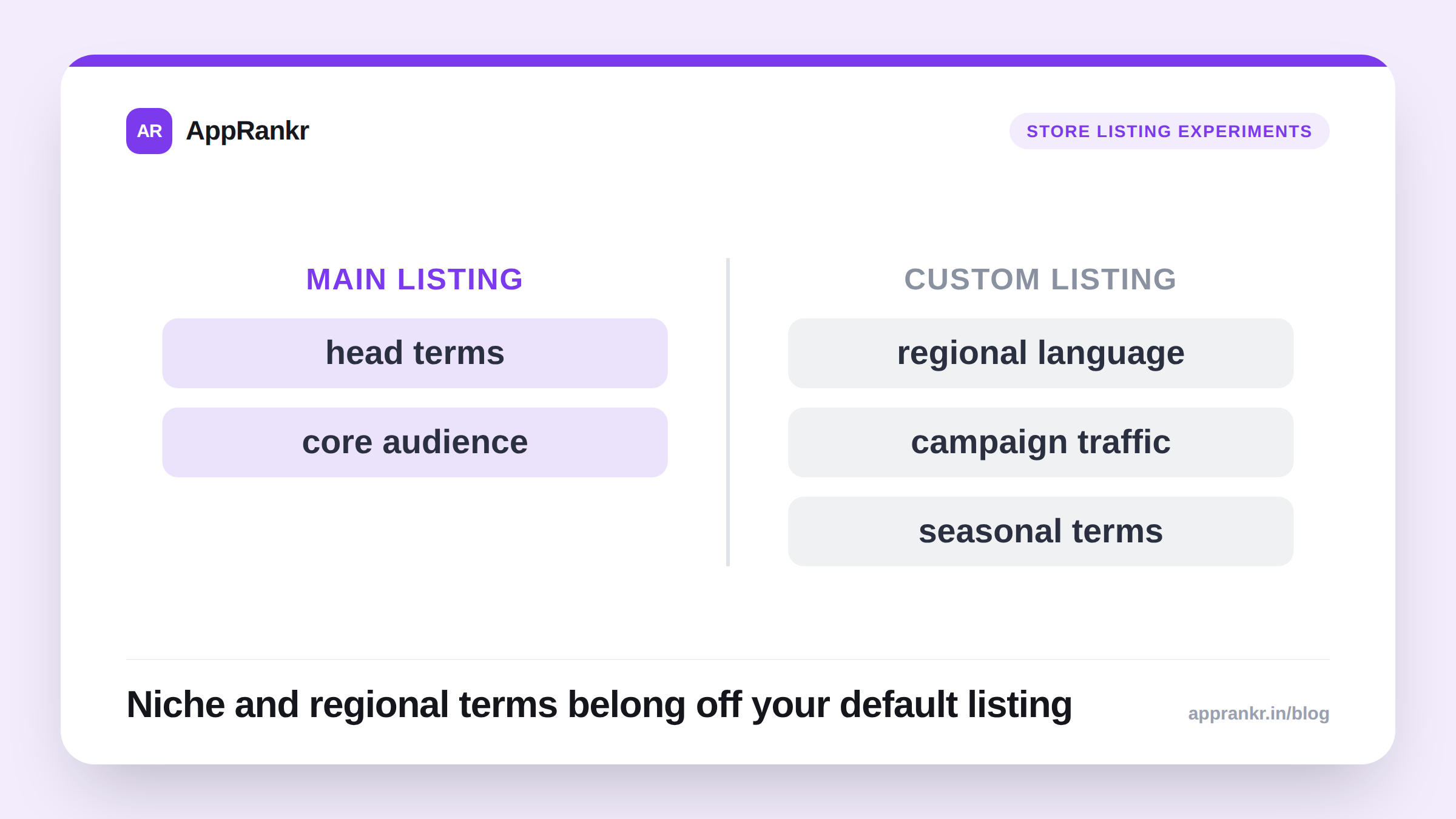
A Custom Store Listing lets you show a different version of your store listing (icon, screenshots, feature graphic, promo video, short and long description) to a specific audience segment, while everyone else still sees your default listing.
The key word is segment. You’re not testing variants against each other (that’s Store Listing Experiments, a separate feature. See our guide to running store listing experiments). You’re deliberately showing a tailored listing to people you can identify in advance.
What you can actually target: and what you can’t
This is the part worth being precise about, because it’s easy to assume more targeting flexibility exists than actually does. As of Play Console’s current implementation, Custom Store Listings can be targeted by:
- Country or region: show a localized listing (language, pricing context, region-specific screenshots) to visitors from a specific country.
- Acquisition source: a referrer URL, typically used so a specific paid campaign, partnership link, or influencer’s tracked link lands on a listing tailored to that specific audience’s expectations.
| Targeting option | What it means | Example use |
|---|---|---|
| Country / region | Show a localized listing to visitors from a specific country | Region-specific screenshots, currency, or language |
| Acquisition source (referrer URL) | Show a tailored listing to traffic from a specific tracked link | A listing variant built for one paid campaign or partnership |
| Organic search keyword | Not supported | N/A. See below |
What you cannot do: target a Custom Store Listing by the organic keyword someone searched on the Play Store. There’s no “if someone searches ‘budget tracker,’ show them this variant” mechanism in Play Store search. If your goal is a keyword-tailored message, that has to be delivered through a paid campaign (Google Ads App campaign, or a tracked link with an acquisition-source condition attached) pointing at a matching custom listing, the keyword-to-listing connection lives in your campaign structure, not in Play Store’s organic search behavior.
This distinction matters because it’s easy to over-invest in custom listings expecting an organic-search benefit they don’t provide.
When a custom listing is actually worth building
Not every campaign or country needs one. Build a custom listing when:
- The audience’s context genuinely changes what they need to see. A screenshot set built around a feature that matters to power users doesn’t necessarily convert a first-time, price-sensitive audience from a specific ad campaign. A custom listing lets you lead with what that audience cares about.
- You have enough traffic to the segment to make it worth the maintenance overhead. A custom listing you never update after launch, aimed at a trickle of traffic, isn’t earning its keep.
- Localization is more than translation. Region-specific screenshots (local currency, familiar landmarks, region-relevant use cases) tend to outperform a literally-translated version of your default listing.
When to skip it
If your traffic sources are broadly similar in what they’re looking for, or you don’t have the operational capacity to keep multiple listings current as your app evolves, a single well-optimized default listing beats several half-maintained custom ones. A stale custom listing showing an old icon or an outdated feature graphic actively hurts the segment it was built for.
How this fits with the rest of your ASO work
Custom Store Listings, Store Listing Experiments, and organic keyword optimization (title, short description, long description relevance) are three separate levers:
- Keyword optimization decides whether you show up at all for a search.
- Store Listing Experiments find the single best default listing for your general audience.
- Custom Store Listings tailor that listing for a specific, identifiable segment once you already know it converts differently.
Get the first two right before investing heavily in the third, a custom listing built on top of a weak default listing just localizes the same underlying problem. Tracking your default listing’s keyword coverage first tells you whether it’s actually solid enough to be worth tailoring.